TZ77XE3/TZ75XE3
41
BIOScreen Utility (Optional)
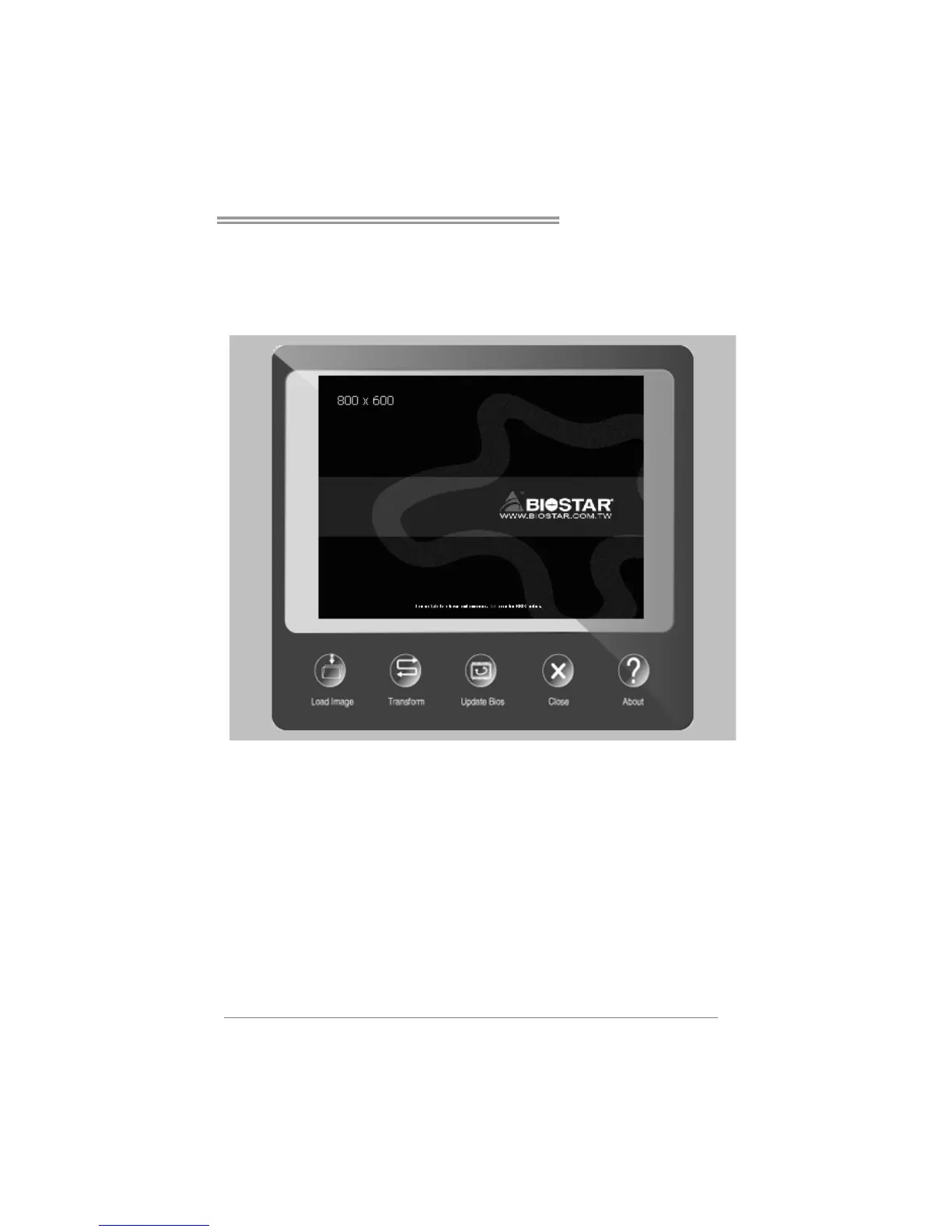
This utility allows you to personalize your boot logo easily. You can choose
JPG or BMP as your boot logo so as to customize your computer.
Please follow the following instructions to update boo logo:
1. Load Image:Choose the picture as the boot logo.
2. Transform:Transform the picture for BIOS and preview the result.
3. Update Bios:Write the picture to BIOS Memory to complete the update.



 To Next Page