Shenzhen Bigtree Technology Co.,Ltd
30
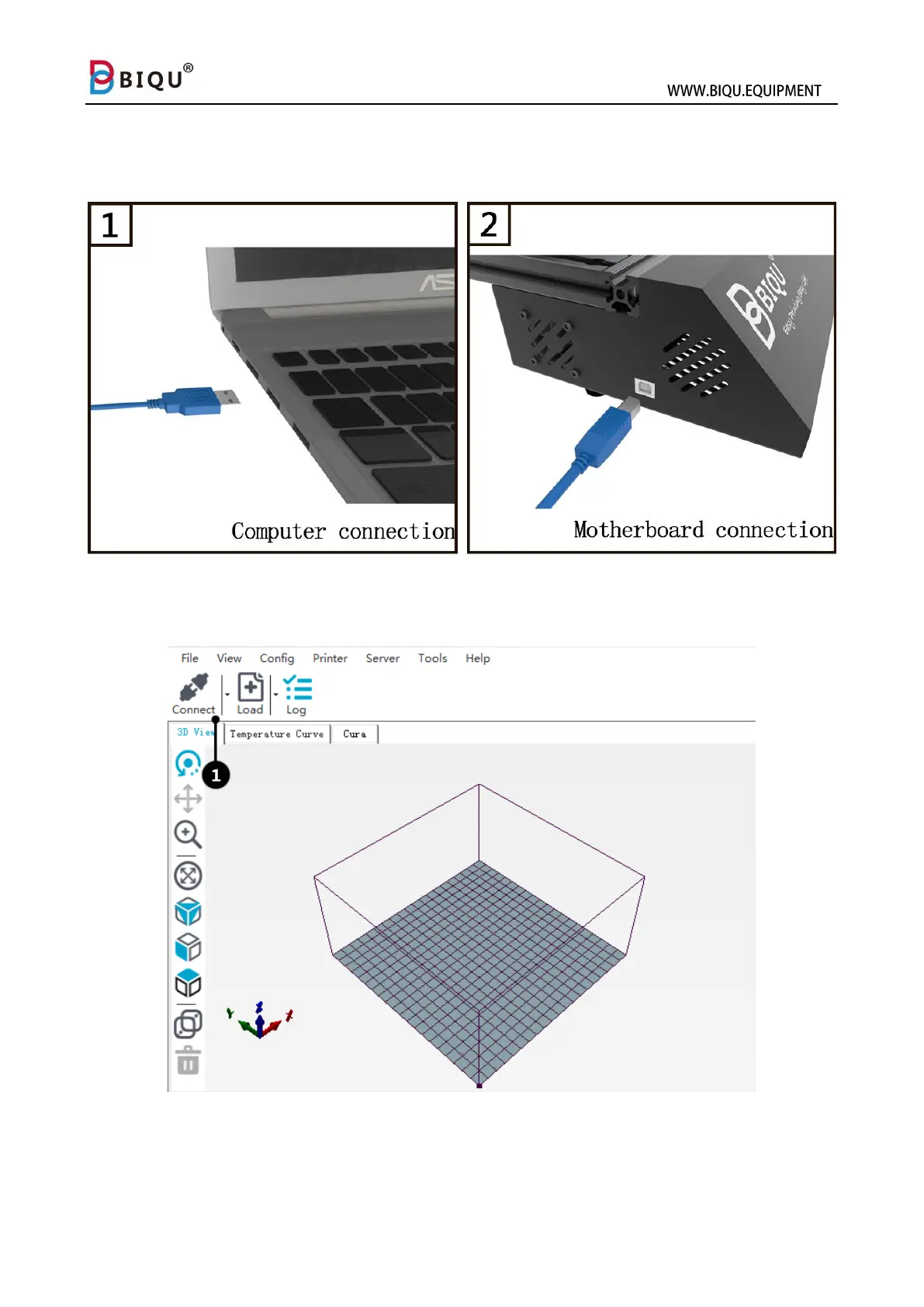
Step two: Use the USB cable to connect your computer with your printer,
connect the USB B end (“D” shape end) to your printer and USB A end
your computer.
Step three: Open the software, click “connect” on the upper left (1) to
connect the printer to your computer.



 To Next Page