11
Adjusting the volume of a drum kit
Each drum kit has its own volume value that can be
set independently.
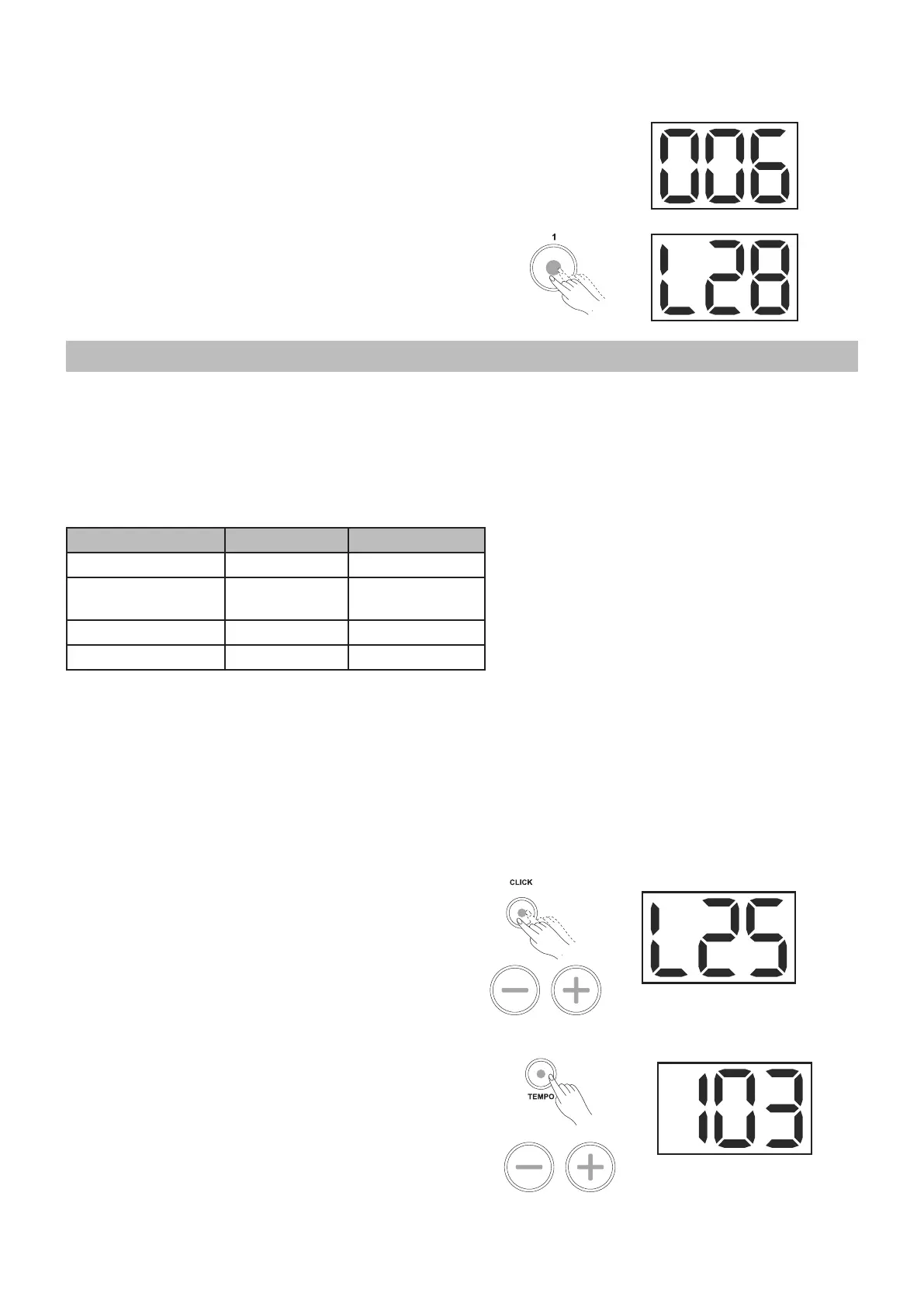
1. Press a numbered button [1-5] twice to enter the
volume page of the corresponding kit.
1. You can adjust the volume of the current kit
from 0 - 32 by pressing the [+] or [-] button. If no
operation is detected for more than 4 seconds,
the drum machine will automatically exit the
volume page.
By default, the volume value is set to 28.
Setting the metronome
About Metronome
The digital drum is equipped with a built-in metronome,
which can be used as a rhythm guide for practice, or
in conjunction with the pattern playback.
You can set the click voice, time-signature, interval
and volume.
Operation Menu Display
[CLICK]+[1] Click Voice CL1~CL5
[CLICK]+[2] Time Signature 1-2,2-2,3-4,4-
4,6-8
[CLICK]+[3] Interval 2,4,8,16,3,6
Double Click [CLICK] Volume 0~32
Switching the Click on/off
1. Press the [CLICK] button to start the metronome.
2. The CLICK LED will flash, indicating that the
metronome will play at the current time signature
and tempo.
3. Press the [CLICK] button again to stop the
metronome.
Adjusting the Click Volume
1. Press the [CLICK] button twice to enter the Click
Volume page.
The display will show 0 - 32.
By default, the value is set to 25.
2. Press the [+] or [-] button to adjust the volume.
Adjusting the Click Tempo
Press the [TEMPO] button, use the [+] or [-] button to
adjust the value of the current click tempo.
The tempo ranges from 30 to 280.



 To Next Page