12
Selecting the Click Voice
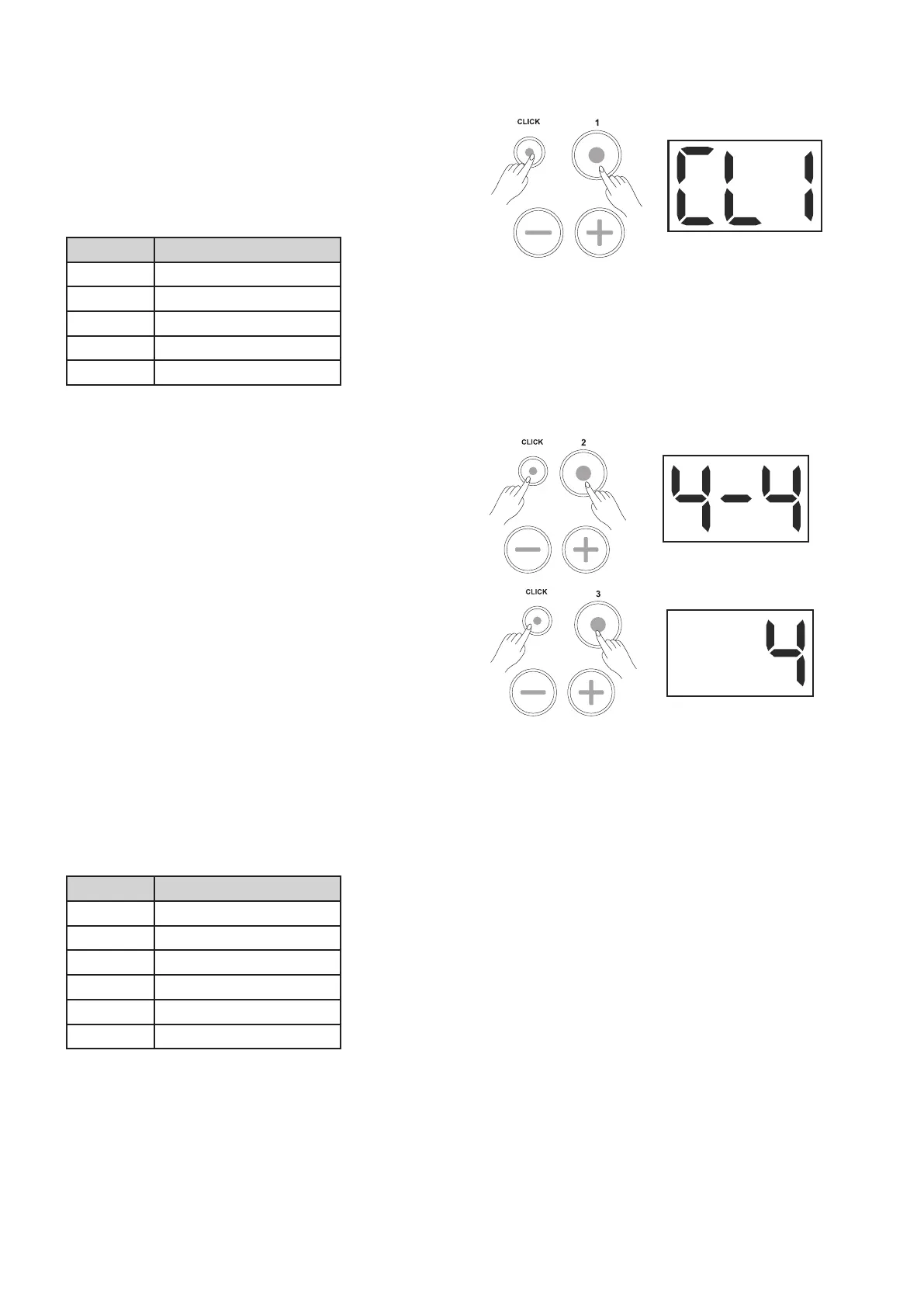
1. Press the [CLICK] and [1] buttons simultaneously
to enter the Click Voice page.
2. Press the [+] or [-] button to change the current
click voice.
There are 5 voices you can choose from: CL1
-CL5, the default value being CL1.
Display Description
CL1 MEBL/ MECK
CL2 CLAVE
CL3 STICK
CL4 COCLICK
CL5 VOCAL
Setting the Time Signature
1. Press the [CLICK] and [2] buttons simultaneously
to enter the Time Signature page.
2. Press the [+] or [-] button to change the current
time signature.
There are 5 types you can choose from: 1-2, 2-2,
3-4, 4-4 and 6-8, the default being 4-4.
Setting the Interval
1. Press the [CLICK] and [3] buttons simultaneously
to enter the Interval selection page.
2. Press the [+] or [-] button to change the current
interval.
There are 6 types you can choose from: 2, 4, 8,
16, 3 and 6. By default, the value is set to 4.
Notes:
If the length of the interval is longer than a beat, it
can’t be selected.
For example: If the time signature is 4-4, a beat is
a quarter note. The interval of 2 (half note) is longer
than that, so it cannot be selected.
Display Description
2 half note
4 quarter note
8 eighth note
16 sixteenth note
3 triplet
6 sextuplet



 To Next Page