14
Coach Mode Control
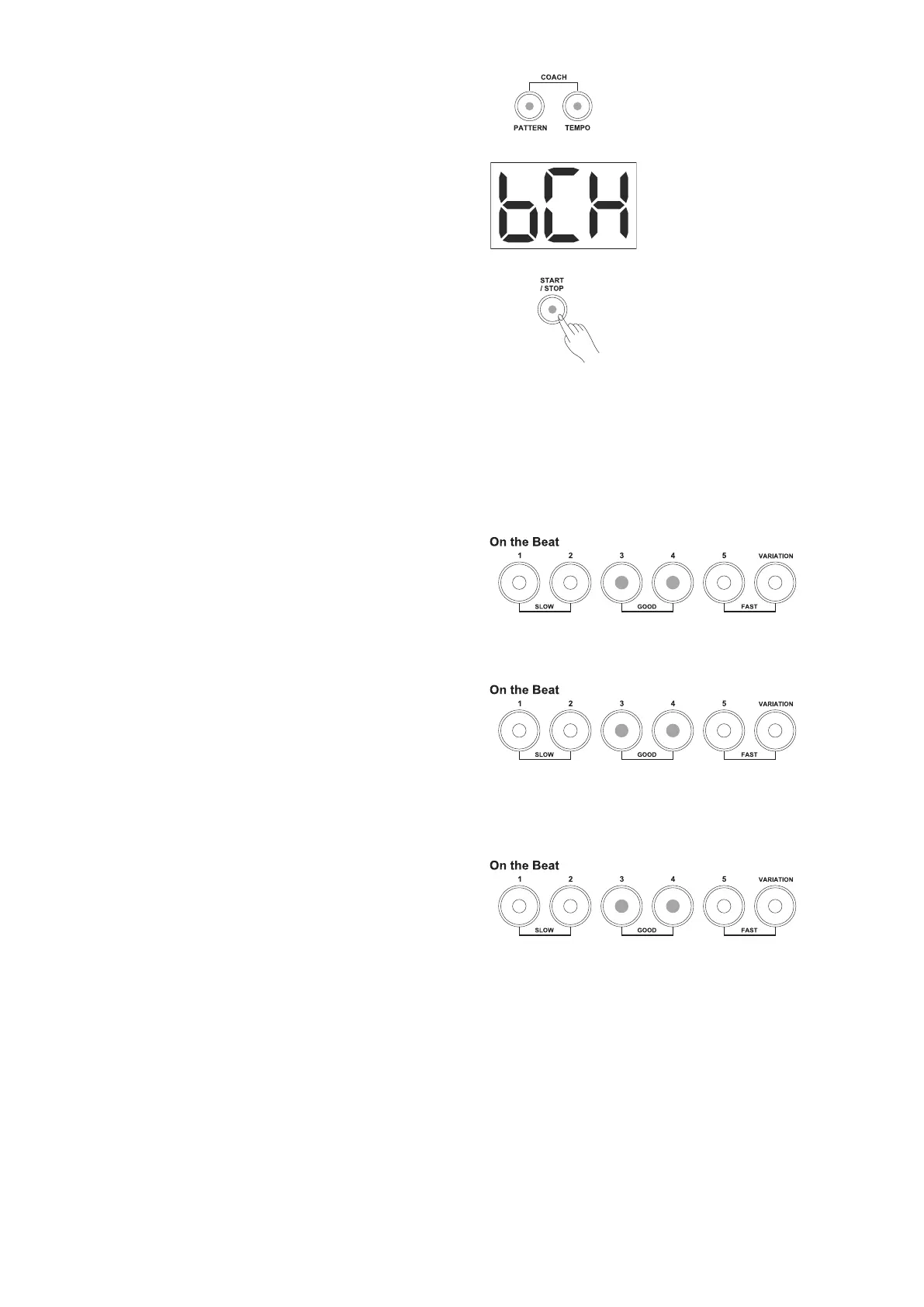
Press the [PATTERN] and [TEMPO] buttons
simultaneously to enter the coach mode. Both
[PATTERN] and [TEMPO] LEDs light up.
The display will show:
In Coach mode, press the numbered buttons [1-5] to
select one of the 5 Coach types.
There are 2 states in coach mode (except for Beat
Check mode).
• Preparation: adjust parameters, get ready to
practice.
• Practice: practice in the selected type.
Press the [START/STOP] button once and the
module prepares itself to start practicing (except for
the Beat Check type).
Press the [START/STOP] button again and the
practice mode begins. Your hitting accuracy will be
indicated by the 6 LEDs at the bottom of the drum
module.
Judging your Timing accuracy by
Indicators
GOOD (On the Beat)
If your hitting accuracy is right on the standard
beat, both the [3] and [4] LEDs will flash green for a
moment.
FAST (Before the Beat)
If your hitting accuracy is earlier than the standard
beat, the [5] or [VARIATION] button's LED will flash
red for a moment. You need to slow down.
1. The [5] button's LED flashes to indicate that you
were playing a little ahead of the standard beat.
2. The [VARIATION] button's LED flashes to indicate
that you were playing a lot ahead of the standard
beat.
SLOW (After the Beat)
If your hitting accuracy is later than the standard
beat, the [1] or [2] button's LED will flash red for a
moment. You need to speed up.
1. The [2] button's LED flashes to indicate that you
were playing a little later than the standard beat.
2. The [1] button's LED flashes to indicate that you
were playing a lot later than the standard beat.
OUT OF BEAT
If none of the 6 LEDs flash, it means that you were
playing out of beat, so you might need to practice
more and try again to do better next time!



 To Next Page