20
How to practice:
1. In Coach mode, press the [5] button to enter this
training mode.
2. The [START/STOP] button's LED starts flashing.
3. Select the pattern you want to practice by
pressing the [+] or [-] button. Select the drum
parts you want to hear or mute by pressing the
[1-5] or [VARIATION] button.
4. Press the [START/STOP] button to start
practicing.
5. Press the [START/STOP] button again to stop
practicing.
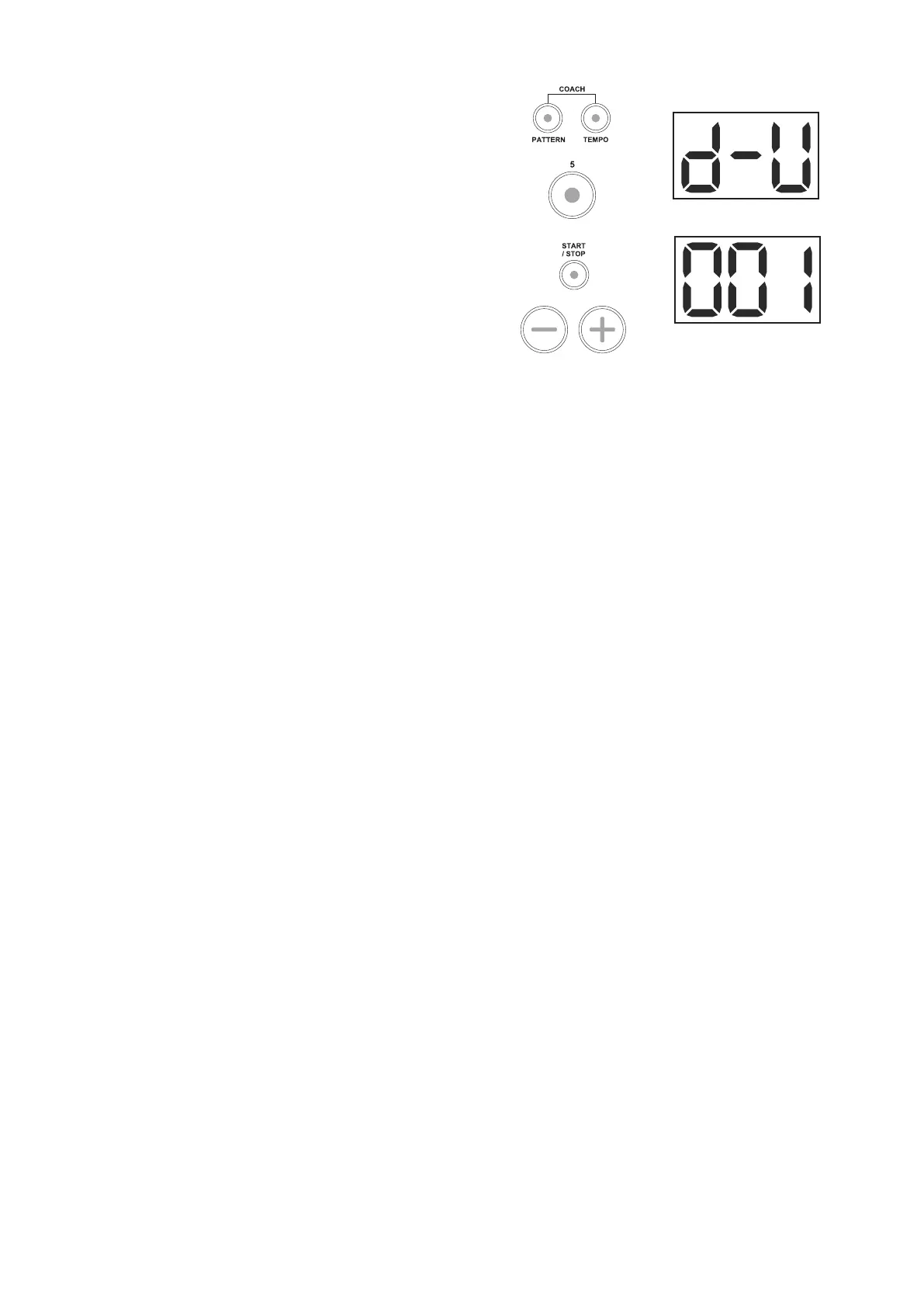
Example: Practicing the 001 loop
1. Select the Drum Mute training mode.
Press the [PATTERN] and [TEMPO] buttons
simultaneously to enter the Coach mode.
Press the [5] button to select the Drum Mute
training mode.
Press the [START/STOP] button to enter the
preparation. Press the [+] or [-] button tto select
the pattern 001 for practice.
2. Select the parts you want to mute.
For example, press the [2] button to mute the
snare part.
3. Practicing the 001 loop
Press the [START/STOP] button to start
practicing.
There is no hitting accuracy checking and
therefore no comment, just play as you like.
Press the [START/STOP] button to stop
practicing.



 To Next Page