Additional Features
28
Markers
Each marker is displayed as a triangle pointer. Up to six markers can be used
with each trace to visually indicate the trace value at specific frequency points.
Only markers for the active trace are displayed. The SiteHawk analyzer displays
the frequency and signal value for each marker at the top of the screen. The
difference (delta) in frequency between two markers can also be displayed.
Markers indicate SWR to 0.01, and Return Loss or Cable Loss to 0.1 dB.
When both a recalled trace and the current measurement trace are displayed at
the same time, there is an additional marker option, single mode and dual
mode.
In single mode, the markers function normally (indicating the frequency and
value at the marker).
In dual marker mode, select a marker using the Mark softkey.
At the bottom of the screen, the site analyzer will display the marker number,
the frequency, and the value of the current trace at the marker.
Note: The difference in frequency and value between the current
trace and the recalled trace is also displayed. The difference in fre-
quency is always 0.00 (zero). Only the first three markers (M1, M2,
M3) are available in dual mode.
Setting Markers
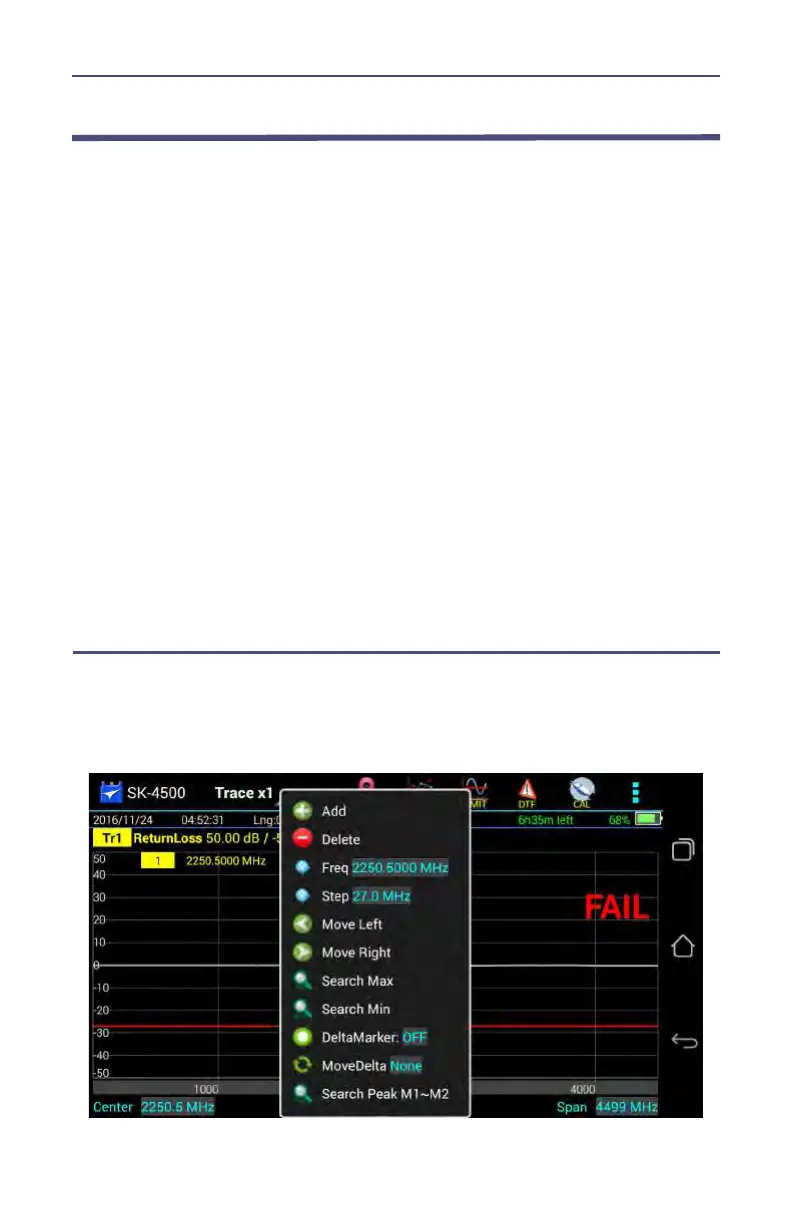
1. Press the MKR icon.
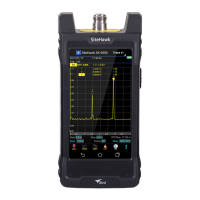
Figure 16 Marker Menu



 To Next Page