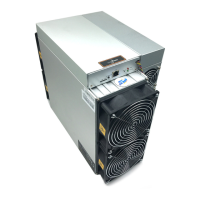
S19j Pro Server Installation Guide
3. Configuring the Server
3. Configuring the Server
Setting up the Pool
To configure the server:
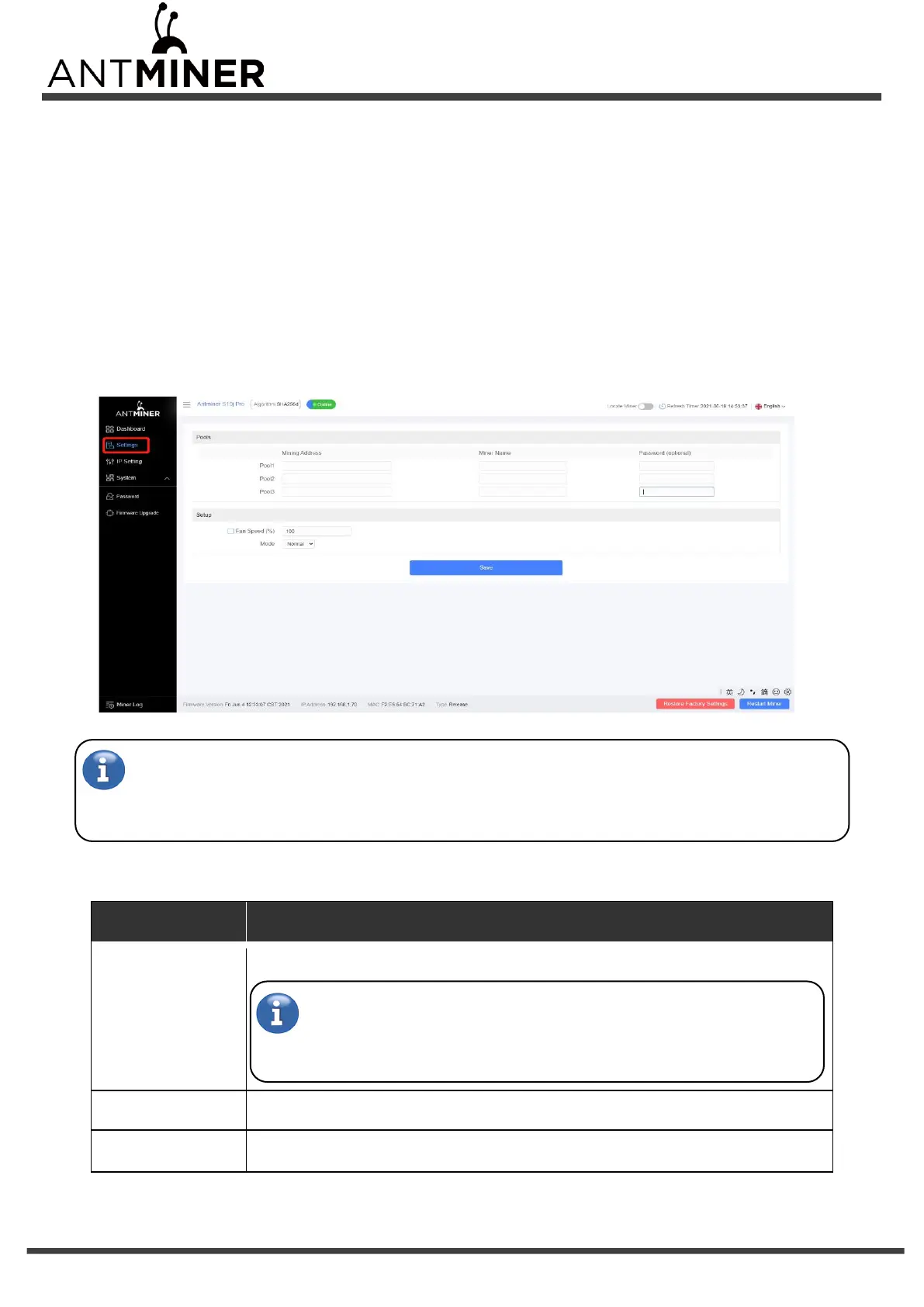
1. Click Settings marked below.
Note:
Fan speed percentage can be adjusted, but we recommend to keep the default setting. The server will
adjust the fan speed automatically if the fan speed percentage has yet been selected.
2. Set the options according to the following table:
Enter the address of your desired pool.
The S19j Pro servers can be set up with three mining pools, with decreasing
priority from the first pool (pool 1) to the third pool (pool 3). The pools with low
priority will only be used if all higher priority pools are offline.
Your worker ID on the selected pool.
The password for your selected worker.
3. Click Save after the configuration.


 To Next Page