SRP-350plus
Rev. 2.04
- 40 -
6-3 Barcodes
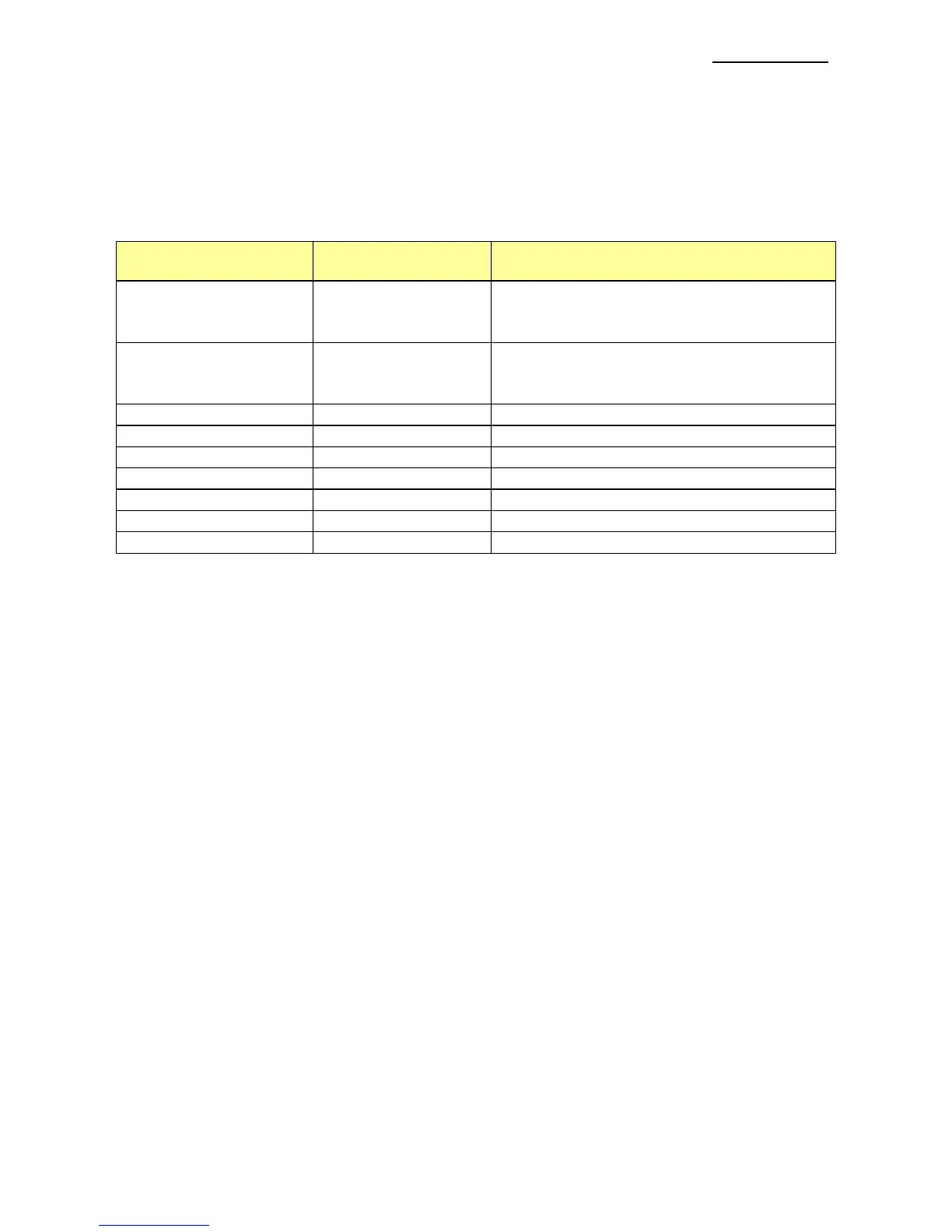
The Windows Driver supports the barcodes indicated below.
This function is available when entering barcode data after selecting “Printer Font Name”.
In addition, the “FontControl” font can be used to add HRI characters.
1) Sample Use
Select “Code39” and Size “18”, and then enter “1234”.
The barcode corresponding to “1234” is printed.
2) When Using Code128
Select “Code128” and Size “18”, and then enter “{B1234”.
The barcode corresponding to “1234” is printed.
When using “Code128”, characters, such as “{A”, “{B”, “{C”, must be included before the
input data.
6-4 Two-Dimensional Barcodes
The Windows Driver supports the following two-dimensional barcodes.
- PDF417
- QR Code
Usage is identical to that for barcodes.
Printer Font Name Size Supported Characters
Codabar 18/35.5/53/71
Numberic: 0~9
Symbols: $, +, -, ., /, :
Letters: A~D
Code39 18/35.5/53/71
Numberic: 0~9
Symbols: $, +, -, ., /
Letters: A~Z
JAN13(EAN) 18/35.5/53/71 Numberic: 0~9
JAN8(EAN) 18/35.5/53/71 Numberic: 0~9
ITF 18/35.5/53/71 Numberic: 0~9
UPC-A 18/35.5/53/71 Numberic: 0~9
UPC-E 18/35.5/53/71 Numberic: 0~9
Code93 18/35.5/53/71 ASCII CODE: 0~127
Code128 18/35.5/53/71 ASCII CODE: 0~127








 To Next Page