SRP-350plus
Rev. 2.04
- 41 -
7. Use of Windows Driver
7-1 Use of Visual Basic
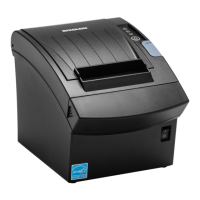
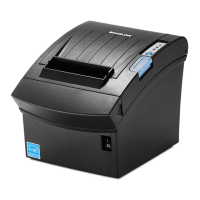
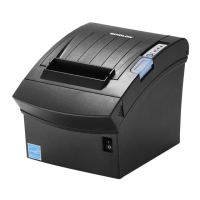
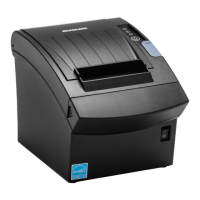
This section explains the use of the Windows Driver with Visual Basic to control the printer
(SRP-350plus).
Sample programs are saved together if the Windows Driver is installed. Take note.
7-1-1 Windows Driver Selection
The following code is an example of the selection of the “BIXOLON SRP-350plus”
Windows Driver.
For Each prnPrinter In Printers
If prnPrinter.DeviceName = “BIXOLON SRP-350plus” Then
Set Printer = prnPrinter
Exit For
End If
Next








 To Next Page