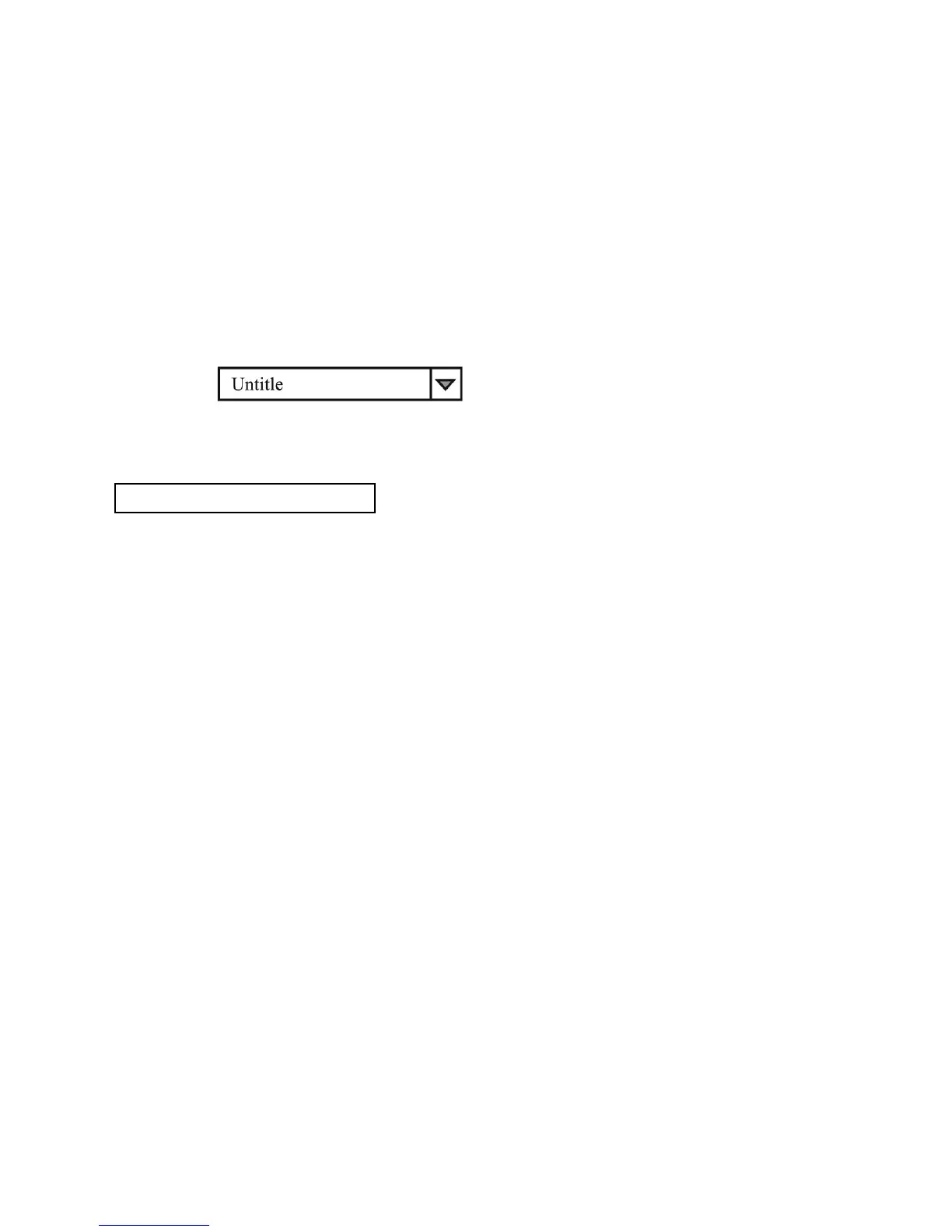
3. Log Name
Click cursor on "Untitle", type in a name for your log. Note how the ###(5) icon changes to solid color.
4. Log Description
You can type in a detailed description of your log.
5. ##### Save Log
a) This function (and the icon) becomes effective when a Log Name is entered to replace the "Untitle".
b) By clicking on it will save the current data onto the PC.
c) To retrieve the data, go to the drop menu at (3) Log Description.
6. ##### Export to a file of xls type
Clicking on this icon will export the collected data (in the Save Log) in xls format to your PC.
7. Open file log of xls type
Clicking on this icon will import the collected data in xls format file to the software.
8. XXX Delete
Clicking on this icon will delete the current or retrieve log on display at (3).










 To Next Page