11
Figure 2.1 Fuse Holder
current levels. The “banana” input is capable of up to 10 A of current. Any more current is not recommended and could
lead to excessive connector heating, melting and worse.
Note: The screws on the terminals can be completely removed to allow for ring type adapters. The screw posts are
7mm in diameter.
Due to the high current rating of the DC load, proper wire sizes are necessary for safe connectivity and to prevent wires
from overheating.
Before connecting wires to the input terminals, turn OFF the load to avoid damage to the instrument and
the device under test (DUT).
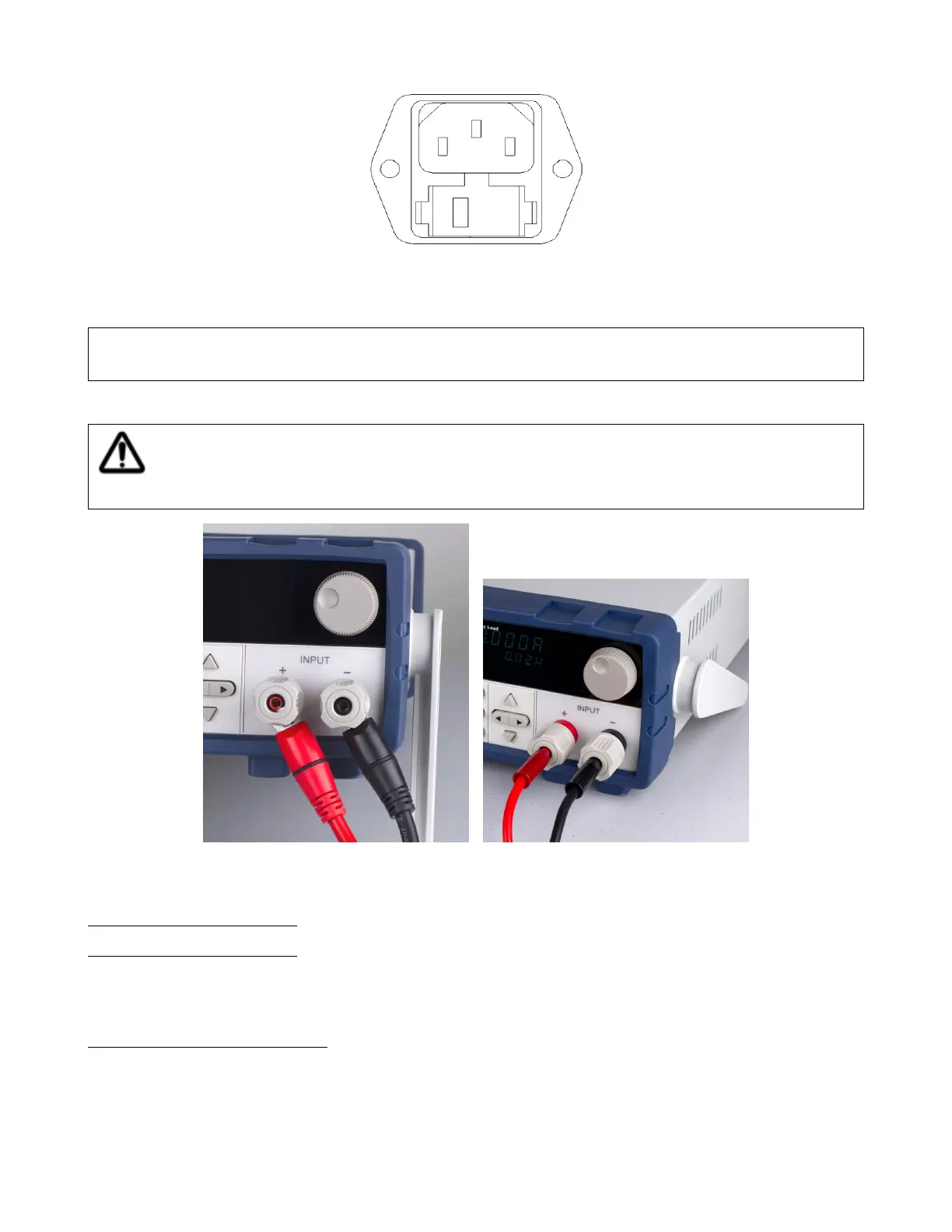
High Current Connection Low (<10 A) Current Connection
Figure 2.2 Input Connections
2.4 Preliminary Check
Complete the steps in this section to verify that the load is ready for use.
2.4.1 Verify AC Input Voltage
Verify and check to make sure proper AC voltages are available to power the instrument. The AC voltage range must
meet the acceptable specication as explained in Section ??.
Connect AC power cord to the AC receptacle in the rear panel and press the power switch to the ON position to turn
ON the instrument. It will run through a self test procedure with the screen shown below:













 To Next Page