35
7.6 Cong Menu
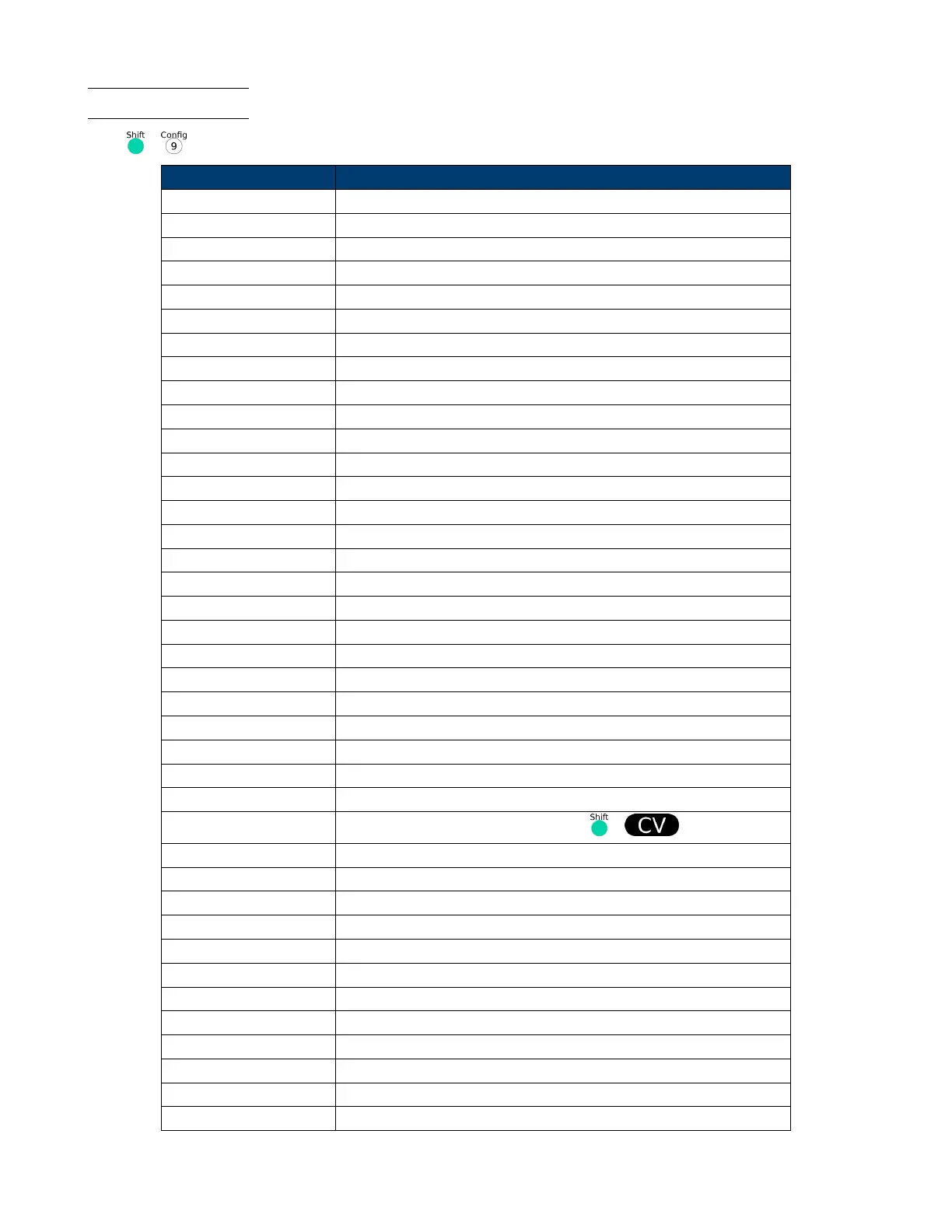
Press + to enter the menus.
PROTECT - Max-P Set hardware power protection
MAX POWER=150.00 W Set hardware OPP value
A-LIMIT Set software current protecting state
A-LIMIT
ON Enable software over current protection function
A-LIM POIN=30.00 0 A Set the software OCP level
A-LIM DELAY= 3 S Set the OCP delay time
OFF Disable the software OCP function
P- LIMIT Set software power protecting state.
P-LIM POIN=150.0 0 W Set the software OPP level.
P-LIM DELAY= 3 S Set the OPP delay time.
TIMER Set load on timer
LOAD-TIMER
ON Enable load-on timer
LOAD-TIMER=10.0 S Set the load on time (0.1 S-9999.9 S)
OFF Disable load on timer
MEASURE : V-RANGE Voltage auto-range function
V-RANGE
ON Enable voltage auto range function
OFF Disable voltage auto range function
FILTER Set the lter parameter
FILTER COUNT = 2^14 Filter count set, range 2-16
TIME-V1
TIME-VOLT1=0.000 V Set the start time, to measure the voltage rise/fall time.
TIME-V2
TIME-VOLT2=120.00 V Set the end time, to measure the voltage rise/fall time
CR-LED ::: CR-LED Imitate LED (in CR mode)
ON
Open the function (in CR mode, press + to set Vd value)
OFF Disable the function
SENSE ::: REM- SENSE Remote sense function
ON Enable remote sense function
OFF Disable remote sense function
VON ::: VON Set the load’s VON point
LIVING VON point living state
VON POINT = 0.10 V Set the VON value
LATCH VON point latch state, ON /OFF
VON POINT = 0.10 V Set the VON value
RESET ::: RESET Reset the cong menu
NO Do not reset
YES Reset













 To Next Page