G1 SCBA Radio Pairing Guide | BK Technologies
Rev. 12-3-2021
Page 5 of 10
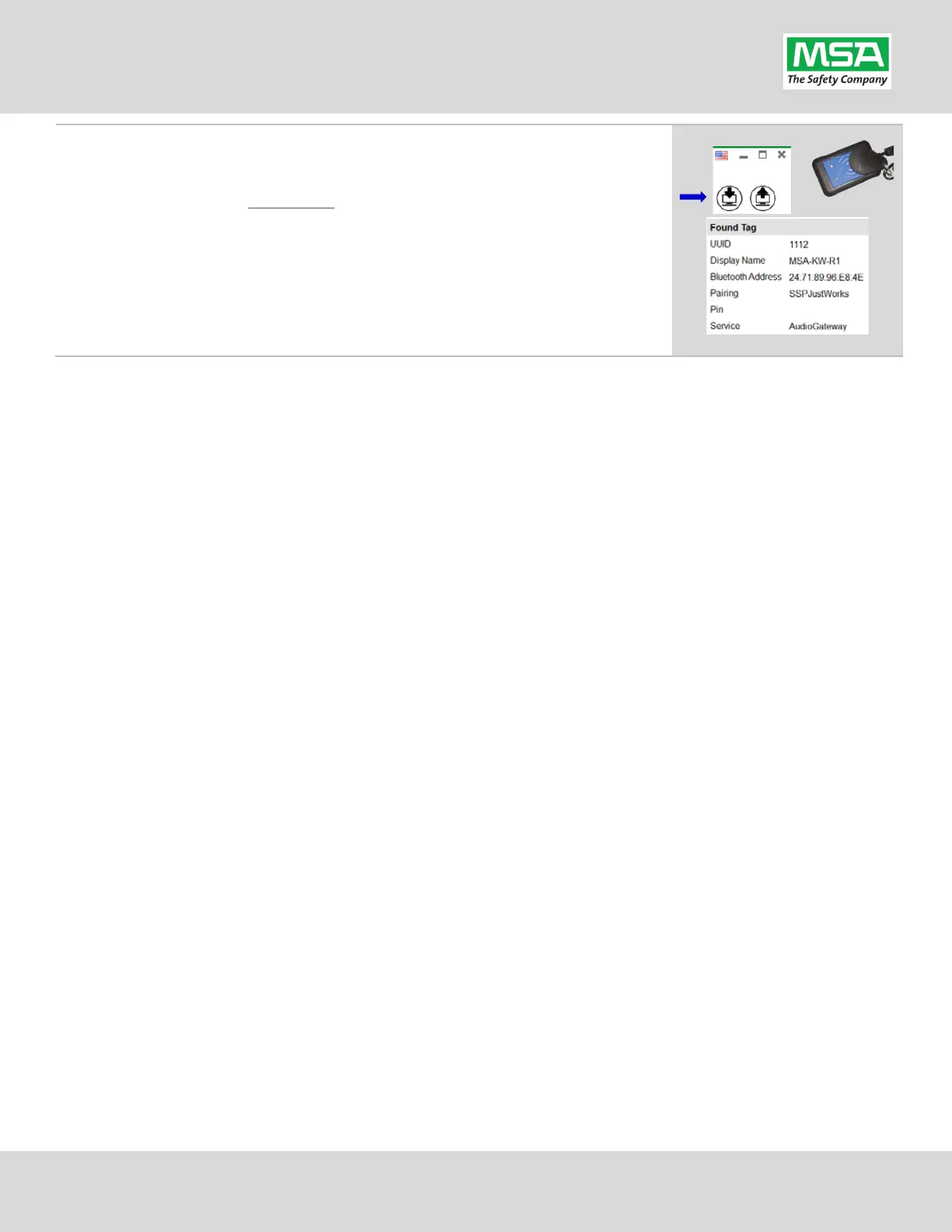
Verifying the Information Written to the Tag:
(A) Place RFID Tag on the RFID Reader / Writer
(B) Select the Read G1 Tag icon
(top-right hand side of A2 application)
(C) The “Found Tag” screen will appear.
(D) Confirm the tag’s Bluetooth Address matches the Radio.
The Radio Pairing tag is now created & can be used to pair this radio with a
G1 SCBA.


 To Next Page