G1 SCBA Radio Pairing Guide | BK Technologies
Rev. 12-3-2021
Page 9 of 10
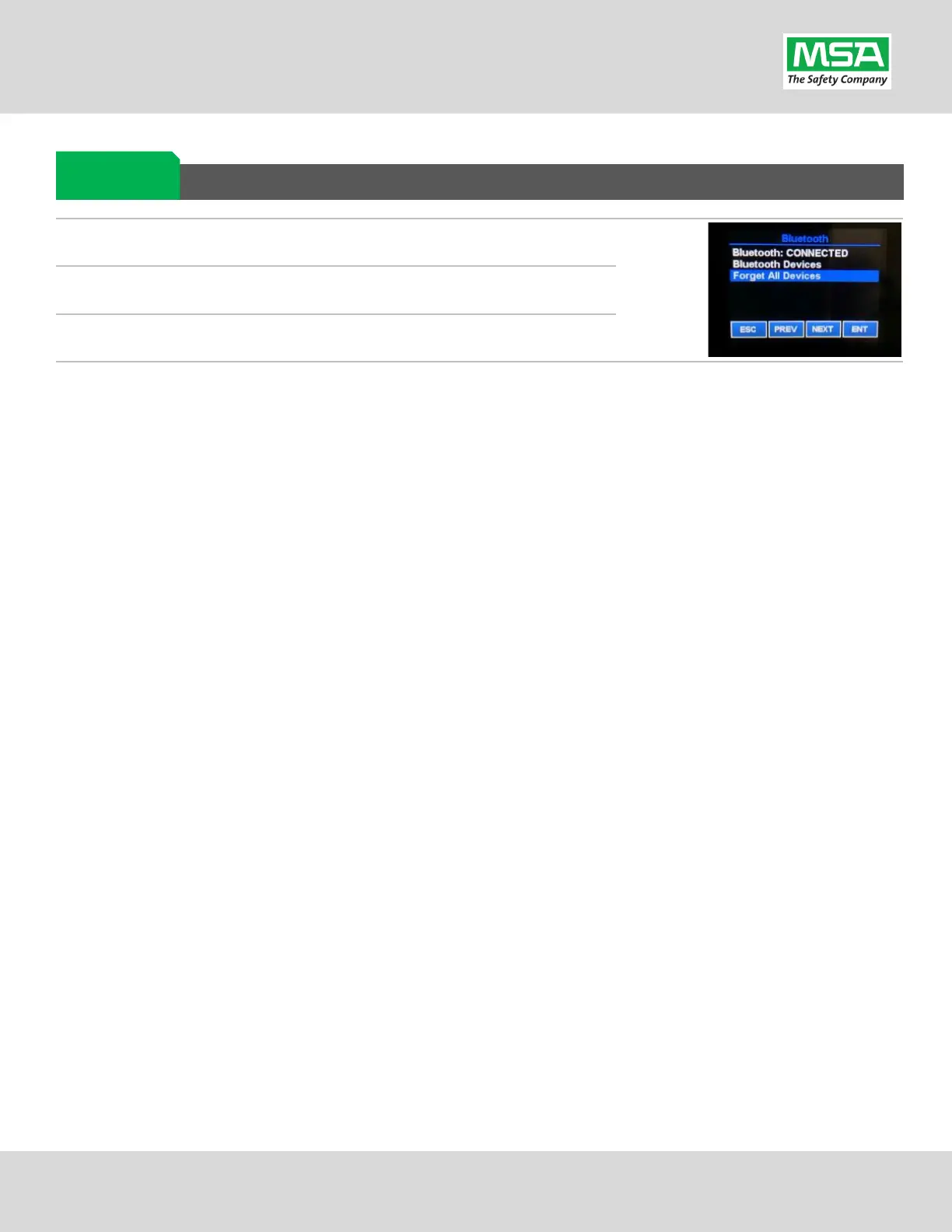
Clearing SCBA Pairing Info from the BKR 5000 Radio
On the BKR5000 Radio, select “Menu”
-> “Bluetooth”.
Select “Forget All Devices” and press “ENT”.
Bluetooth audio pair info is cleared from the
BKR 5000 Radio.
If not done already: Clear the pairing info from the previously connected G1 SCBA’s pair history using the process
described in the “Clearing Radio Pair Info from the G1 SCBA” section, above.
Clearing Radio
Pair


 To Next Page