Page 6
SET UP & USE
AIR COOLER SET-UP
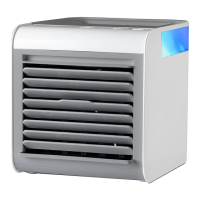
1. Set Air cooler on a firm level surface with the controls facing towards you, making
sure nothing is obstructing the air flow on any side of the air cooler.
2. Plug the small end of the USB-C Cable into the port located on the back of the unit.
Plug the other end into a computer or use the AC adapter for use with a wall outlet.
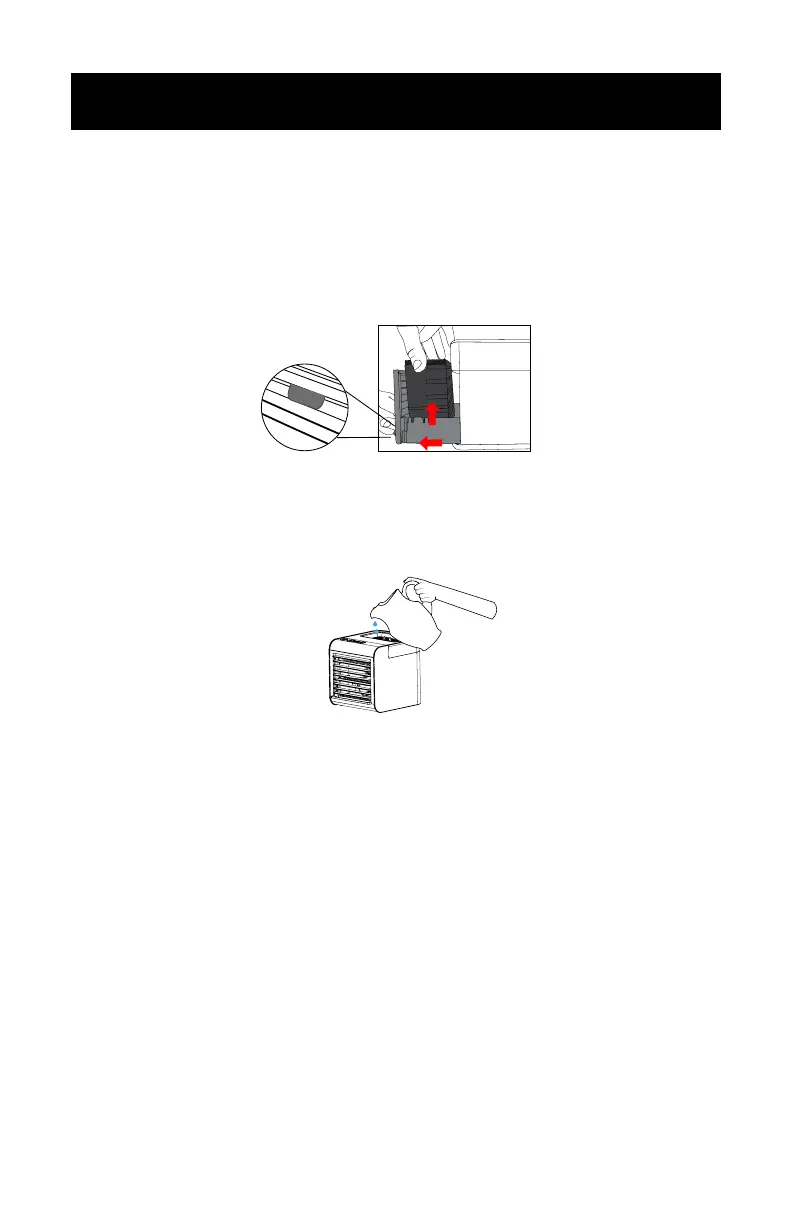
3. Use the filter drawer tab to pull out the filter drawer and remove the filter.
4. For best results, lightly pre-soak under cold, running water. For additional cooling
capacity, place the wet filter in the freezer until frozen. Place back in the drawer and
close when done.
5. Fill water tank by gently pouring water into the center opening until the level is
almost to the top. You can also look on the side of the tank for the water level.
For best results: Remove the water tank lid and place ice cubes in the tank prior to
filling with water, and put the lid back on. This will provide an extra cold bast of air.
Repeat as ice cubes melt.



 To Next Page