Page 7
SET UP & USE
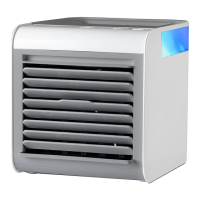
Place the air cooler on a at, stable surface. Plug the cord into a 120V A.C. electrical
outlet.
1. Power ON/OFF and Fan speed
.
Press and hold the ON/OFF button for 3 seconds to turn on fan.
Fan will start on Low speed.
Press ON/OFF button again to cycle between Low, Medium & High fan speeds.
Press and hold ON/OFF button for 3 seconds to turn off in the any speed.
NOTE: Air cooler will run up to 6 hours on High, 8 hours on medium and
10 hours on low.
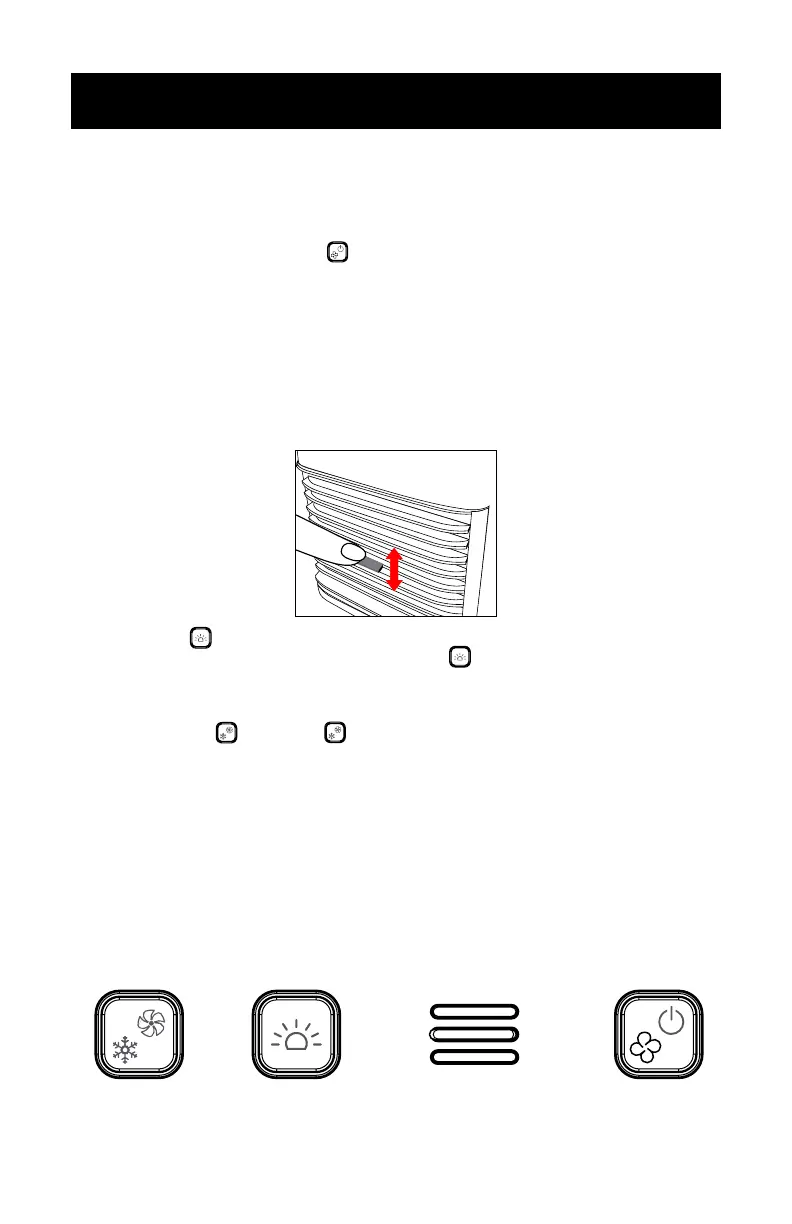
2. Use the air direction tab to adjust the airow up/down to your preference.
3. Light button
Choose your color by pressing the light button . You can choose between 7
solid colors or a rotating color mode (blue, red, white, teal, purple, yellow, green,
color rotating).
4. Cooling Control
and Turbo .
Press COOLING CONTROL once for High cooling, press again for Low cooling.
Press and hold COOLING CONTROL for 3 seconds to turn on the Turbo function.
The 3 indicator lights will ash and the unit will be on High speed cooling.
Press and hold COOLING CONTROL for 3 seconds to turn off Turbo function.
NOTE: If you do not plan to use the air cooler for an extended period of time, it is
recommended that you empty the tank and let the unit and lter dry before
storing. This will avoid mold and unpleasant smells, and prolong the life of the
air cooler and the lter.
OPERATION INSTRUCTIONS
CONTROL PANNEL
Cooling Control
Low/High
Turbo
Light On/O
Button
Mode Indicator
Light
Power ON/OFF
Fan Speed Button



 To Next Page