EasyManua.ls Logo

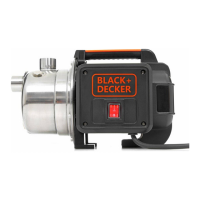
Black & Decker BXGP800XE - User Manual

Black & Decker BXGP800XE
230 pages
Print Icon
To Next Page IconTo Next Page
Loading...
cod. 94148 - HN
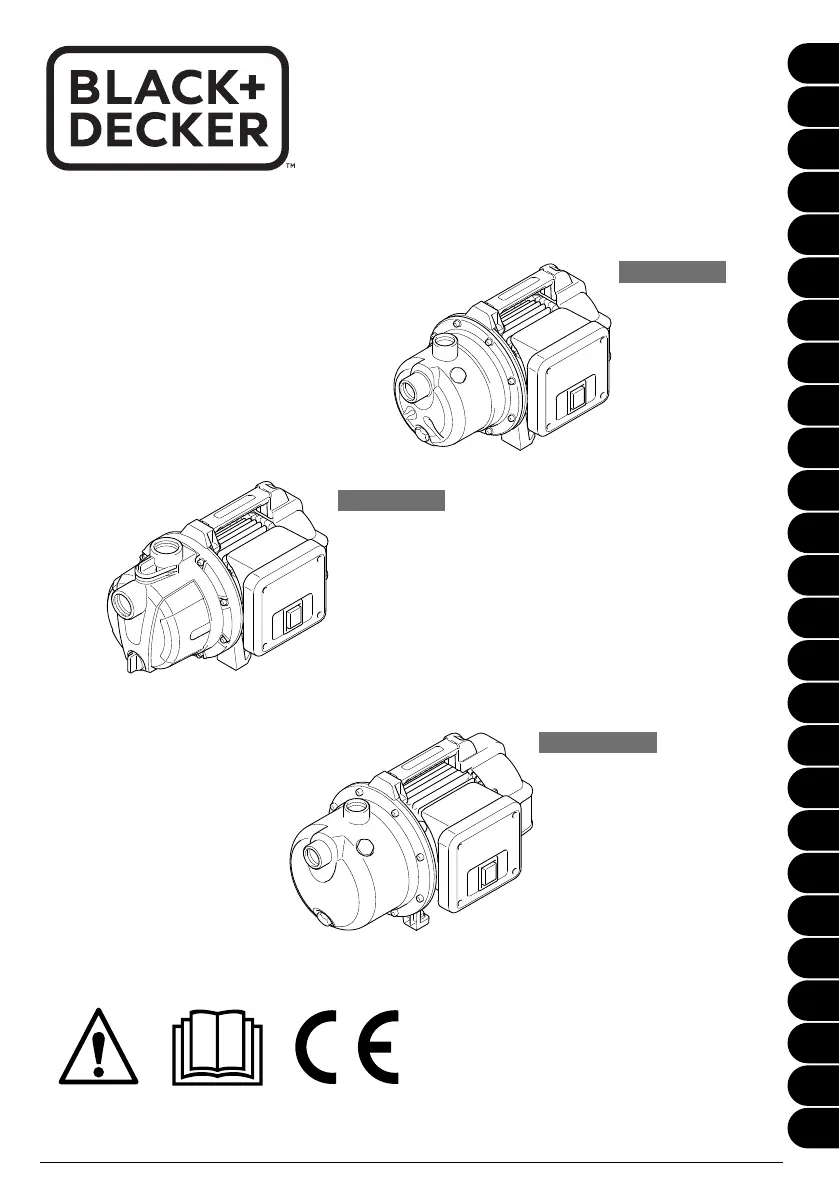
BXGP600PE
BXGP800XE
BXGP1100XE
EN
IT
BG
CS
DA
DE
PTEL
ES
ET
FI
FR
HR
HU
LT
LV
NL
NO
PL
PT
RO
RU
SK
SL
SV
TR
UK
BXGP600PE
BXGP800XE
BXGP1100XE
www.blackanddecker.eu

Table of Contents

Questions and Answers

  • D
    Donna FlynnJul 29, 2025
    Why is my Black & Decker Water Pump motor running but not pumping water?
    • J
      Jason SimonJul 29, 2025
      If the motor of your Black & Decker Water Pump is running but not sucking in water, several issues could be the cause. First, ensure the pump body was filled with water before starting. Also, check that the suction hose is airtight, using recommended accessories and Teflon tape on the threads. The foot valve suction strainer might be obstructed, so clean it. During priming, open the suction points. Allow enough time, filling the suction hose completely and waiting up to 7 minutes. Reduce excessive suction lift (max. 8 m). Finally, ensure the suction hose is immersed in water, checking the water level and lengthening the hose if needed.
  • B
    briannaclarkAug 7, 2025
    Why is the water flow rate insufficient in my Black & Decker BXGP800XE?
    • M
      Mitchell WarnerAug 7, 2025
      An insufficient water flow rate in your Black & Decker Water Pump can occur for several reasons. Excessive suction lift and head reduce the flow rate. Check and clean the suction strainer if it's obstructed. Ensure the foot valve is immersed in a greater depth of water if the water level in the suction point drops too fast. If soil in the water reduces the appliance's flow rate, clean the pump body by directing a jet of water in through the suction and delivery fittings. If necessary, have the appliance checked by the Service Centre. Use a pre-filter if the appliance does not have an integral pre-filter.
  • A
    Audrey RyanAug 18, 2025
    Why is the thermostat cutting out my Black & Decker Water Pump?
    • C
      Chris BrightAug 18, 2025
      The thermostat in your Black & Decker Water Pump might be cutting out the appliance due to a motor overload. This can be caused by friction between dirt particles and the impeller, or by dry operation, or insufficient water flow. To address this, clean the inside of the pump body by directing a jet of water in through the delivery fitting. Allow the thermostat to cool for about 1 hour. Also, verify that there is water present. If the issue persists, have the appliance checked by the Service Centre.

Summary

General Information

Use of the manual

Manual is integral to appliance, keep for reference. Read before installing or using.

Delivery

Appliance delivered in cardboard box. Supply package shown in Fig. 1.

Disposing of packaging

Packaging materials are not pollutants but must be recycled or disposed of according to relevant legislation.

Technical Information

Intended use

Designed for clean water pumping for gardening/household use. Not for drinking water. Avoid dirt, sand, sediment, aggressive substances.

Improper use

Forbidden for unskilled persons, flammable/explosive/toxic liquids, flammable/explosive atmospheres. Modifications void warranty.

Main components

Lists and illustrates the main components of the appliance as shown in Fig. 1.

Installation

Assembling the appliance

Connect hoses, place on stable flat surface, use rubber mat and hoses to dampen vibrations.

Fitting the suction hose

Connect suction hose to fitting (A1). Ensure airtight connection. Use 25mm hose, resistant to crushing. Use Teflon tape.

Filling the appliance

Fill pump body (A4) and suction hose with water through delivery fitting (A2) or filler cap (A2b).

Fitting the delivery hose

Connect hose to top fitting (A2) with largest diameter (min 19mm). Use Teflon tape for airtight connection.

Safety Measures

Prevent flooding damage with anti-flooding circuits, alarms, backup pumps. Install spray guard. Raise equipment 5-10cm.

Adjustments

Preliminary adjustments

Appliances are preset in the factory. Users must not modify these settings.

Start-Up

Start-up

Connect plug (A12), turn ON switch (A5). Open delivery pipe for air escape during priming. May take up to 7 minutes.

Technical information

Stated flow rate values are maximums, reduced by external components. Actual flow rate shown in graph (fig. 11).

Maintenance

Cleaning the filters

Clean pre-filter (A1b) regularly with water. Inspect for fouling. Sluice filter compartment.

Storage

Troubleshooting

Warranty

Black & Decker BXGP800XE Specifications

General IconGeneral
BrandBlack & Decker
ModelBXGP800XE
CategoryWater Pump
LanguageEnglish

Related product manuals