EasyManua.ls Logo

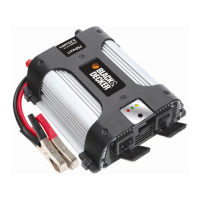
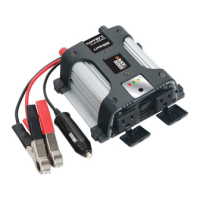
Black & Decker PI800BB - User Manual

Black & Decker PI800BB
15 pages
Print Icon
To Next Page IconTo Next Page
Loading...
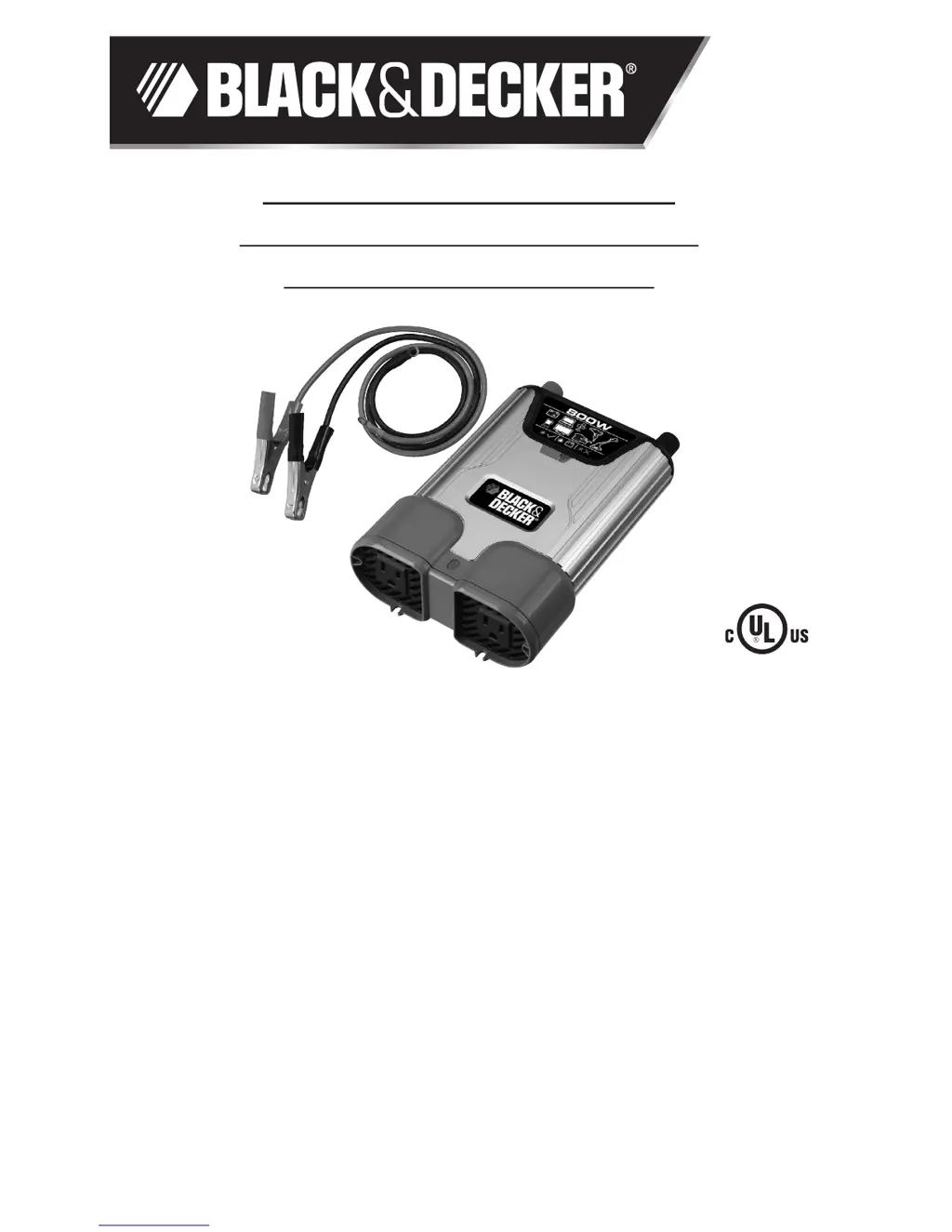
VEHICLE POWER SYSTEM
800 WATT POWER INVERTER
INSTRUCTION MANUAL
Catalog Number PI800BB

Questions and Answers

  • C
    cory39Aug 17, 2025
    What to do if my Black & Decker PI800BB Inverter is in thermal shutdown condition?
    • S
      Shawn JohnsonAug 17, 2025
      If your Black & Decker Inverter is in thermal shutdown, allow it to cool down. Make sure there is enough ventilation around it and that the load is no more than 800 watts for continuous operation.
  • D
    Darrell WallaceAug 19, 2025
    What to do if the equipment being operated draws too much power from my Black & Decker PI800BB Inverter?
    • K
      Karen JenkinsAug 19, 2025
      If the equipment you're operating is drawing too much power, reduce the load to a maximum of 800 watts.
  • A
    Alexis DawsonAug 22, 2025
    What to do if my Black & Decker PI800BB has low input voltage?
    • I
      Isabel BruceAug 23, 2025
      If your Black & Decker Inverter has low input voltage, start the engine.
  • P
    Penny AndersenAug 25, 2025
    Why does my Black & Decker PI800BB Inverter make a buzzing sound in audio systems?
    • A
      Angela WalkerAug 26, 2025
      A buzzing sound in audio systems connected to the Black & Decker Inverter may occur if the power supply in the electronic device does not properly filter the modified sine wave produced by the inverter. Use a sound system that has a higher quality power supply.
  • G
    garciaalexisAug 28, 2025
    What to do if my Black & Decker PI800BB's battery voltage is below 10.5 volts?
    • U
      uyoderAug 28, 2025
      If the battery voltage of your Black & Decker Inverter is below 10.5 volts, recharge the battery or check the DC power supply.
  • A
    Amber CastanedaAug 30, 2025
    What to do if my Black & Decker Inverter is overloaded?
    • M
      morsevincentAug 30, 2025
      If the equipment connected to your Black & Decker Inverter is drawing too much power, reduce the load to a maximum of 800 watts.
  • M
    Michael HoltSep 2, 2025
    How to stop TV interference from Black & Decker Inverter?
    • L
      Lori MathisSep 2, 2025
      If you are experiencing television interference when using your Black & Decker Inverter: * Move the Inverter as far away as possible from the TV set, the antenna, and the antenna cables. Use a short AC extension cord, if necessary. * Adjust the orientation of the antenna cables and the TV power cord to minimize interference. * Ensure that the antenna feeding the TV provides an adequate (snow-free) signal and that high-quality, shielded antenna cable is used.
  • O
    omar61Sep 5, 2025
    What to do if AC output is shorted in Black & Decker PI800BB?
    • N
      nicole06Sep 5, 2025
      If the AC output of your Black & Decker Inverter is shorted, unplug the AC appliance, disconnect the unit from any 12 volt DC power source, and check the appliance cord. Refer to the Service Information section that follows.
  • C
    Charles PaulSep 8, 2025
    Why is my Black & Decker PI800BB Inverter causing a buzzing sound in audio systems?
    • V
      Virginia LopezSep 8, 2025
      If you hear a buzzing sound in your audio systems when using the Black & Decker Inverter, it may be because the power supply in the electronic device does not properly filter the modified sine wave produced by the inverter. Try using a sound system that has a higher quality power supply.
  • M
    Mrs. Sarah Eaton DDSSep 12, 2025
    What to do if the Black & Decker PI800BB Inverter has low input voltage?
    • N
      Nancy WarrenSep 12, 2025
      If the input voltage to your Black & Decker Inverter is low, start the engine.

Summary

Safety Guidelines and Definitions

General Safety Warnings

Covers general safety, risk of unsafe operation, important instructions, and specific warnings.

Product Overview and Operation

Introduction and Features

Provides an introduction to the inverter and lists its key features.

Controls and Functions

Details the location and function of power button, LEDs, battery clips, and outlets.

How This Inverter Works

Explains the DC to AC conversion process and the modified sine wave output.

Connecting and Operating the Inverter

Connecting to Power Source

Instructions for connecting the inverter to a 12V DC power source using battery clips or hardwiring.

Connecting to Load and Usage

Guidance on connecting equipment, rated vs. actual current draw, and inductive loads.

Operation and Protective Features

Steps for using AC outlets, inverter protective features, and operating tips for optimal use.

Care and Maintenance

Instructions for proper storage and user-replaceable fuse replacement.

Troubleshooting and Specifications

Troubleshooting Common Issues

Solutions for audio buzzing, TV interference, and interpretation of fault LED indicators.

Warranty and Specifications

Details the one-year limited warranty and key technical specifications of the inverter.

Black & Decker PI800BB Specifications

General IconGeneral
BrandBlack & Decker
ModelPI800BB
CategoryInverter
LanguageEnglish

Related product manuals