12
T1 FIBER OPTIC LINE EXTENDER/SIMULATOR
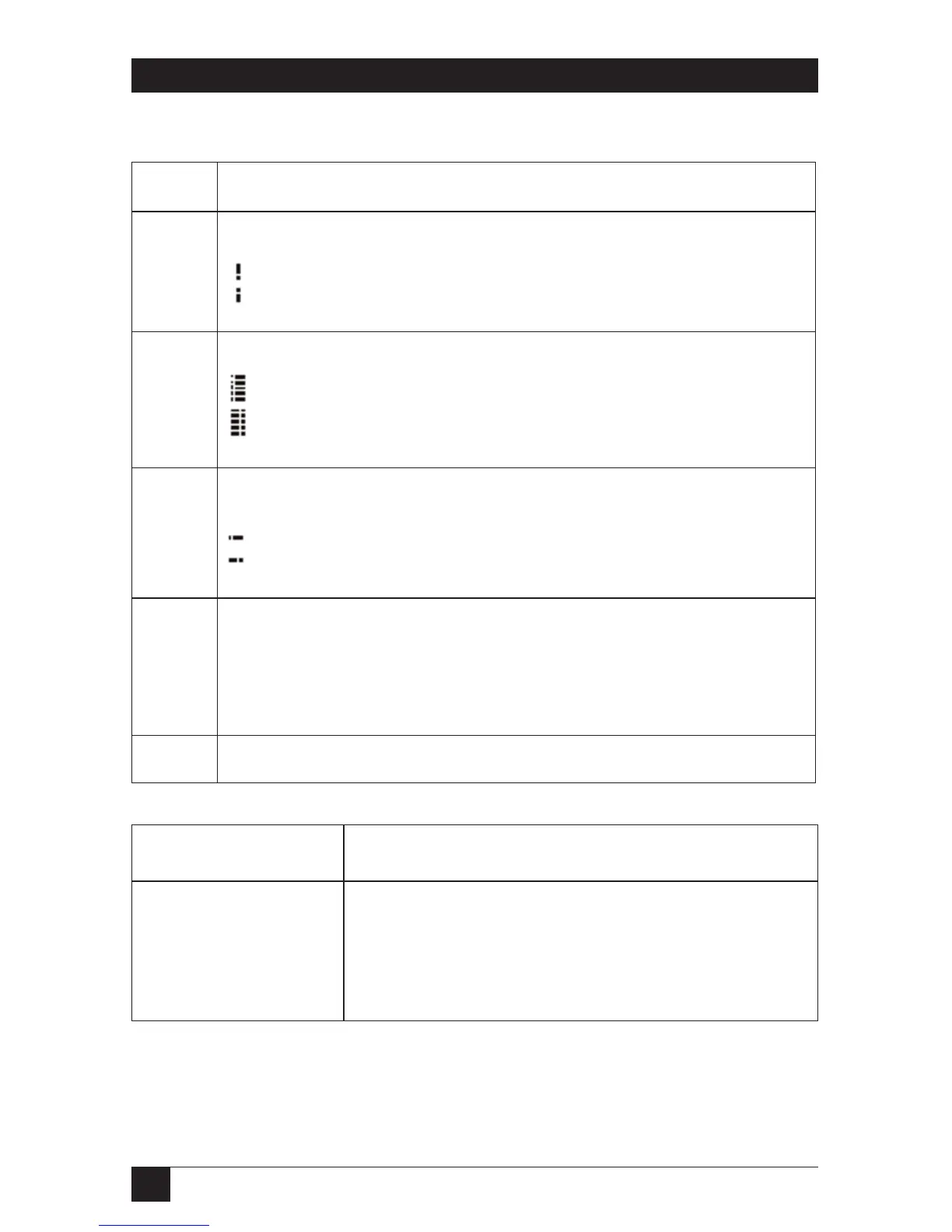
Table 4-1 (continued). Key, Jumper, and Switch Settings
Number Setting Description
8 Sample mode for incoming intermediate frequency (I/F) data
Data sampled on positive clock edge (std.)
Data sampled on negative clock edge
9 Interface Mode
NT (Network Termination)
TE (Terminal Equipment)
10 Interface Pin 1 Potential
Floating
Connected to frame ground
11 Transmission Mode
Switch setting is mandatory.
Switches 1, 2, and 4 must be in OFF position.
Switch 3 must be in ON position.
12 Test connector. Do not install any jumpers!
Table 4-2. Fiber Optic Signal (FO/S) LED
FO/S LED Meaning
Off No power supplied.
Slow Flash (1.5/s) No fiber optic link established.
Fast flash (5/s) Fiber optic link OK but no clock sync.
On Fiber optic link OK and clock sync OK.









 To Next Page