Page 15
724-746-5500 | blackbox.com
Chapter 5: Operation
5.2 Turning the Instrument On and Off
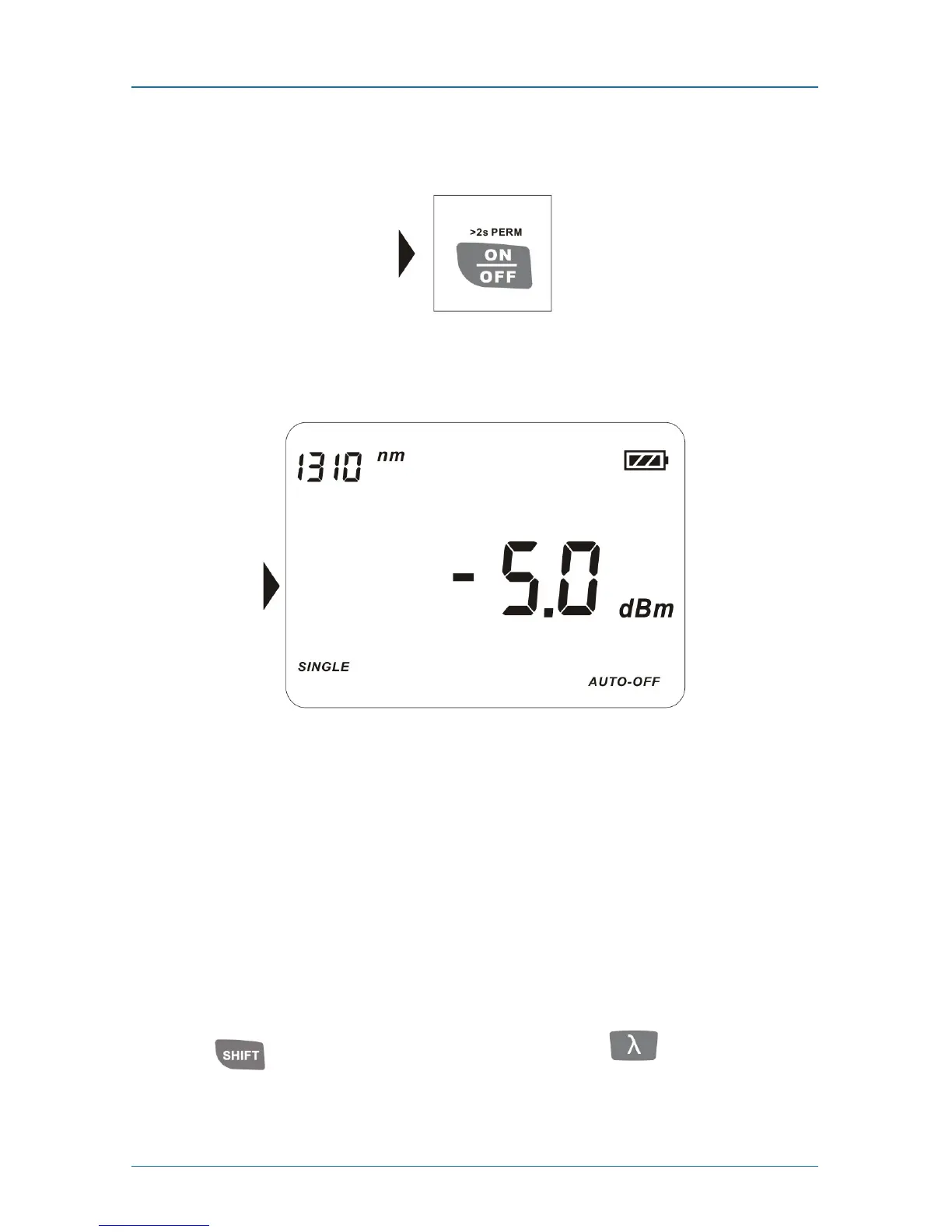
Press the ON/OFF key briefly (see Figure 5-4).
Figure 5-4. ON/OFF key.
The instrument powers on (see Figure 5-5).
Figure 5-5. Instrument powered on.
Press the ON/OFF key briefly again. The instrument powers off.
NOTES: Auto-off function:
1. The instrument powers off automatically if no key is pressed in 10 minutes.
2. Press the ON/OFF key for about two seconds to power on the instrument with
Auto-off function deactivated.
5.3 Switching the Wavelengths
5.3.1 Switching the Wavelengths in Single-mode
Press the key to get to multimode, then press the key to switch the
wavelength between 1310 nm and 1550 nm.



 To Next Page