Page 18
724-746-5500 | blackbox.com
Chapter 5: Operation
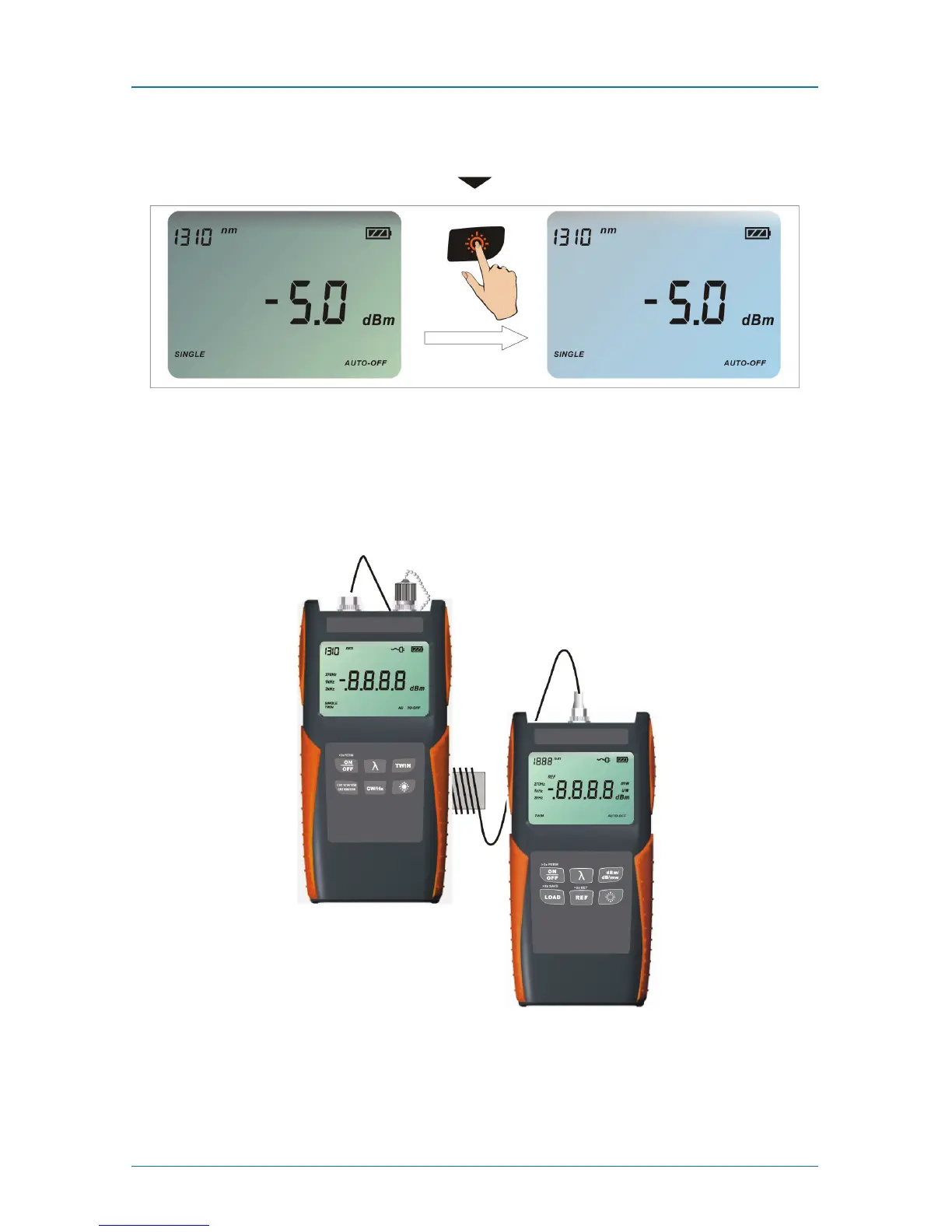
Press the backlighting key to switch the backlighting of the LCD on and off.
Figure 5-11. Pressing the backlighting key.
5.7 Connecting to an Optical Power Meter
The Quad Laser Source works with optical power meters to measure the loss of
optical fiber accurately.
Optical Power
Meter
(FOPM-210)
Quad Laser
Source
(FOQLS)
Figure 5-12. Optical power meter (part number FOPM-210)
connected to the Quad Laser Source (FOQLS).



 To Next Page