Page 17
724-746-5500 | blackbox.com
Chapter 5: Operation
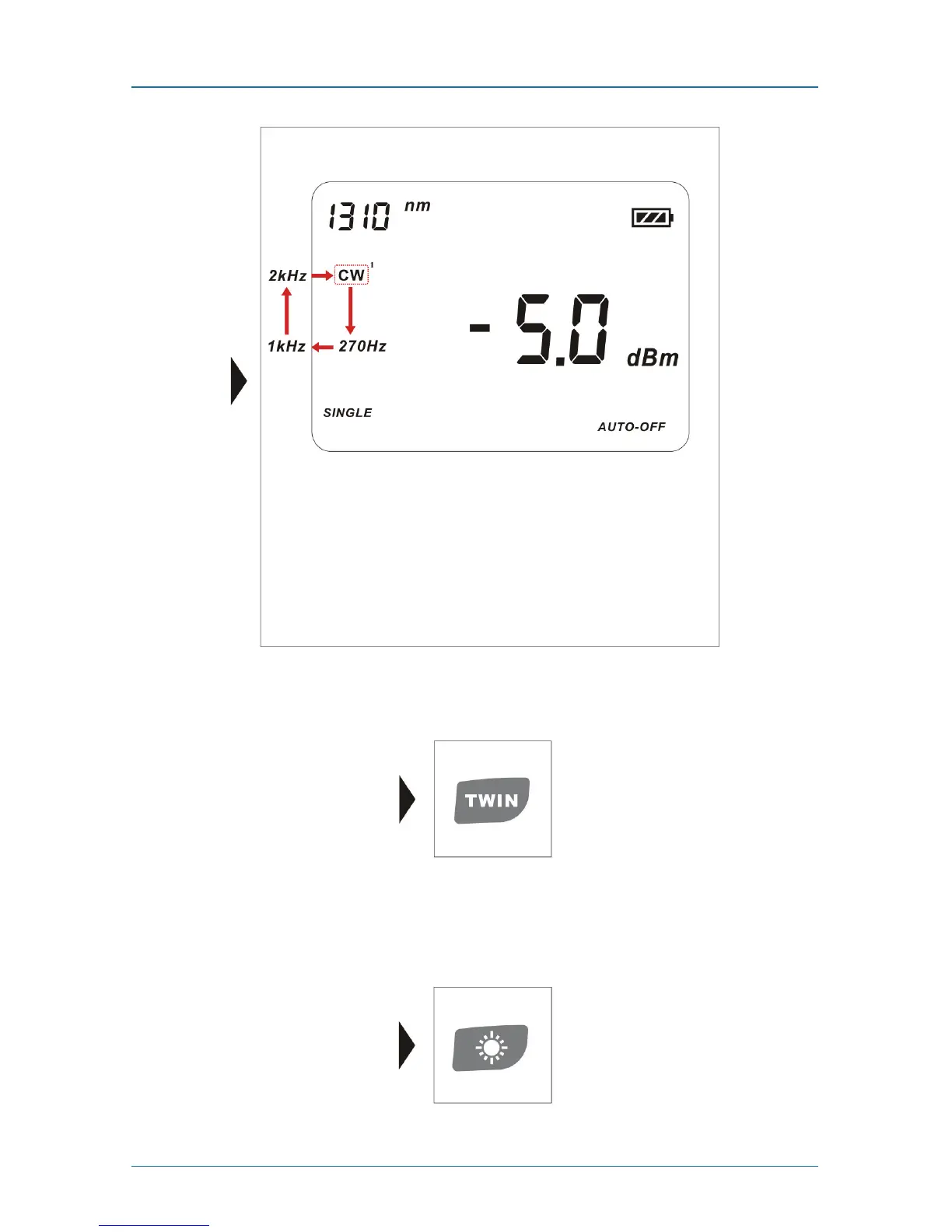
Figure 5-8. CW output selections on the LCD.
5.5 Auto-wavelength Recognition
Figure 5-9. Twin key.
Press the Twin key to turn the auto-wavelength recognition feature on and off.
5.6 Switching Backlighting of the LCD On and Off
Figure 5-10. Backlighting key.



 To Next Page