Page 16
724-746-5500 | blackbox.com
Chapter 5: Operation
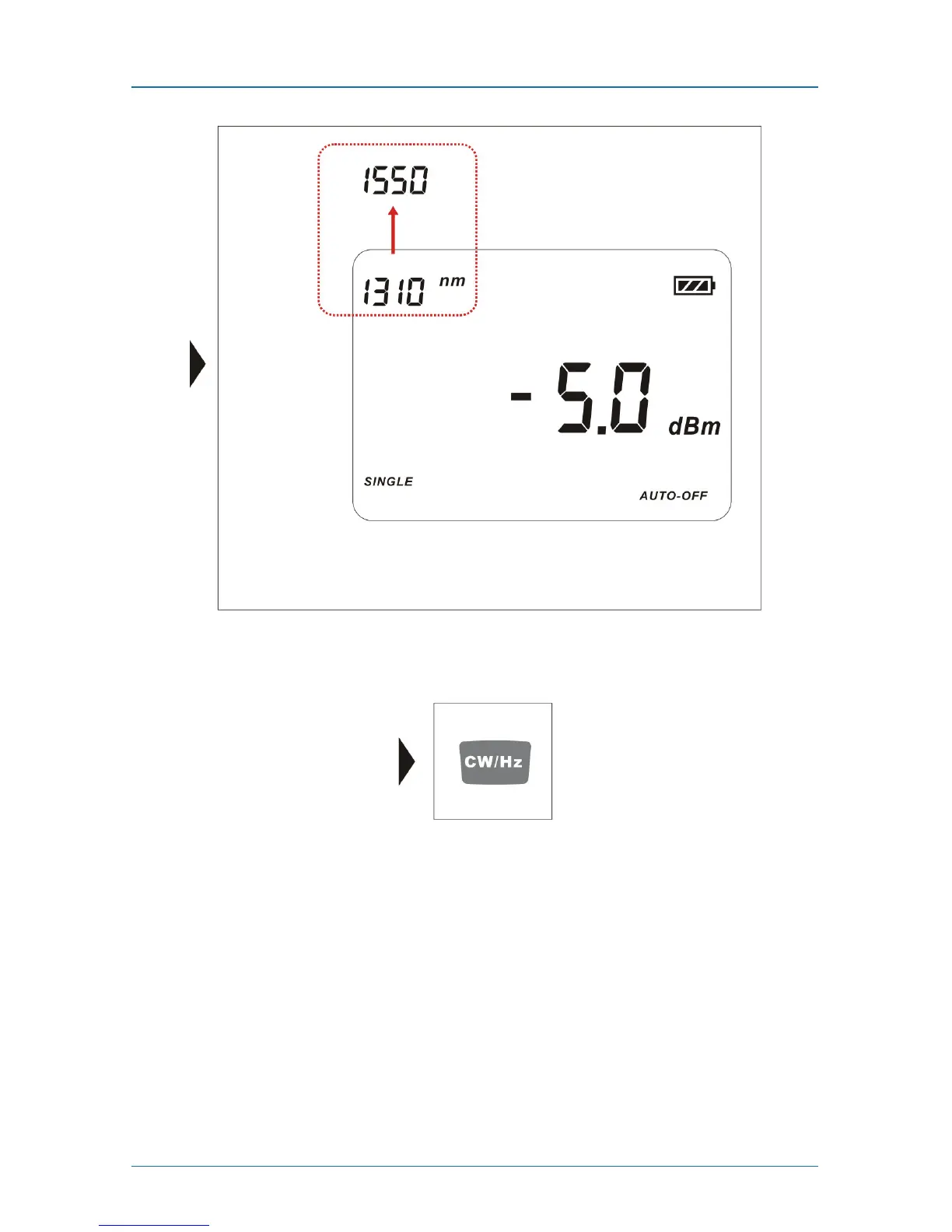
Figure 5-6. Switching the wavelength.
5.4 Frequency Output
Figure 5-7. Frequency output icon.
The instrument defaults to CW when it is switched on. When it is set to CW,
there is no frequency on the display.
Press the CW/Hz key to select the output from 270 H, 1 kHz, and 2 kHz.



 To Next Page