724-746-5500 | blackbox.com
Page 6
Quick Start Guide
Quick Start Guide
Unpacking
Unpack the items. Your package should include:
• One LB323A Hardened Industrial Ethernet Extender
• This printed quick start guide
If items are missing or damaged, contact Black Box Technical Support at 724-746-5500 or info@blackbox.com. Keep the carton
and packing material.
2. Select a Location
• Installation: Desktop, Wallmount, DIN-Rail mount.
• Identify a power source within 6 feet (1.8 meters).
• Choose a dry area with ambient temperature between -40 and +167º F (-40 and +75° C).
• Keep away from heat sources, sunlight, warm air exhausts, hot-air vents, and heaters.
• Be sure there is adequate airflow.
• Keep the device at least 6-ft. (1.8-m) away from the nearest source of electromagnetic noise, such as a photocopy machine.
3. Connect to the Data Ports
1. Insert one end of the Ethernet cable into a switch port.
2. Connect the other end into the Ethernet port of the device.
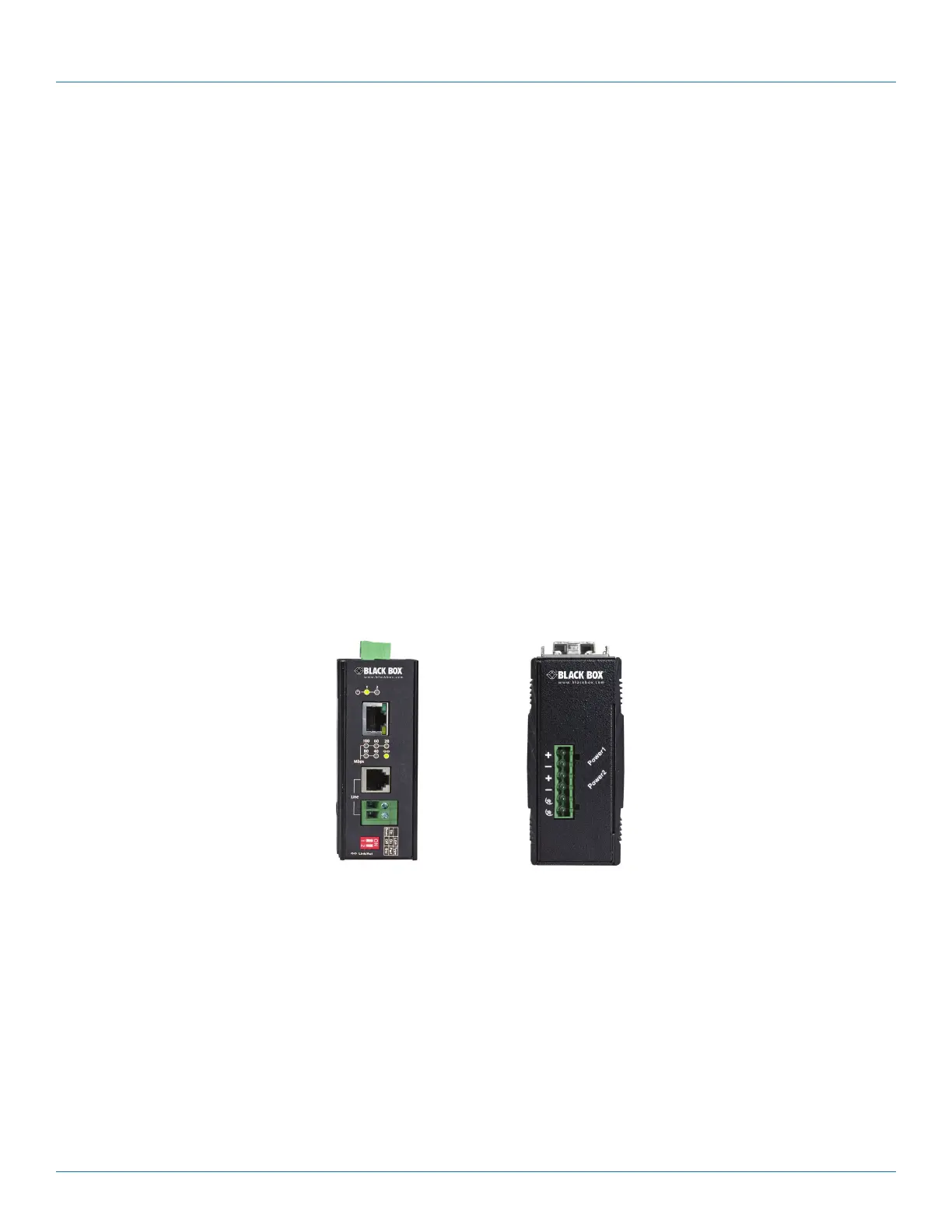
3. Insert the voice grade copper wire between one pair of Hardened Ethernet Extenders via the Ethernet Extender port (RJ-11
connector or terminal block).
Figure 1. Front and top views of the extender.













 To Next Page