14
RISC ROUTER EXPANDABLE
3.2.2 T
ABLE
M
OUNTING
Follow these steps to table-mount your RISC Router Expandable:
1. Set your RISC Router Expandable on a safe, clean, static-free surface.
2. Make sure that the vents and fans are not blocked. Do not place
anything on top of the RISC Router Expandable.
3. Be sure a grounded (three-prong) plug is available. Do not use an
extension cord.
3.3. Network Cables
This section describes the network cables that connect to the RISC Router
Expandable interfaces.
3.3.1 DTE (AUI) I
NTERFACE
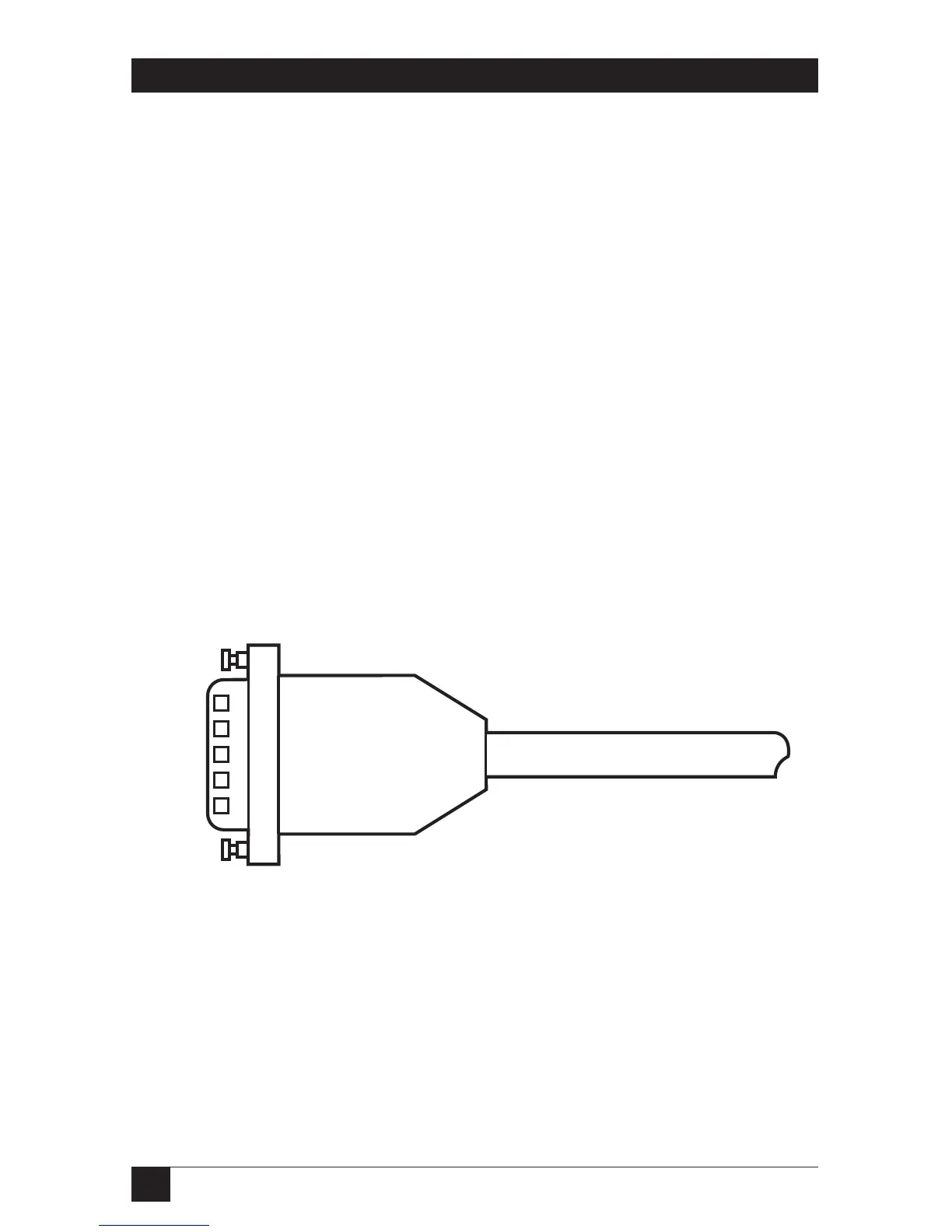
The male connector and cable shown in Figure 3-2 connects to the female
DTE interface of the RISC Router Expandable. This connector is identified
by the two round posts that secure the connector. The cable must conform
to the IEEE 802.3 specification, and the AUI electrical and hardware
specification. See Table 2-3 for the pin assignments.
Figure 3-2. DTE Interface Cable (Male).



 To Next Page