6
RISC ROUTER EXPANDABLE
2.2 Front-Panel Components
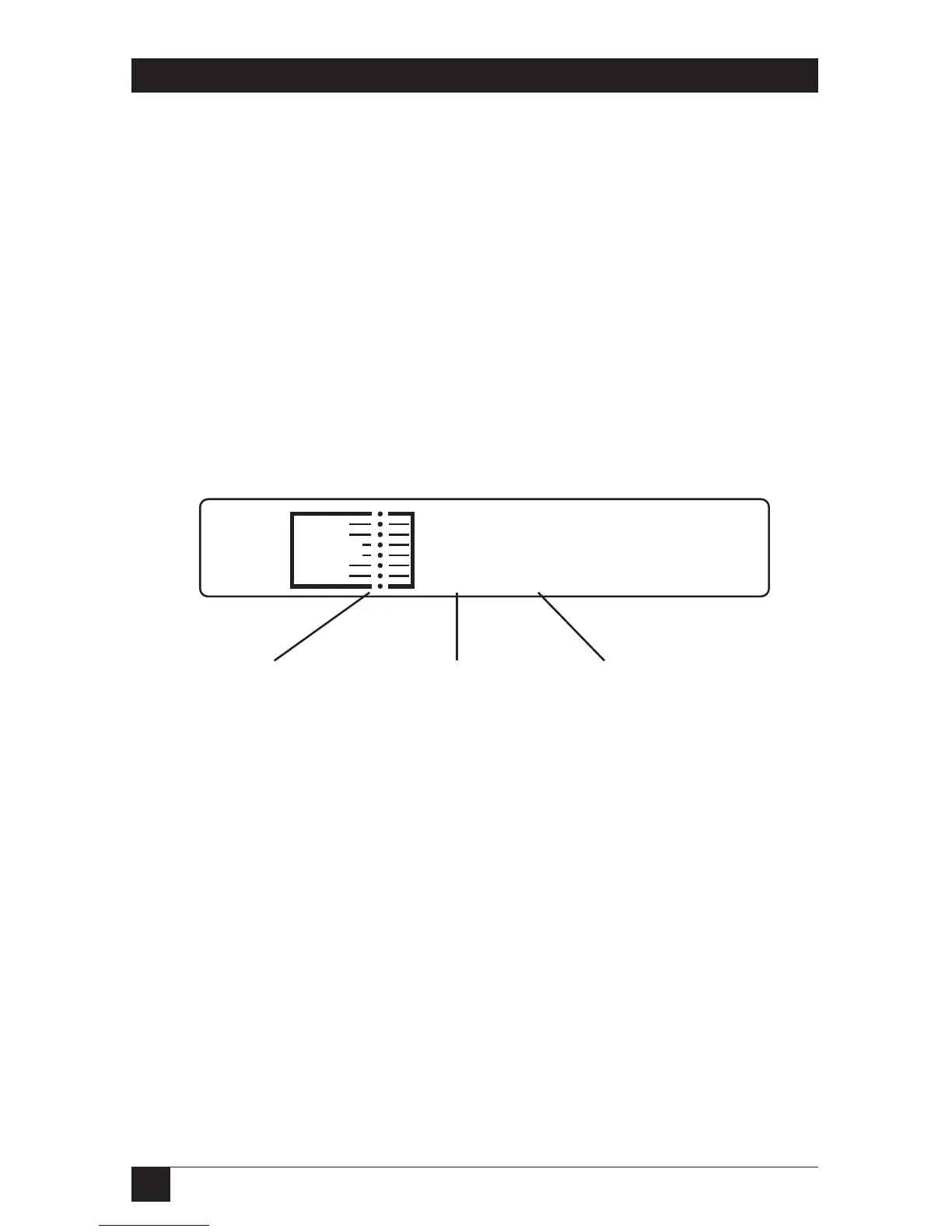
This section describes the front panel of the RISC Router Expandable.
The numbers in Figure 2-1 correspond to the numbered descriptions below:
1. Port Activity LEDs — The Port Activity LEDs (green) indicate traffic on
the ports of the RISC Router Expandable. Each port has a corresponding
LED that lights when that port is active. The ports are shown from 1
through 8.
2. FAULT LED — The FAULT LED (amber) indicates a software problem.
The software triggers a hardware timer once a second. If it fails to do so,
the FAULT LED lights.
3. PWR OK LED — The PWR OK LED is green when the unit is ON.
Figure 2-1. Front Panel of the RISC Router Expandable.



 To Next Page