26
RISC ROUTER EXPANADABLE
4.2 Expansion Card Installation
The RISC Bridge/E Expansion Card is a three-port expansion card with one
AUI, one BNC, and one MAU port. The card supports one interface at a time.
WARNING
Be sure to disconnect the power-cord from the RISC Router Expandable.
High voltage may be present when you remove the front bezel.
CAUTION
Be sure to secure proper grounding for the RISC Router Expandable
when you install a PROM card. Electrostatic discharge can destroy the
card.
1. Power down the RISC Router Expandable and remove the power
cord from the back panel of the unit.
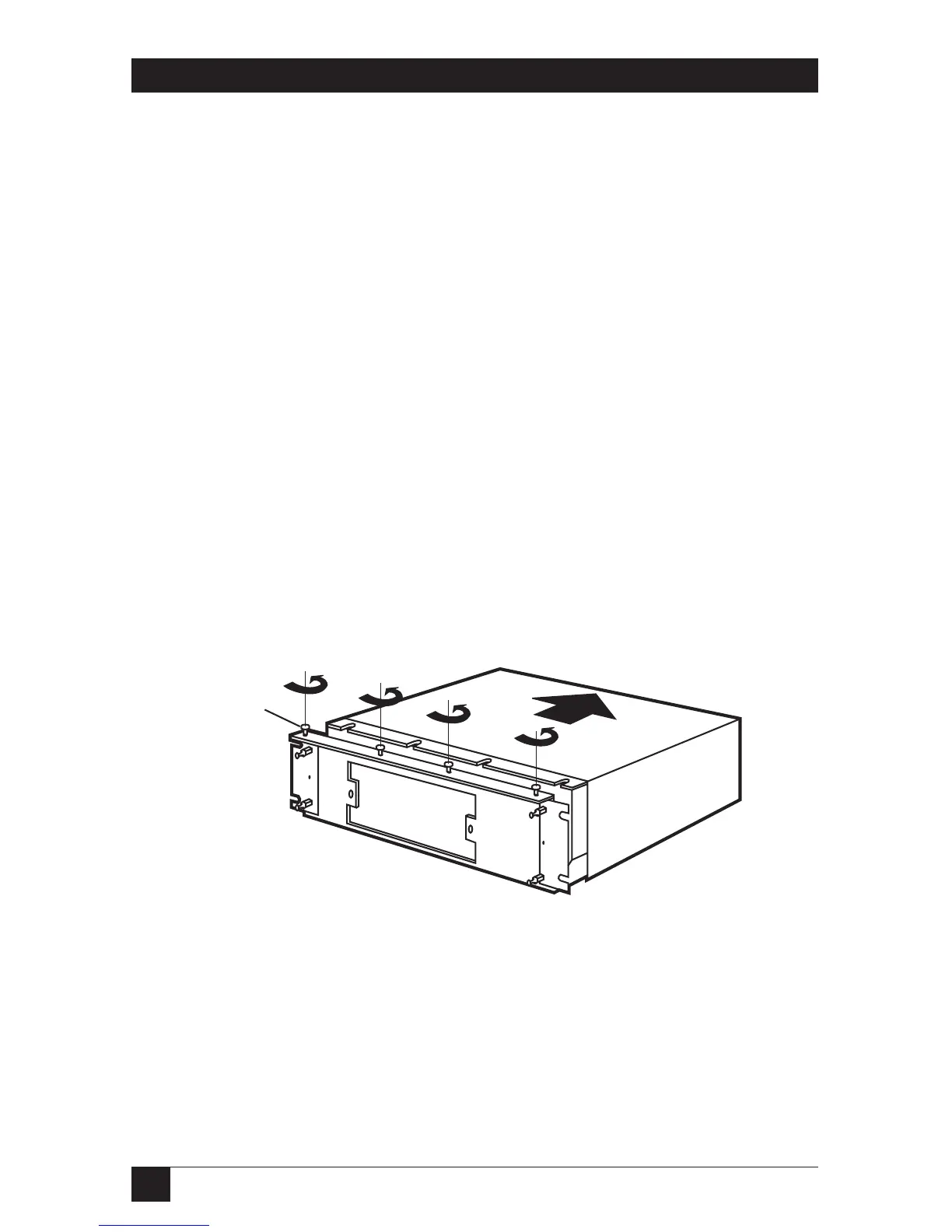
2. Remove the front bezel from the RISC Router Expandable.
See Figure 4-3.
3. Loosen the four cover-mount screws on top of the cover
with a
1
⁄4-inch nut driver.
Figure 4-3. Removing the Cover.



 To Next Page