EasyManua.ls Logo

Black+Decker BPP10HWTB - User Manual

Black+Decker BPP10HWTB
84 pages
Print Icon
To Next Page IconTo Next Page
Loading...
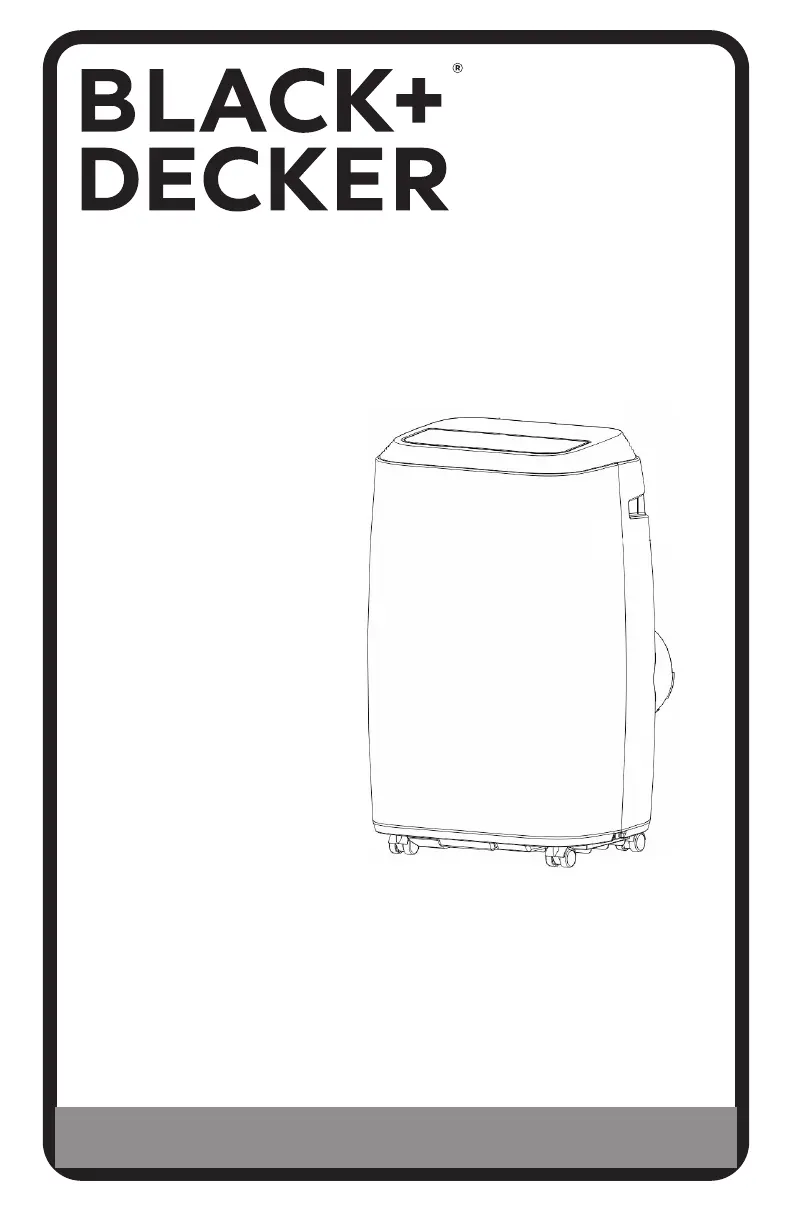
INSTRUCTION MANUAL
PORTABLE AIR CONDITIONER
Thank you for choosing BLACK+DECKER!
PLEASE READ BEFORE RETURNING THIS PRODUCT FOR
ANY REASON.
If you have a question or experience a problem with your BLACK+DECKER
purchase, go to www.blackanddecker.com/instantanswers
If you can’t find the answer or do not have access to the Internet, call
844-299-0879 from 10:30 a.m. to 6:30 p.m. EST Mon. - Fri. to speak with an
agent. Please have the catalog number available when you call.
SAVE THIS MANUAL FOR FUTURE REFERENCE.
CATALOG NUMBER
BPP05WTB
BPP06WTB
BPP08WTB
BPP08HWTB
BPP10WTB
BPP10HWTB

Table of Contents

Questions and Answers

  • S
    Sue KelleyAug 9, 2025
    Why is my Black+Decker BPP10HWTB Air Conditioner not cool enough?
    • M
      mckeekimberlyAug 9, 2025
      If your Black+Decker Air Conditioner isn't cooling effectively, ensure all windows and doors are closed. Remove any heat sources from the room. Check that the exhaust air duct is properly connected and not blocked. Also, decrease the set temperature if it's too high, and clean the air filter if it's dusty. Note that the unit takes approximately 3 minutes to start cooling due to a microprocessor control delay.
  • D
    Derek DurhamAug 19, 2025
    What to do if my Black+Decker BPP10HWTB does not start?
    • D
      douglashooverAug 19, 2025
      If your Black+Decker Air Conditioner does not start, it could be due to a couple of reasons. First, the water full indicator light might be on, with the LED display showing “E2” in COOL mode or “E4” in HEAT mode, which means you need to drain the water. Second, the room temperature might be lower than the set temperature in cooling mode; in this case, reset the temperature.
  • Y
    youngtaraAug 29, 2025
    What to do if the Black+Decker BPP10HWTB doesn't run and the water full indicator light is on?
    • C
      Christian HortonAug 29, 2025
      If your Black+Decker Air Conditioner unit doesn't run and the water full indicator light is on (LED display indicates “E2” in COOL mode or “E4” in HEAT mode), it means the unit needs to be drained. Refer to the water drainage section to resolve this issue.

Summary

SAFETY INFORMATION

IMPORTANT SAFETY INSTRUCTIONS

Essential safety rules for operating the air conditioner, covering electrical hazards and general usage.

GROUNDING INSTRUCTIONS

Details on proper electrical grounding to prevent shock and fire hazards.

LCDI POWER CORD AND PLUG

Information on the Leakage Current Detection and Interruption power cord and its testing.

SET UP & USE

CONTROL PANEL OPERATION

Explains the functions of the control panel buttons and how to turn the unit on.

WATER DRAINAGE (COOLING & HEAT MODES)

Explains how to drain water from the unit in cooling and heat modes, including intermittent and continuous methods.

TROUBLESHOOTING & WARRANTY

TROUBLESHOOTING GUIDE

A table listing common problems, their possible causes, and recommended remedies.

LIMITED WARRANTY INFORMATION

Details the warranty coverage, exclusions, and how to obtain service.

Black+Decker BPP10HWTB Specifications

General IconGeneral
TypePortable Air Conditioner
Cooling Capacity10, 000 BTU
Room Size CoverageUp to 450 sq. ft.
Fan Speeds3
ModesCool, Heat, Fan, Dehumidify
Digital DisplayYes
Remote ControlYes
Filter TypeWashable
RefrigerantR410A
Power Supply115V / 60Hz
Included AccessoriesWindow kit, Remote control
Operating ModesFan

Related product manuals