Page 16
SET UP & USE
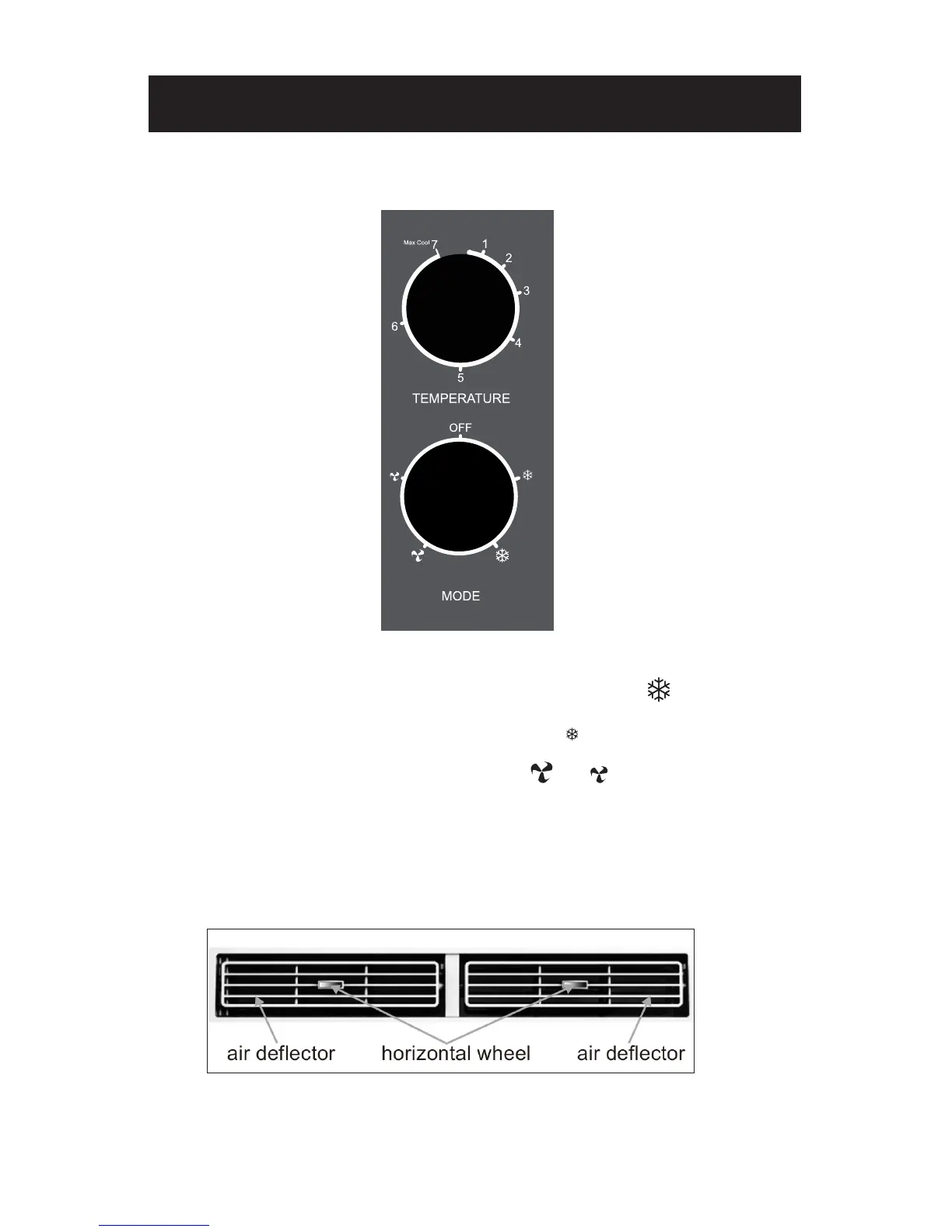
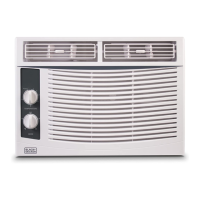
CONTROL PANEL
1. POWER: Turn on the unit by rotating the MODE dial to the desired setting.
2. COOLING MODE: For maximum cooling set the MODE dial to “ “. In HIGH COOL
mode, the fan will automatically go to high. This will help circulate the cool air
throughout the room. The fan will operate on low in “ ” mode.
3. FAN MODE: For fan only modes, choose either “ ” or “ ”. The air conditioner will
not cool the room when in fan mode.
4. THERMOSTAT: Turn the TEMP dial to set the desired room temperature. For
maximum cooling turn the TEMP dial to 7 (max cool).
5. DIRECTIONAL LOUVERS: To direct the airflow, use horizontal wheel to control the
horizontal direction, air deflector to control the vertical direction.
NOTE: To minimize wear and tear on the air conditioner, always wait at least 3 minutes
before changing modes. This will help prevent the compressor from overheating and
the circuit breaker from tripping.



 To Next Page