7
Battery Warnings, Guidelines and Charging (continued)
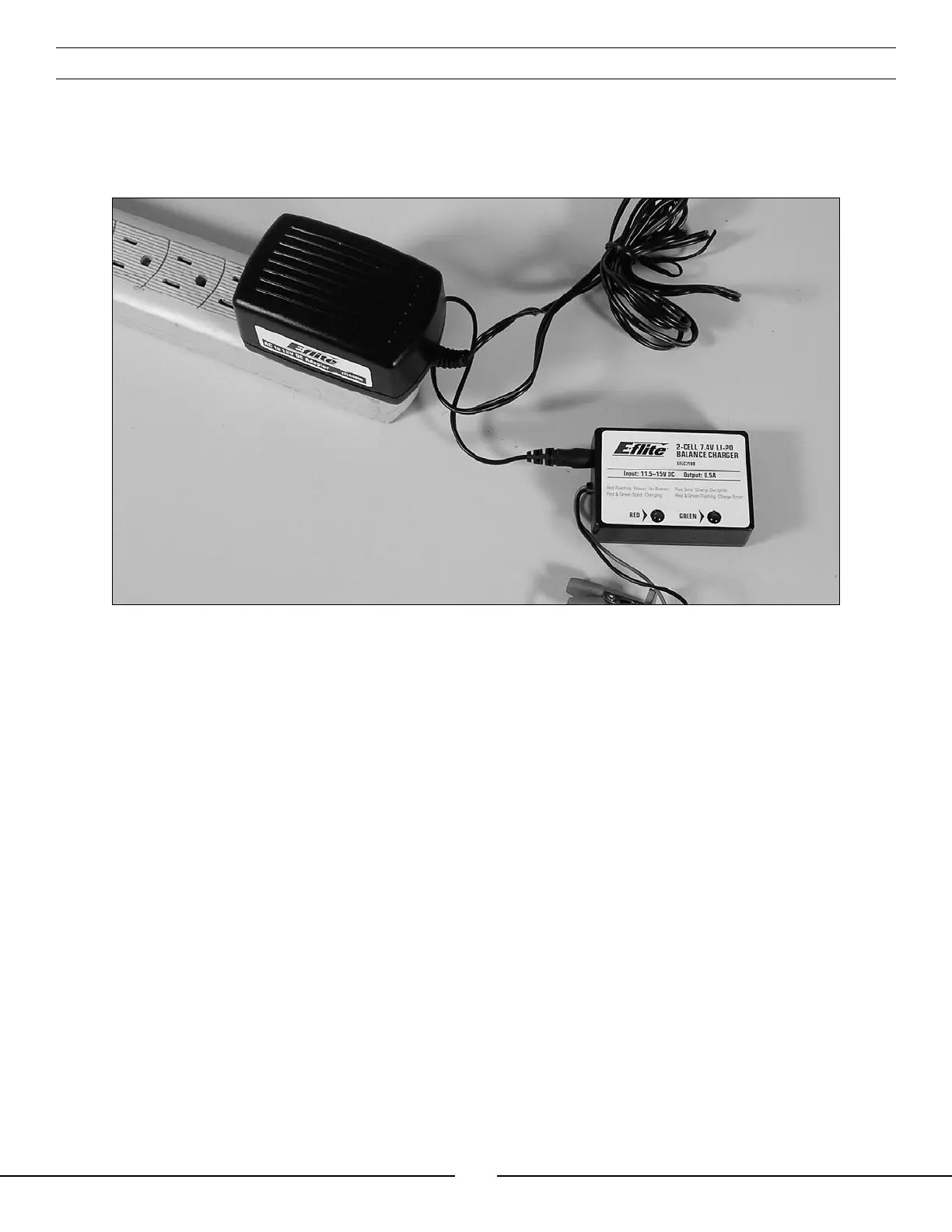
Input power for the charger can also be supplied through the use of an AC to DC adapter/power supply for
convenient charging anywhere an AC outlet is available. We recommend the optional E-flite™ AC to 12V DC, 1.5
Amp Power Supply (EFLC4000). NEVER attempt to power the charger from an AC outlet without the use of
a proper AC to DC adapter/power supply.
The charger is equipped with two LED indicators marked RED and GREEN on the label. These LEDs indicate the
following (also found on the label of the charger):
• Red Flashing LED Only: Input power with no battery connected
• Red and Green Solid LED: Battery connected and charging
• Red Solid LED Only: Charge complete
• Red and Green Flashing LED: Charge error


 To Next Page