EasyManua.ls Logo

Blade Nano S2 - User Manual

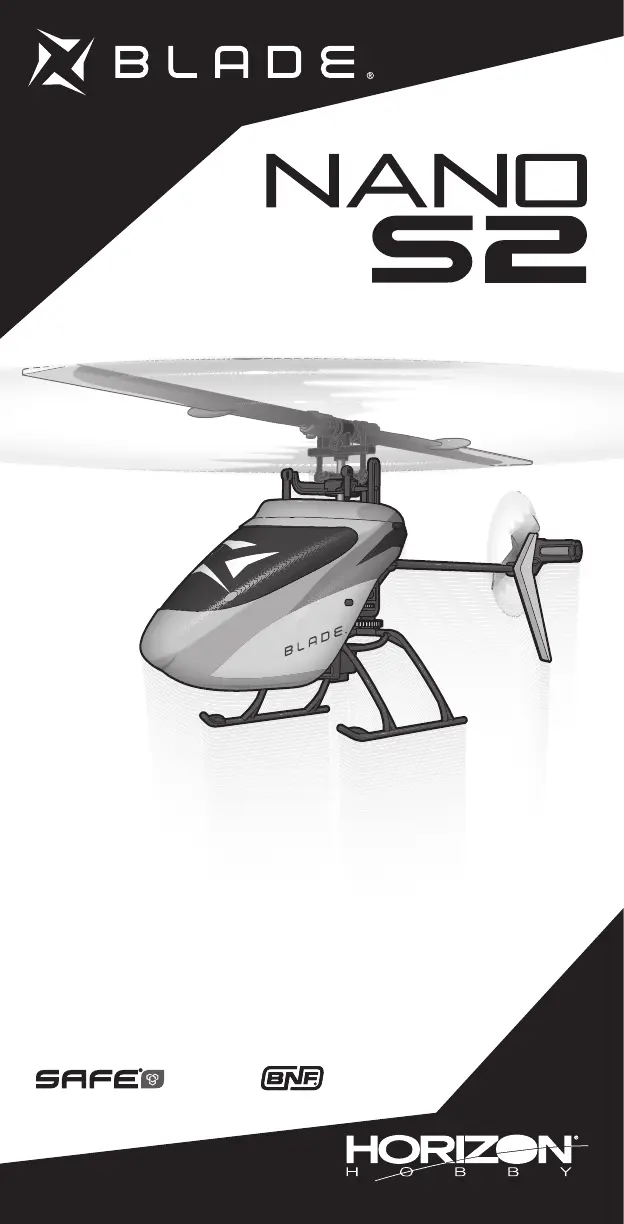
Blade Nano S2
19 pages
Print Icon
To Next Page IconTo Next Page
Loading...
RTF
Instruction Manual
Bedienungsanleitung
Manuel d’utilisation
Manuale di istruzioni

Questions and Answers

  • D
    David PetersonAug 16, 2025
    What to do if the LED on Blade Nano S2 Toy flashes rapidly and won't respond after binding?
    • L
      lvangAug 16, 2025
      If the LED on the receiver flashes rapidly and the Blade toy aircraft won't respond to the transmitter after binding, several factors could be at play. Ensure at least 5 seconds pass between powering on the transmitter and connecting the flight battery to the aircraft. If using a ModelMatchTM radio, verify that the correct model memory is selected. Check and replace or recharge the flight and transmitter batteries if their charge is low. Also, ensure the transmitter is bound to the correct model with the correct DSM® Protocol, or bind to the new one. Finally, move the aircraft and transmitter away from large metal objects, wireless sources, or other transmitters, and try connecting again.
  • C
    christophermorrisAug 18, 2025
    Why does the LED on Blade Nano S2 Toy flash rapidly and not bind to the transmitter?
    • S
      sharonmooreAug 19, 2025
      If the LED on the receiver flashes rapidly and the Blade Toy aircraft won't bind to the transmitter during binding, it might be due to several reasons. First, power off the transmitter, move it further away from the aircraft, disconnect and reconnect the flight battery to the aircraft, and then follow the binding instructions. Ensure that the bind switch or button is held while the transmitter is powered on, repeating the bind process if necessary. Finally, move both the aircraft and transmitter away from large metal objects, wireless sources, or other transmitters, and attempt binding again.
  • K
    Kelly WilliamsAug 22, 2025
    How to fix a Blade Nano S2 Toy helicopter that will not initialize?
    • J
      Judy RoseAug 22, 2025
      If your Blade toy helicopter won't initialize, it could be due to a few reasons. Ensure the throttle stick and throttle trim are at the center or lowest setting to reset the controls. Also, set the flight mode to OFF/0 and exit throttle hold. If the pitch or throttle servo reversing is improperly configured, reset the servo reversing.
  • A
    Amy FernandezAug 25, 2025
    Why does the Blade Toy helicopter motor power decrease during flight?
    • C
      Chris LewisAug 26, 2025
      If your Blade toy helicopter motor power decreases during flight, it's likely because the receiver is using the default soft Low Voltage Cutoff (LVC). To resolve this, recharge the flight battery. If battery performance remains poor, consider replacing it.
  • K
    Kimberly FarrellAug 27, 2025
    What to do if Blade Nano S2 helicopter will not spool up?
    • C
      christian17Aug 27, 2025
      If your Blade toy helicopter will not spool up, it could be due to a couple of reasons. First, check if the throttle hold is on and turn it off with the throttle low and trim centered or low. Also, ensure that the flight battery is fully recharged, as low battery voltage can prevent spooling.
  • Y
    Yolanda GarciaAug 31, 2025
    Why is the climb out rate greatly reduced on my Blade Nano S2 Toy?
    • S
      stevenmorrowAug 31, 2025
      If the climb out rate of your Blade toy is greatly reduced, it's likely that the main gear has slipped on the main shaft. To fix this, push the main gear back into its correct position.
  • M
    Mary VargasSep 3, 2025
    Why does my Blade Nano S2 Toy helicopter vibrate or shake in flight?
    • K
      Karen KimSep 3, 2025
      If your Blade toy helicopter vibrates or shakes in flight, it's likely due to damaged rotor blades, spindle, or blade grips. Check the main rotor blades and blade grips for cracks or chips, and replace any damaged parts. Also, replace any bent spindles.
  • D
    David MillerSep 5, 2025
    Why does my Blade Nano S2 have poor tail authority?
    • K
      Kimberly MartinSep 5, 2025
      If your Blade toy helicopter experiences poor tail authority, it could be due to a cracked tail boom. In this case, replace the tail boom. Alternatively, the tail rotor blade might be warped or bent; twist the rotor blade back into position or replace it.
  • S
    Stacey DunlapSep 8, 2025
    Why does my Blade Nano S2 Toy power off when flying upside down?
    • J
      Jennifer FordSep 9, 2025
      If your Blade toy powers off when flying upside down (inverted), it's because the flight mode is set to Beginner Mode. To resolve this, switch the flight mode switch to Intermediate or Experienced Mode before flying inverted.
  • G
    georgelopezSep 12, 2025
    What to do if Blade Nano S2 will not bind properly to non-computer radio?
    • J
      Jennifer FloresSep 12, 2025
      If your Blade toy will not bind properly to a non-computer radio, it's because the helicopter binds differently to non-computer radios. Release the bind button/switch after applying left rudder; do not hold the bind button/switch after applying left rudder.

Summary

Safety Precautions and Warnings

Specifications

USB Charging Warnings

Battery Charging

LED Indications

Explains the meaning of LED lights on the charger.

Transmitter Setup

Panic Mode Operation

Details how to use the panic mode feature on the transmitter.

Transmitter Control

Dual Rate Selection

Explains how to adjust control sensitivity via the transmitter.

Transmitter and Receiver Binding

Understanding Primary Flight Controls

Flight Modes

Panic Recovery

Flying the Nano S2

Troubleshooting Guide

Exploded View and Parts Listings

Limited Warranty

Blade Nano S2 Specifications

General IconGeneral
ReplicaNo
Motor typeCoreless motor
Engine typeElectric engine
Flight time5 min
Product typeHelicopter
Built-in servoYes
Frequency band2.4 GHz
Number of rotors2 rotors
Construction typeBind-N-Fly (BNF)
Rotor configurationCollective pitch
Stabilization systemFlybarless (FBL) rotor head
Rotor blades materialPlastic
Quantity1
Product colorBlue, Grey
Battery typeBuilt-in battery
Battery capacity150 mAh
Weight and Dimensions IconWeight and Dimensions
Height79 mm
Length200 mm
Weight32 g
Rotor diameter197 mm
Main blade length85 mm
Tail rotor diameter40 mm

Related product manuals