8
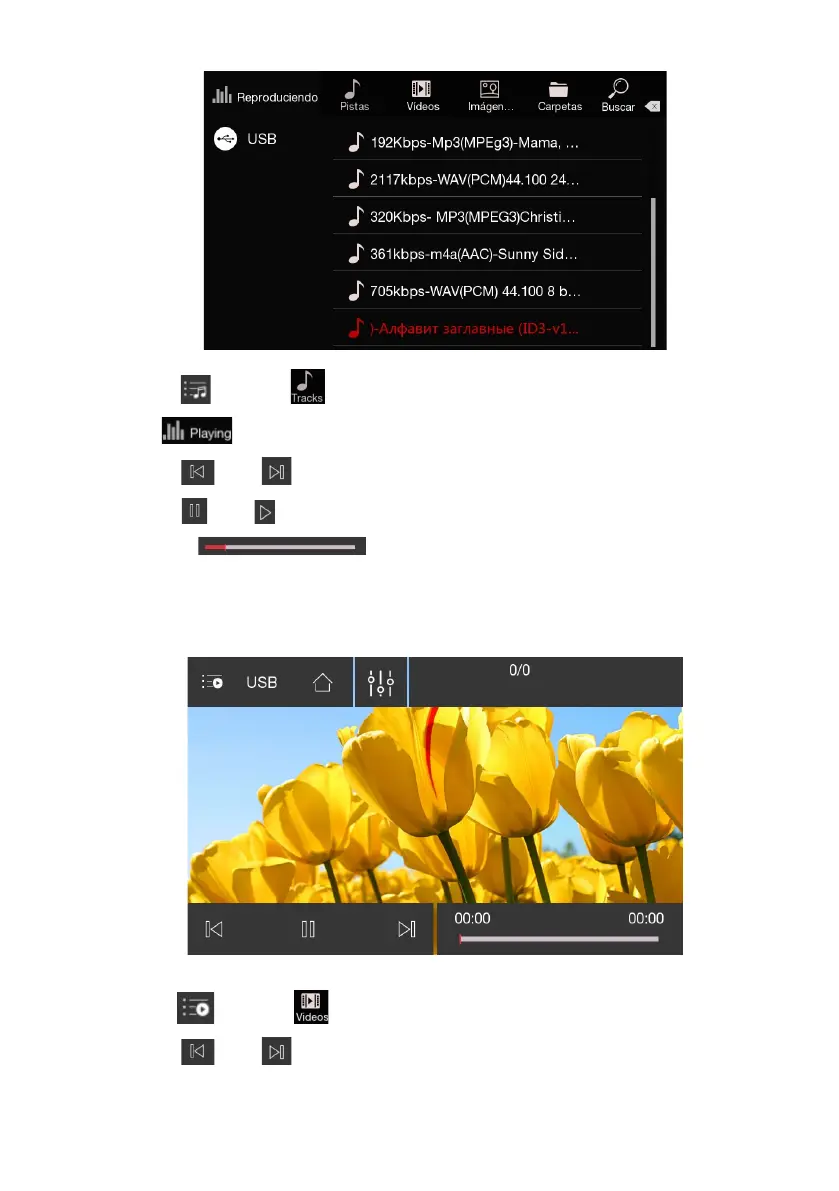
1. Touch
【 】
, select
【 】
to show the music list then select the music track to play.
Touch
【 】
to return to the player interface.
2. Touch
【 】
or
【 】
to play the previous or next track.
3. Touch
【 】
or
【 】
to pause current playing track or replay the paused track.
4. Drag the
【 】
for fixed-point playback.
Play Video
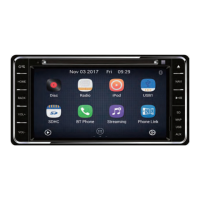
1. Touch
【 】
, select
【 】
to show the video list then select the video track to play.
2. Touch
【 】
or
【 】
to play the previous or next track.


 To Next Page