7
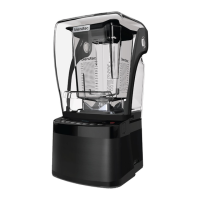
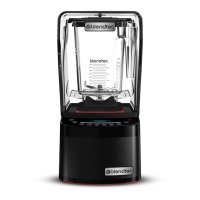
4.1.2 Stealth 895NBS™ Quick Start Guide
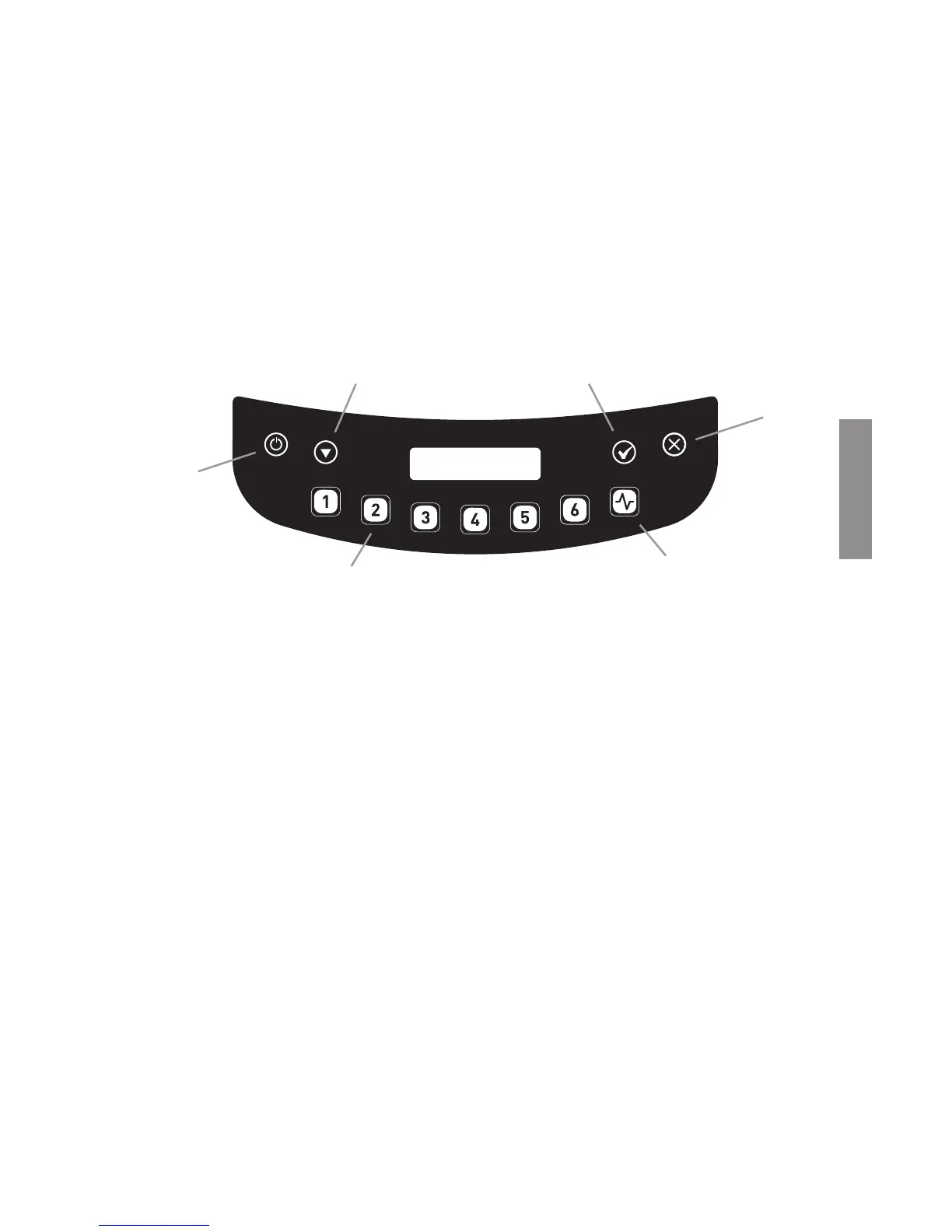
1� Touch the power icon to turn on the blender�
2� Raise the sound enclosure lid�
3� Place the blender jar on the motor base, ensuring the jar is completely seated
and the jar lid is secured�
4� Close the sound enclosure lid�
5� On the control surface, touch the desired blend cycle number, pulse icon or
desired location on the slider control bar�
6� To stop a blend cycle before the programmed time elapses, press the
cancel/exit button� If you have enabled the Blend Cycle Pause feature, press
the previously selected blend cycle button to pause the cycle� To resume
the paused cycle, press the previously selected blend cycle button again�
4.1.3 Automatic Cycle Operation
Your Stealth blender is preprogrammed with multiple blender profiles to help
operators achieve consistent blends with a minimum of training, trial, and error�
You can select from the following profiles and blend cycles:
Default Profile
Button 1: Nitro 20 sec�
Button 2: Nitro 30 sec�
Button 3: Small Margarita / Ice Cappuccino
Button 4: Medium Smoothie 4
Button 5: Large Smoothie 4
Button 6: Granita Medium Milkshake
Multipurpose Profile*
Button 1: Small Milkshake
Button 2: Granita / Medium Milkshake
Button 3: Small Margarita / Ice Cappuccino
Button 4: Medium Smoothie 4
Button 5: Large Smoothie 4
Button 6: 50 Seconds @ Speed 7
*When you turn the blender on for the first time this will be the default profile�
Scroll
Power
Cancel/Exit
Preprogrammed Cycle Buttons
Pulse
Select
ENGLISH








 To Next Page