FMRadioasBackground
ClickontheHomekeytomovetheFMRadiotothebackground.
FavoriteChannels
ClickontheStartoaddtoFavoriteChannels.YoumayalsoclickontheChannelListto
browsethroughaddedstations.
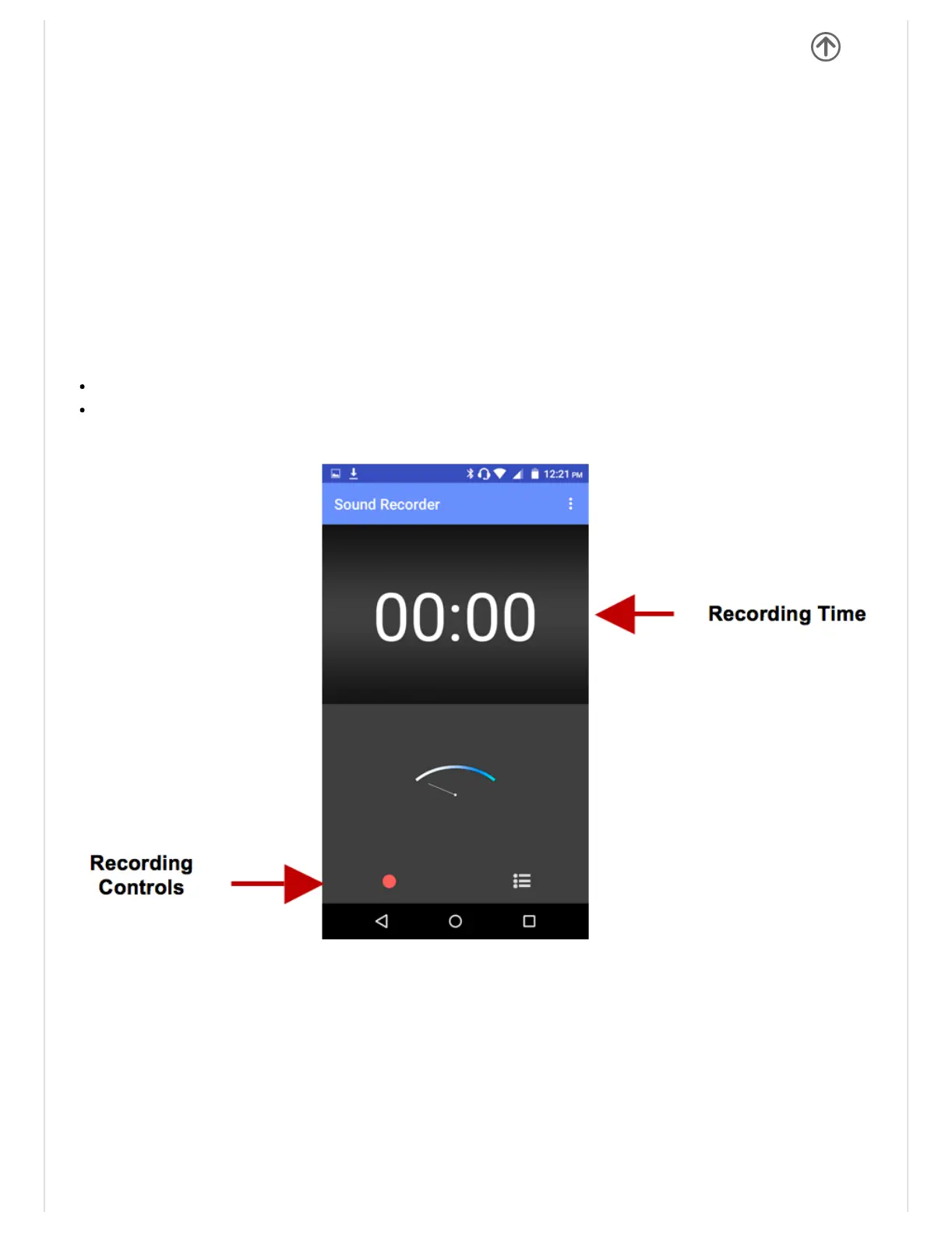
SoundRecorder
YoumaysendanyrecordedaudioviatheFileManagerbyselectinganyofthedefaultshare
optionswhichincludeBluetooth,MMS,GoogleDriveandGmail.
Record
Keepthephone’smicrophonenearthesoundsource.
Clicktherecordbuttontorecordtheaudioandclickthestopbuttontoendtherecording.
ItissuggestedthatyousaveallyourrecordingsinyourSDcardformaximumstorage
capacity.
PleaseensuretheSDcardisinstalledforextendedstoragespace.
FileManager
Thefilemanagerallowsyoutosearchandorganizeyourstoredphonefilesconvenientlyand


 To Next Page