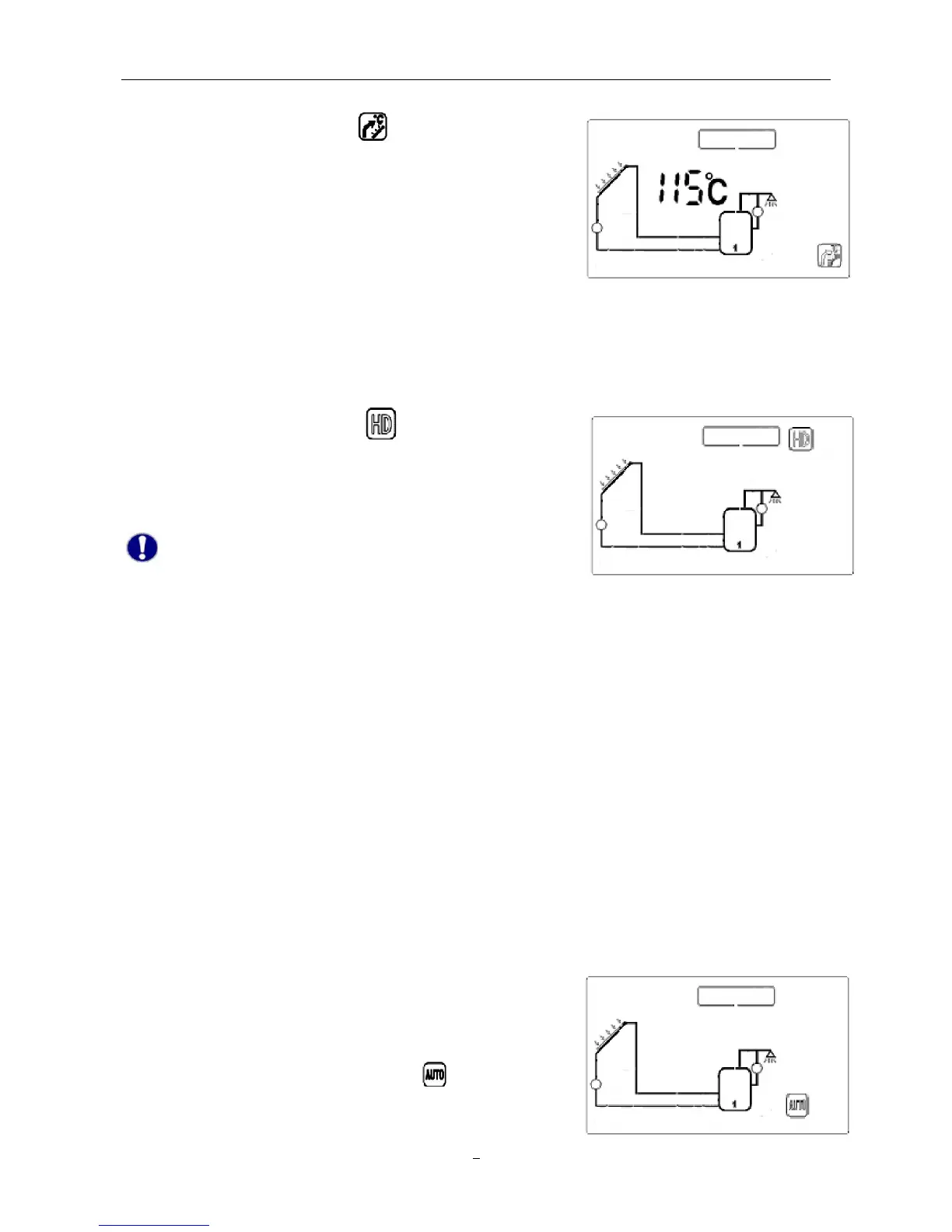
temperature, the high temperature protection function of solar system will be activated.
ì Press “System Setting”, until
displays on the screen.
ì Press “+” “-” button to adjust the maximum collector
temperature. Default value: 115℃, setting range: 100–125℃.
ì Press “Confirm” button to confirm the setting, press “Cancel”
button to quit this function.
9. Holiday function
If you intend to be absent for an extended period (holiday), or hot water is not required for an
extended period, you can activate the holiday function. This function is activated nightly(22:00-06:
00)to re-cool the storage and to prevent high thermal loads of the solar system due to completely
heated storage.
ì Press “System Setting”, until “
” displays on the screen, it
indicates that the function is active.
ì Press “Confirm” button to confirm this setting. Press “Cancel”
button to deactivate this function.
Note: When using holiday function, system will lock
auxiliary heating automatically.
10. Anti-bacteria protection
To safeguard the water hygiene, solar system will monitor the storage temperature. If the
temperature never reaches 70℃ in every 7 days, auxiliary heating will be activated automatically and
heats the storage temperate to 70℃.
11. Collector emergency cut-off
When the temperature of collector reaches or exceeds 120℃, in order to prevent evaporation of heat
medium liquid and protect other components of solar system, solar circulation pump will be stopped
compulsively, until the temperature of collector gets lower.
12. Memory function
In case of power failure, solar control system is able to remain the preset parameters unchanged.
13. Reset Function
If necessary, all the settings (except time setting) can be reset
to the factory settings.
ì Press “System Setting” button, until “
” displays on the
screen.


 To Next Page