ì Press “Confirm” button, all of parameters will be reset to factory settings.
14. Manual operations
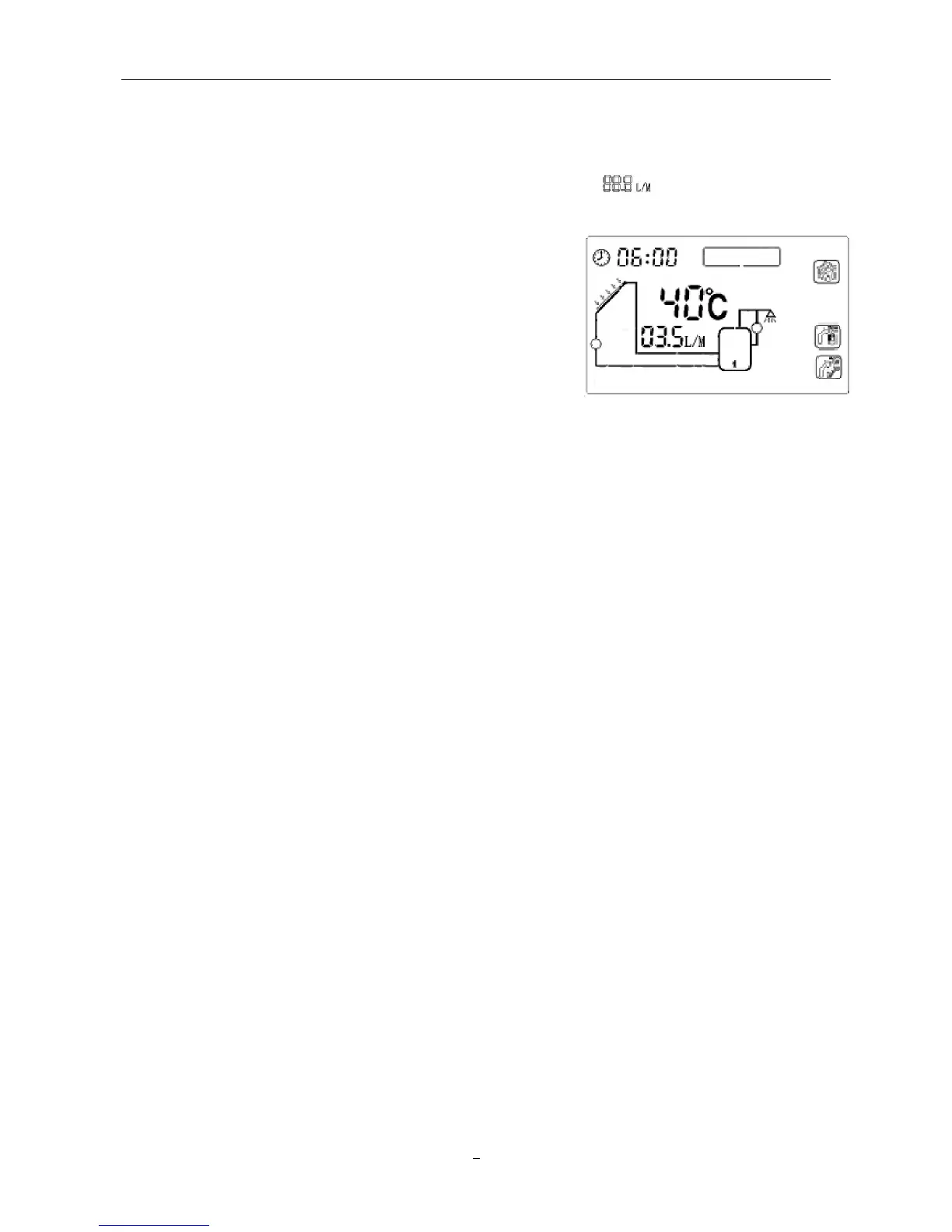
Customers can monitor the flow rate anytime by viewing the signal “ ” on main operating menu.
And when there are no other operations and it returns to main menu, they can also activate some
functions by pressing different buttons directly.
ì Press “Confirm” button 2 second to switch on/off solar
collector pump (P1) manually.
ì Press “Cancel” button 2 second to switch on/off solar hot
water circulation pump (P2) manually.
ì Press “+” “-” button repeatedly to check the temperature
values in different part of solar system.


 To Next Page