ì Press “+” “-” button to adjust it, adjustable range: 2~12℃.
ì Press “Confirm” button to confirm the setting. Press “Cancel” button to cancel the function.
Note: Between 60~70℃ scale can form more easily; we usually set the storage temperature at
60℃.
5. Switching on/off auxiliary heating manually
If you want to use warm water immediately, but the water
temperature doesn’t reach the desired value, you can switch
on/off the auxiliary heating manually.
ì Press “confirm” button, until “
” displays on the screen
to switch on auxiliary heating manually.
ì Press “Cancel” button to switch off auxiliary heating
manually.
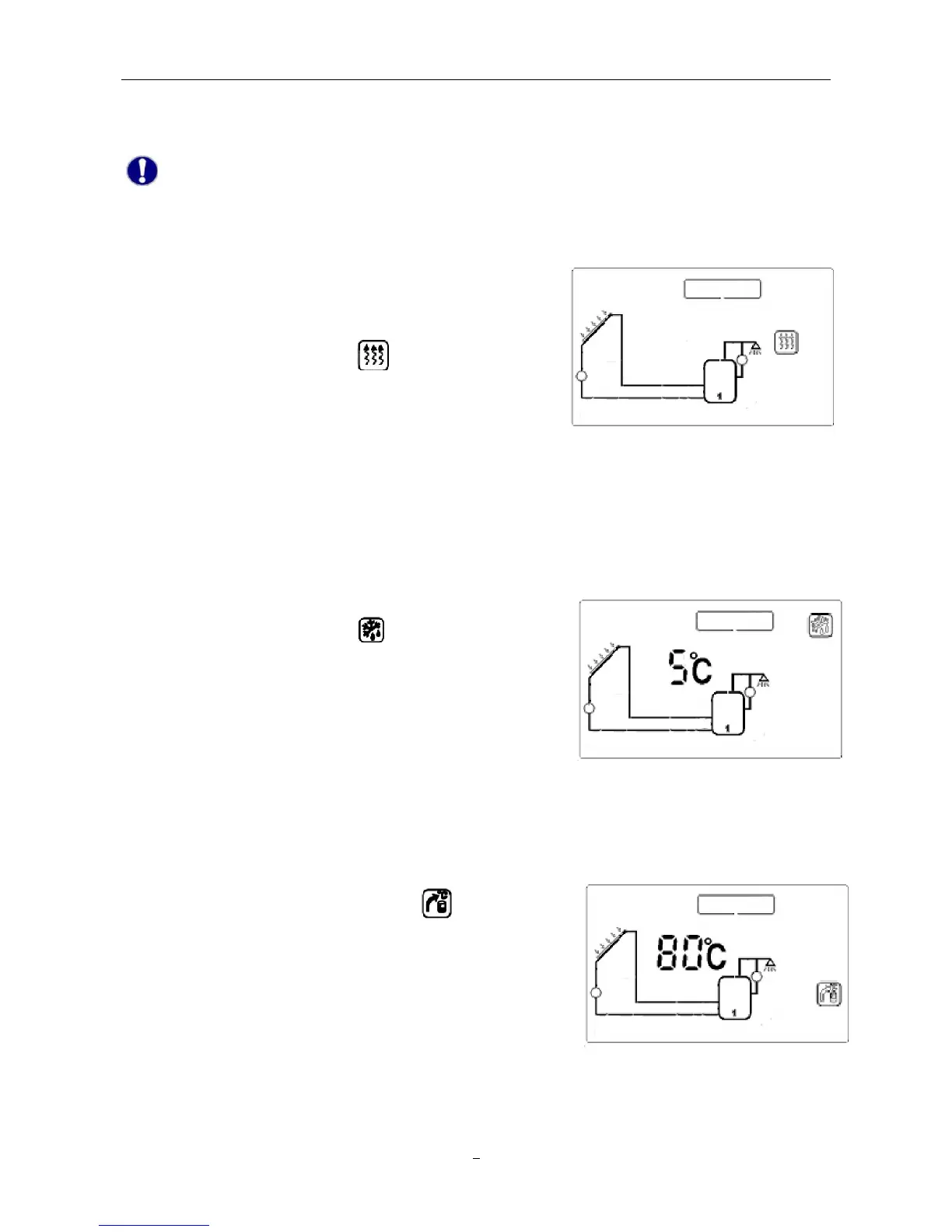
In winter, when the temperature of collector drops below the preprogrammed starting temperature of
℃), solar pump P1 starts working. When collector temperature
exceeds the switch-off temperature of frost protection, pump P1 stops working and the system exits
frost protection.
ì Press “System Setting”, until “
” displays on the screen.
ì Press “+” “-” button to adjust the temperature of frost
protection. Setting range: -10℃–10℃.
ì Press “Confirm” button to confirm the setting, press “Cancel”
button to deactivate this function.
7. Storage overheating protection
To avoid overheating of water storage, system is supported with an overheating protection function.
When the temperature of storage (T3) is higher than the maximum temperature, even the condition of
temperature difference circulation is reached, solar pump is still forbidden to operate.
ì Press “System Setting” button, until
displays on the
screen.
ì Press “+” “-” button to adjust the maximum storage
temperature. Default value: 80℃, setting range: 60–100℃.
ì Press “Confirm” button to confirm the setting, press “Cancel”
button to quit the function.
8. High temperature protection of solar system
When collector temperature reaches 115℃, and meanwhile the storage doesn’t reach the max.


 To Next Page