2
CONNECT FOR SOUND
1
CONNECT TO NETWORK
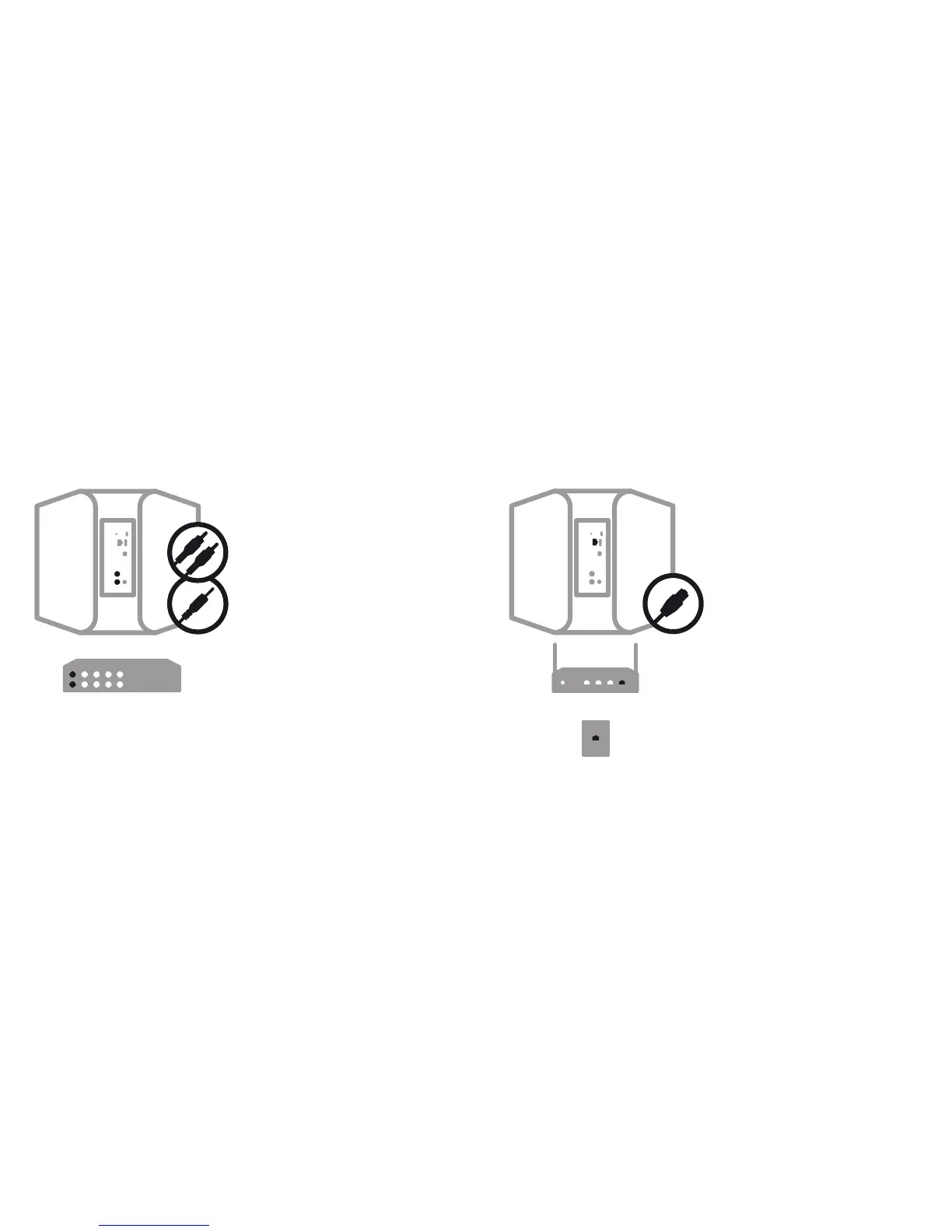
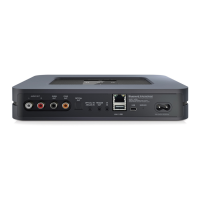
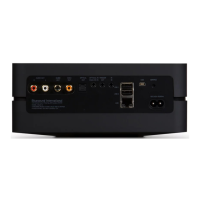
A Using the Ethernet cable provided, connect one end
to the Vault, and the other end directly to your wired
home network or router.
A Using the RCA to RCA cable provided, connect the
Vault directly to an input on your existing stereo,
amplifier or home theatre receiver.
B
Alternatively, using the Mini Plug to RCA cable
provided, connect the Vault directly to your computer,
dock player, or bookshelf system.
A digital optical cable (not included) can also be
used to connect the Vault to equipment with a digital
optical input.


 To Next Page