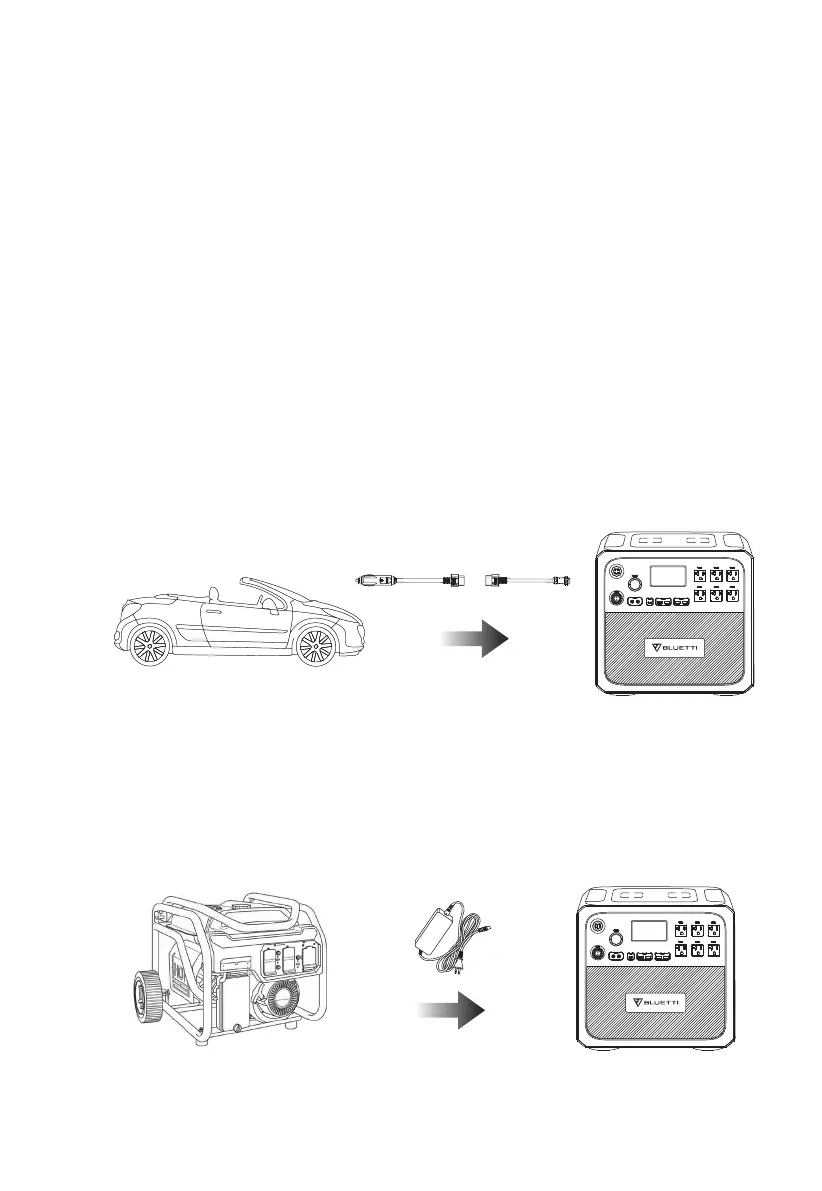
Generator Charging
Connect AC200P to the generator’s AC outlet via AC adapter, and press the
power button to start charging.
Note: Set the ‘Car’ as DC input source to enable car charging.
The vehicle cigarette lighter port can at least support 8.2A.
Car Charging
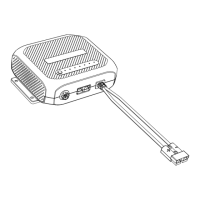
Connect AC200P to the vehicle plug-in cigarette lighter port via multifunctional
DC charging cable and car charging cable. Press the power button to start
charging.
JUST POWER ON 12
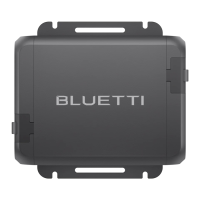
i)AC200P supports up to 700W solar input. In other words, if you’re using solar
panels with a total power of 800W to charge AC200P, the extra 100W will not be
needed for charging but squander away directly.
ii)Do not use solar panels with an open circuit voltage of over 150V, as this may
cause damage to AC200P.
iii)At least 2 pieces of PV120 or PV200 are required to charge AC200P.


 To Next Page