© BlueView Technologies Corp BlueView BV5000 User Handbook
28
Pan and Tilt Controls
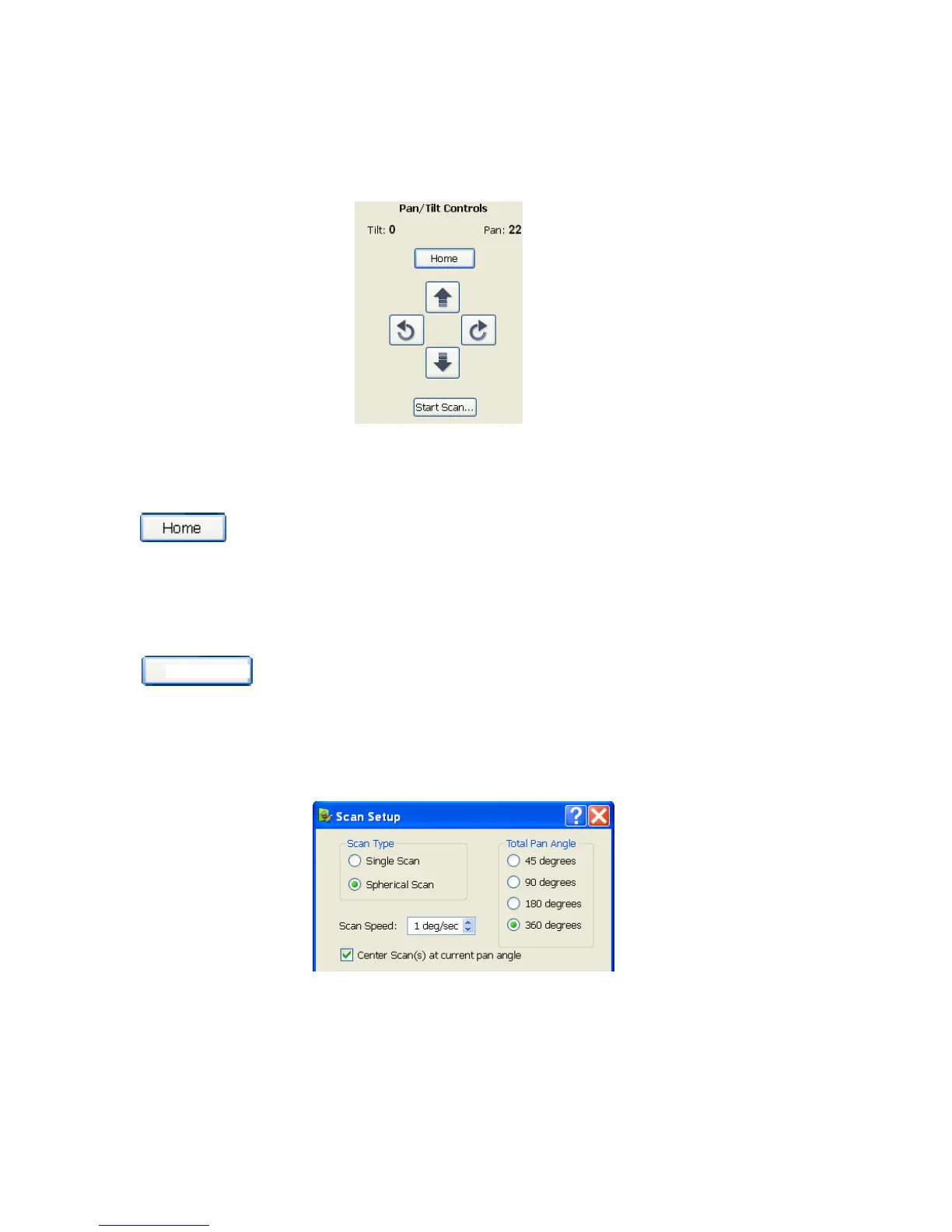
If the Pan/Tilt is connected and properly configured, the Pan/Tilt controls appear
on the right side of the screen.
Use the directional buttons to move the pan and tilt.
Home Position
The Pan/Tilt Home position is defined as the center rotation angle for each axis.
To move to the ‘Home’ position, click the corresponding button.
Start Scan
Rotational scans are performed by clicking the Start Scan button on the Pan/Tilt
control panel or by clicking File Æ Start Scan. Both Single Scans and Spherical
Scans can be performed from the Scan Setup window.
Start Scan


 To Next Page