18
2. PREPARING THE DEVICE
2.1 FIRST INSTALLATION OF THE HANDLEBAR
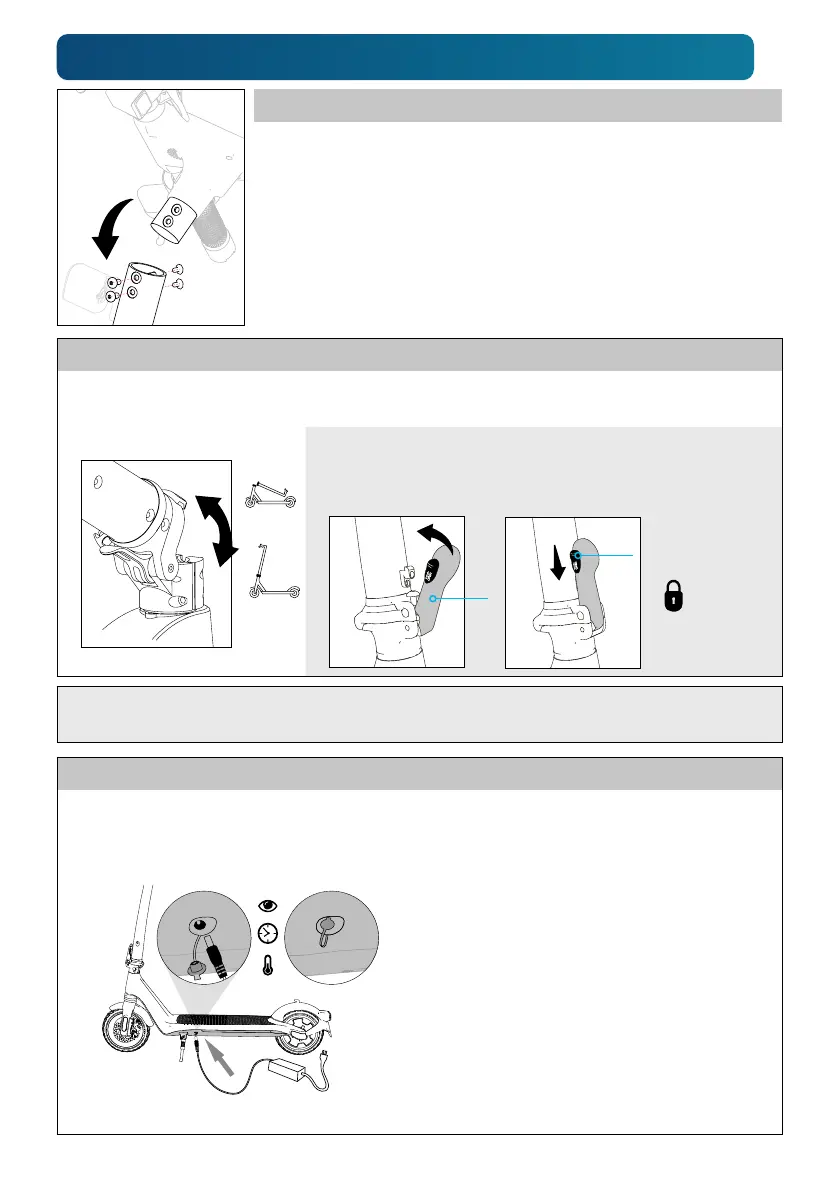
1. Carefully remove scooter and handlebar from the box. Note that the
handlebar is already connected to the steering column by a cable.
2. Insert handlebar-assembly into steering column. With the
supplied hex wrench, safely fasten the 2 screws per side.
2.4 CHARGING THE BATTERY
1. Carefully remove rubber plug from charging socket. Make sure charging socket is clean and dry.
Insert the charger's DC cable. Then plug charger's AC cable into a wall socket.
2. Charge battery in dry, clean room under
supervision for a maximum of 6 hours.
Fireproof floor or underlay required.
Ambient temperature for charging:
5°C.. 30°C (41°F.. 86°F); best at room
temperature (~20°C (68°F)).
A maximum charge level of only about
80% enhances the battery's total lifetime.
3. Carefully pull off charging cable.
Re-install the rubber plug safely.
4. Disconnect charger from power grid.
2.2 FOLDING OUT THE STEERING COLUMN
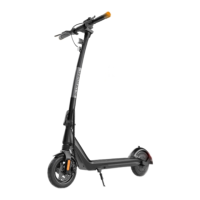
1. If the folded down steering column is fixed at the rear mudguard:
Loosen the lock at the handlebar and lift the steering column up.
2. Fold up steering column. 3. Secure the folded-up column with lock lever (A) in upper position.
4. Pusher (B) must be in the lowest position to secure the lever (A).
5. Check again that the column is safely fixed.
2.3 FOLDING IN THE STEERING COLUMN: Move pusher (B) up and fold lever (A) out.
Then, fold the steering column carefully down and fix it at the mudguard.
B
A


 To Next Page