43
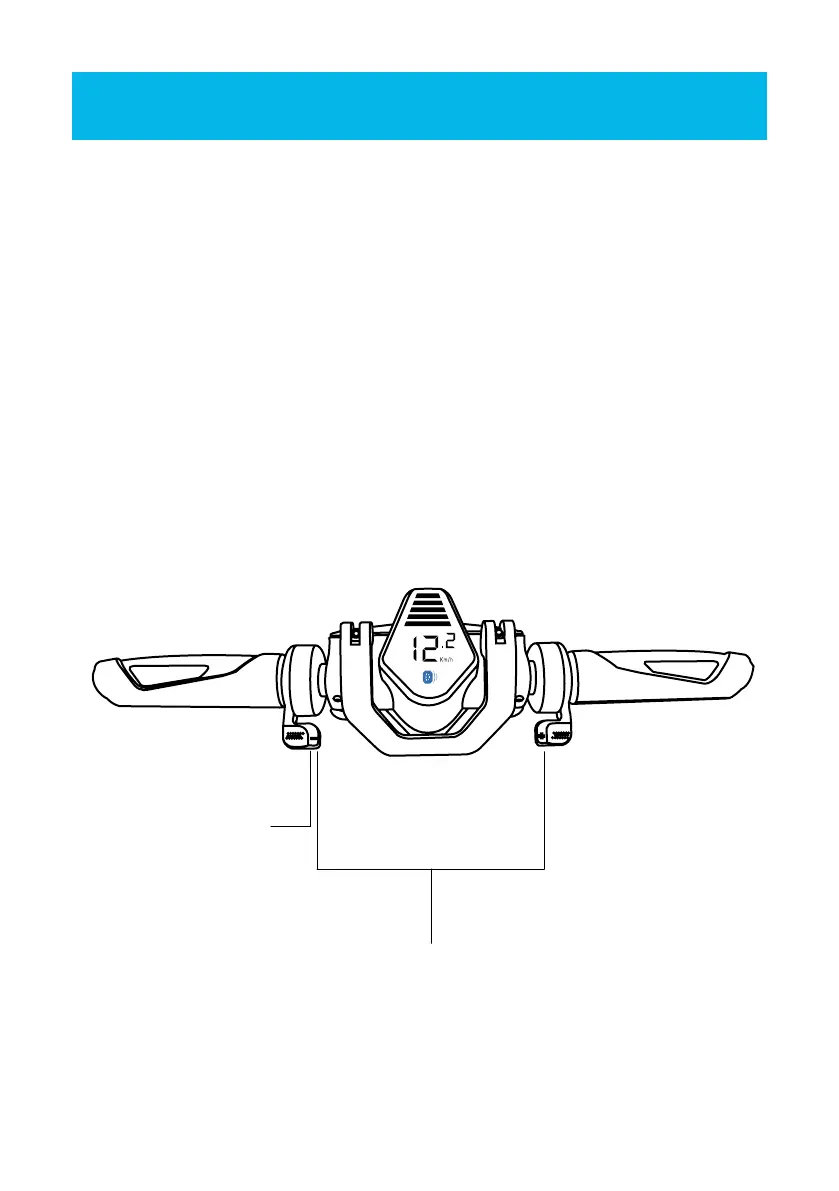
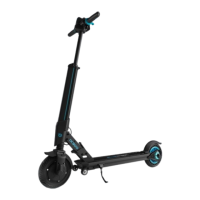
To turn your E-Scooter on, place one foot on scooter and kick o with your other foot
to put it in motion, while simultaneously holding down the thumb throttle (on right
side of handlebar) for 5 seconds.
To turn your E-Scooter o, make sure E-Scooter is not in motion,then press the thumb
throttle and electric brake (on le side of handlebar) down simultaneously.
TURNING YOUR E-SCOOTER ON AND OFF
TURNING HEADLIGHT ON/OFF
When parking your E-Scooter, press and hold e-brake down for 3 seconds. This will
turn your headlight o. Pressing and holding the e-brake for 3 seconds can turn your
headlight back on.
Press e-brake and thumb
throttle simultaneously to
power o
Press e-brake and
thumb throttle
simultaneously to
power o
DISPLAY SCREEN
The LCD display screen is an interface that shows the battery life, speed of your
E-Scooter while in operation.
OPERATING THE DEVICE


 To Next Page