37
Operating the device
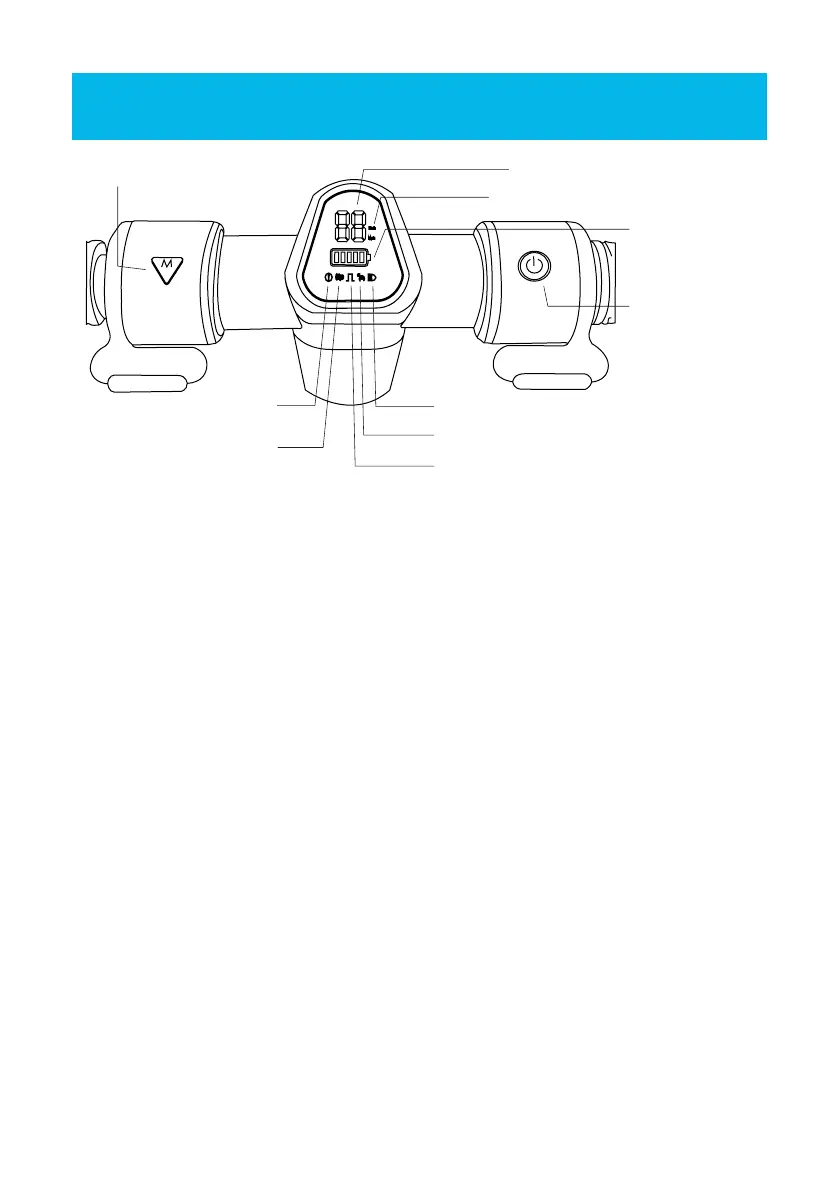
1. Power on/o:
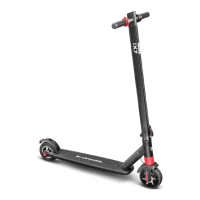
Press and hold the red power button on the right side to power the scooter on. Press
and hold the button again to turn it o.
2. Gear switch:
Tap the le red button to change gears. There are four gears: P0, P1, P2 and P3
3. Lighting:
To turn the lights on or o, tap the power button quickly. Once for on, then again for
o.
4. Settings:
Press and hold both the le and right buttons to enter settings mode. In the settings
mode, press the le button to switch between the unit, startup, and cruise control
modes.
a) Unit settings
Switch to mode C1 in the settings mode: Tap the le button to switch between KMH
and MPH.
b) Start mode setting
Switch to mode C2 in the settings mode: Tap the le button to set th estart mode of
the scooter (slide start/zero start)
c) Cruise control setting
Switch to mode C3 in the settings mode: Tap the le button to turn cruise control
on/o.
5. Battery:
The red light indicates the scooter is being charged. The green light indicates that
charging is completed
Current speed
Speed unit
Battery level
Front light
Cruise control
Start mode
Motor error
Accelerator error/
Brake error
Power button
button to change gears


 To Next Page