Mountingandcommissioning
V2A|04/2018
22
©byBlum‐Novotest
4.6 Displayofthebasicadjustments
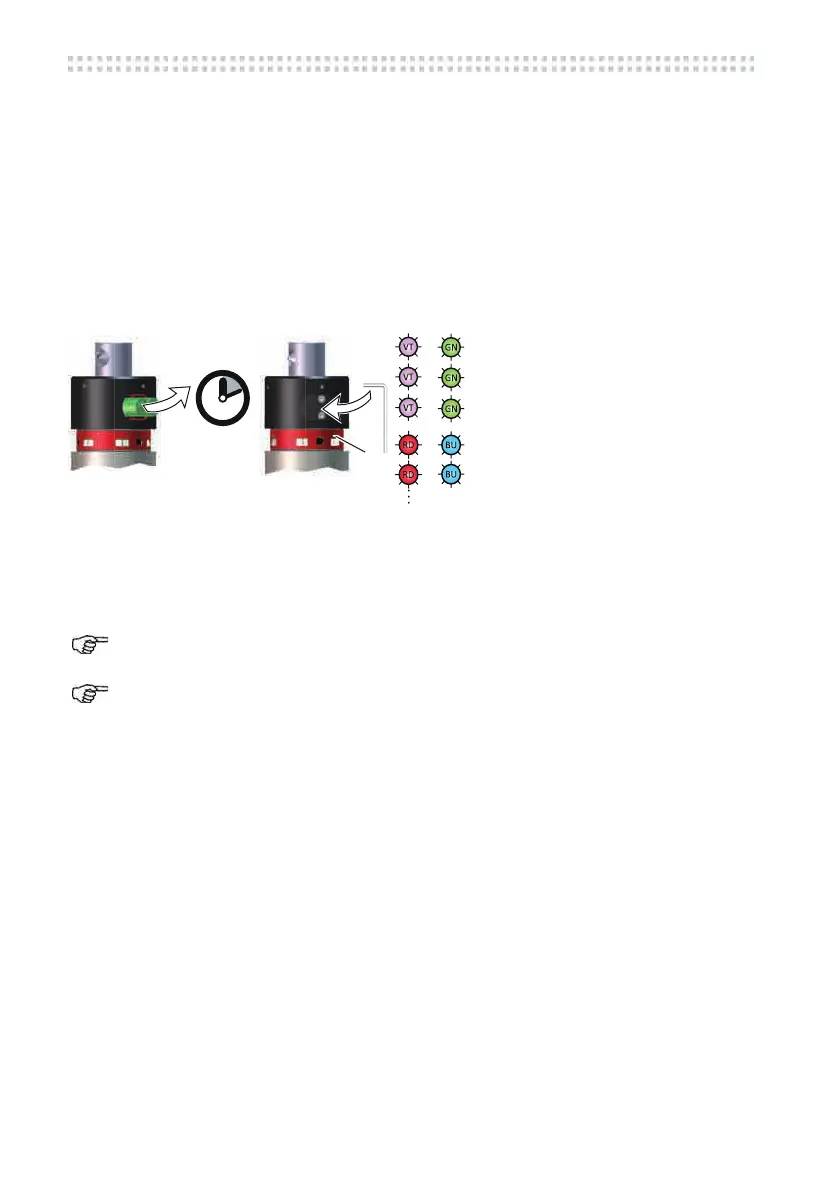
Themeasuringsystemcanbeconfiguratedfordifferentapplications.Afterthebatterieshave
beeninserted,thedisplayofthebasicadjustmentsisstarted.Themagneticpinisnotrequired.
1. Removethebatteries.
2. Insertthebatteriesafter30 sec.Observethepolarity ofthebatteries.Insertthe battery
compartmentlid.
TheLEDstatus(7)startstofla
sh.Theba
sicadjustmentsaredisplayed(displayphase).
3. Aftercompletingthedisplaythemeasuringsystemgoesintostandby.
Fig.4‐7
(7) LEDStatus
IftheLEDStatus(7)isflashingorshiningred,pleasecheckthebatteries,seechapter7.
Thebasicadjustmentscanbespecifiedonorder.



 To Next Page