PLA88CS USER MANUAL
www.blustream.com.au | www.blustream-us.com | www.blustream.co.uk06
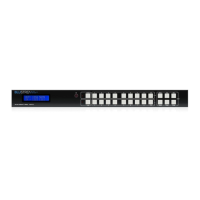
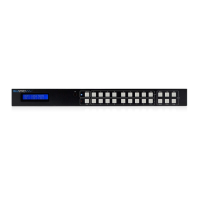
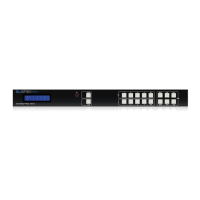
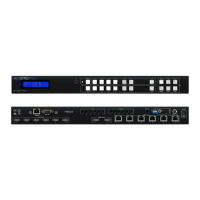
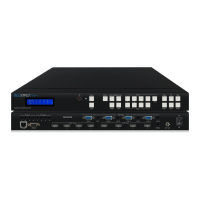
The front panel of the Matrix features a menu system to provide quick configuration of key features of the Matrix.
Press the menu button ( ) to bring up the menu system of the Matrix on the front panel display. While the menu system
is active, the arrow keys (<, >, ^, v) to navigate through, and use Select (√) or Cancel (x) buttons to change settings.
The menu system allows configuration of the following items:
1 EDID Settings
2 POC Settings
3 Network Configuration
4 F/W Version
Front Panel Menu System
Platinum 4K HDBaseT Matrix with Audio Downmixing
This Matrix is compatible with all Blustream HDBaseT™ Receivers however support of specific features will vary.
It is recommended to utilise Blustream RX150CS HDBaseT™ Receivers with this Matrix as this fully supports the
following key features:
• CSC - Colour Space Conversion, the method utilised to support 18Gbps signals being transmitted over HDBaseT
• ARC - Audio Return Channel, to output the displays Audio Return Channel from the HDMI and optical outputs of the
Matrix
• PoC - Power Over Cable, to power the HDBaseT™ Receiver from the Matrix over CAT cable without any additional
power supplies required
• Ethernet Passthrough - Passes through Ethernet from the Matrix to the HDBaseT™ Receiver over CAT cable
Please note: the use of other Blustream HDBaseT™ Receivers will result in the above features not working. Please do check PoC
capabilities before plugging in other Blustream Receivers to avoid damage to the Receivers.
HDBaseT™ Receiver Compatibility
Please note PoC (Power over Cable) has been disabled on this product by default to reduce the risk of damaging
incompatible HDBaseT™ Receiver products. Please check your HDBaseT™ Receiver supports 24V PoC before enabling
PoC on this Matrix. The Blustream RX150CS HDBaseT™ Receiver is recommended for use with this Matrix as it supports
all features of this Matrix.
There are 3 ways to enable/disable PoC on this Matrix:
1 Using Matrix web browser interface (see section on web GUI operation)
2 Using Matrix Front Panel Menu System (see section above)
3 Using API commands via Telnet / RS-232 (see Telnet API section towards the rear of this manual)
Power over Cable





 To Next Page