BPAP Series User Manual V1.0
34 / 58
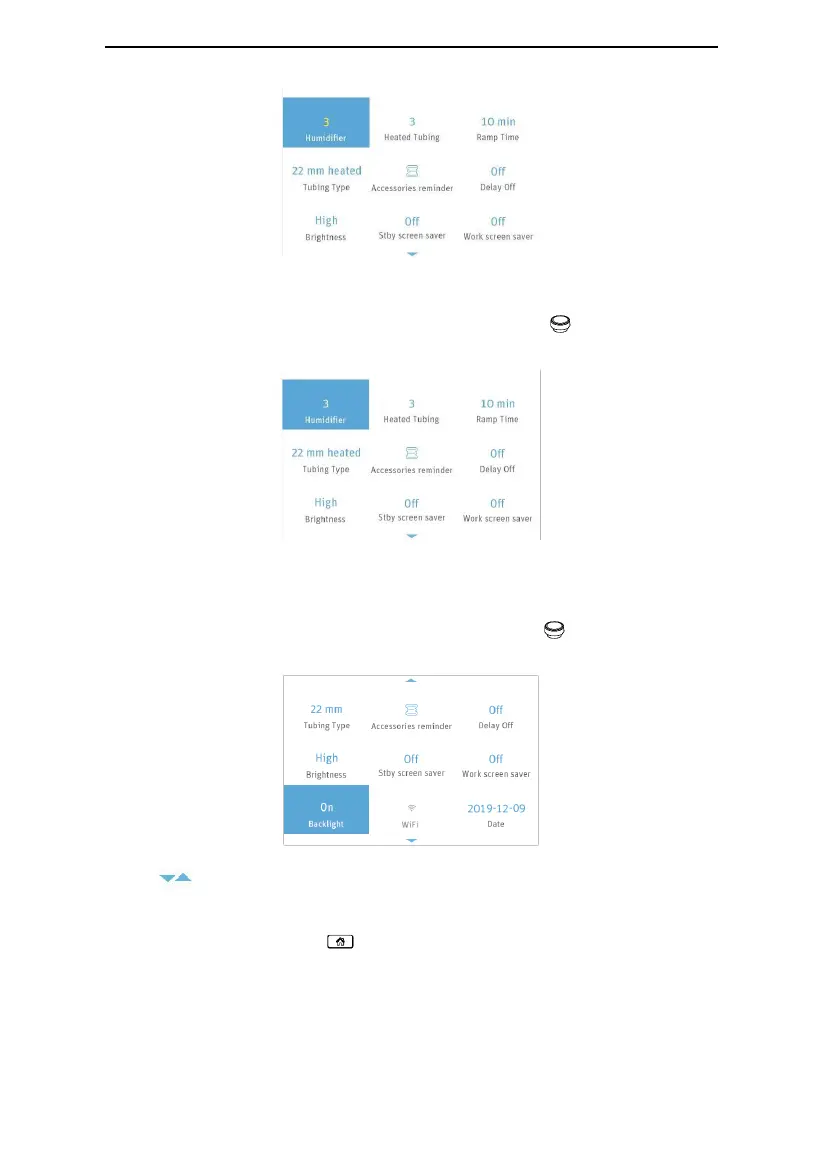
Fig. 16-8
16.1.5 Confirming Adjustments
Confirm your adjustment to an option by pressing the Knob . The option is then
displayed in white, as shown in Fig. 16-9.
Fig. 16-9
16.1.6 Turning Pages
When the cursor is on Work screen saver, the last option shown in Fig. 16-9, the remaining
options will appear on a new page if you continue to turn the Knob clockwise, as shown in
Fig. 16-10.
Fig. 16-10
Note: are page turning symbols.
16.1.7 Exiting the Patient Menu
The users can press the Home to return to the Main Interface shown in Fig. 16-1.



 To Next Page