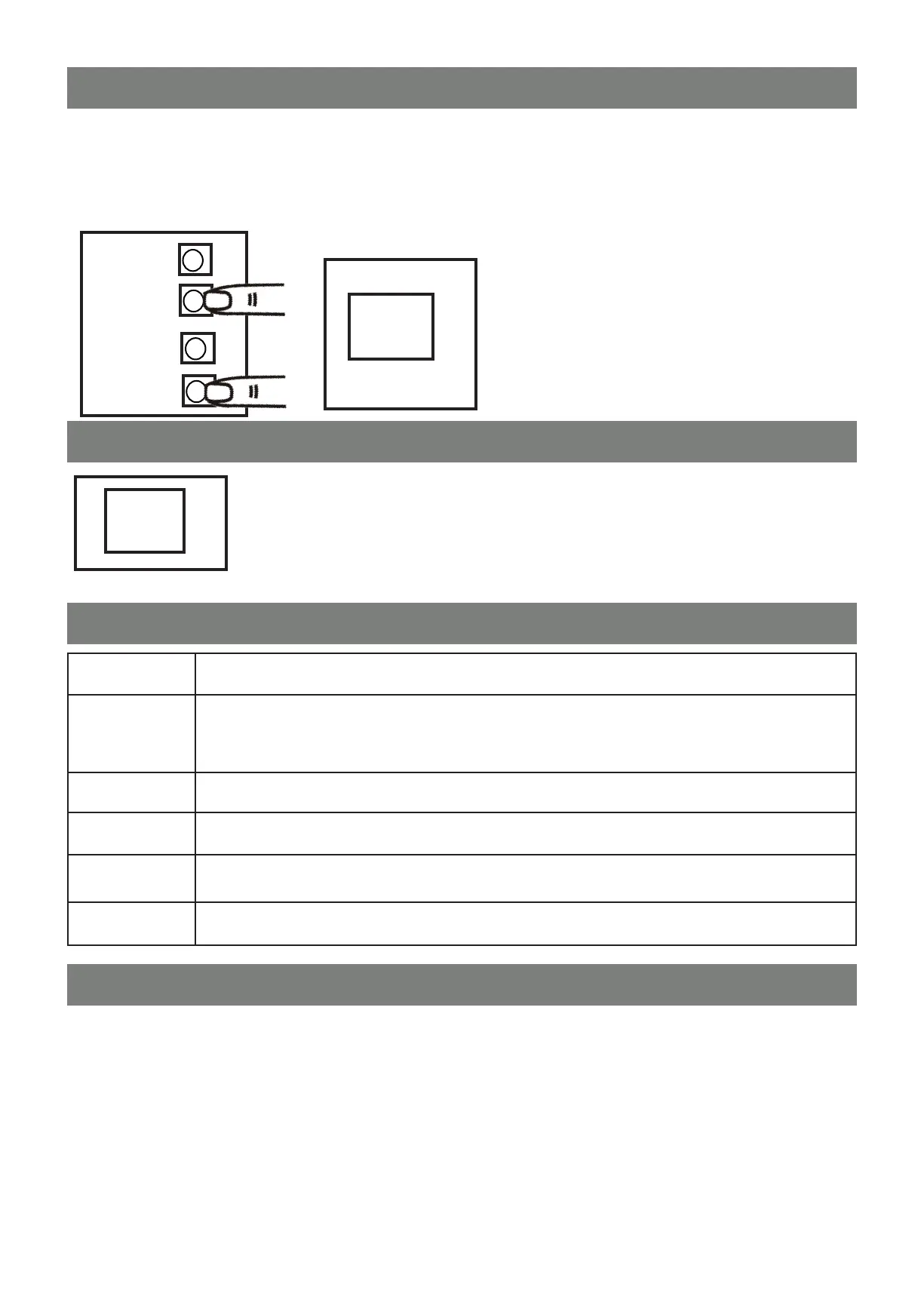
FACTORY RESET
+
UP
1
+
+
SET
DOWN
Press for
3 Sec
IF A FACTORY RESET IS REQUIRED FOR SOME REASON, FOLLOW THE BELOW INSTRUCTIONS
It is recommended the user checks the menu functions and adjust any values back to BMGi default settings before
proceeding.
Press UP and DOWN for 3 seconds and the LED will display “CL”
+
RF
C.L.
2
MOTOR CURRENT AUTO-DETECTION
0.4.
The LED display shows the current consumption of the motor.
“0.4” During the system learning prodecure, the control panel will automatically detect the
current consumption from the motor and indicate the resistance level of the gate while the
motor is in operation. If this reading increases instantly or stays in the high readings, please
check the running of your gate such as wheels, track, rack etc.
LED DISPLAY
-.L.
The system learning is not done
The system is in normal operation to program, press SET button for 3 seconds, when the LED
display changes from OP to 1 press UP or DOWN to change the function settings (1 to P). Then
press SET to enter the sub function within each group, press UP or DOWN to select sub
function and press SET for conrmation
System learning completed
Enter learning mode and then wait for learning instructions
The system learning is in progress. The auto learning process of the gate moving - gate opens to
the end stop and then closes to the end stop
Reset factory setting
C.L.
L.P.
L.E.
C.P.
O . P.
AUTO CLOSE OVERRIDE
If you have auto close set, it is ideal that you also assign one of the remote buttons to ‘Auto Close Override’.
You will need to go into setting ‘U’ on the control board to set a remote button to ‘Auto Close Override’.
To activate ‘Auto Close Override’ have the gate in the closed position and press the remote button that you have
assigned to the ‘Auto Close Override’. The gate will start to open slow letting you know that the auto close function
has been deactivated.
Reactivate the auto close by pressomg the ‘Auto Close Override’ button on the remote.
This will start the auto close count down and then the gate will close.



 To Next Page