17
FAQS AND TROUBLESHOOTING
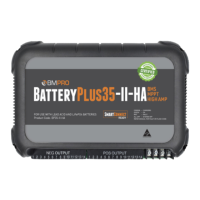
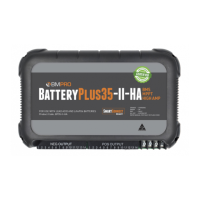
Need more help troubleshooting your BatteryPlus35? Contact our customer
service team online at teambmpro.com/technical-support or give us
a call on (03) 9763 0962.
BATTERY
I’ve fitted a battery to the BatteryPlus35, but it’s not detected by my BMPRO
battery monitor?
Check the following:
1. Battery connections are tight and not loose or corroded
2. Battery polarity, red lead-positive, black lead-negative
3. The dealership fitted in-line fuse with the caravan battery is fitted and not
blown. Correct value is 40A.
CARAVAN LOADS
I think one of my loads is not receiving power?
The load may be faulty, activating the protective electronic fuse and turning the
load off. If this is the case, the Load Status Indicator LED for that load will be red.
Should you encounter any faulty loads, please contact your caravan dealership.
None of my loads appear to be powered but I can still use my battery monitor?
All loads will power down, but the battery monitor will still be in use if the
BatteryPlus35 was put into ECO Mode. The BatteryPlus35 will be put into ECO
Mode if:
1. The user pressed the Battery icon on their battery monitor.
Check to see that Battery icon on your monitor has been pressed, thus turning
power off to the caravan loads.
2. The BatteryPlus35 has entered ECO Mode and to conserve remaining battery
voltage will disable power to caravan loads.
Connect the BatteryPlus35 to a power source and begin battery charging.


 To Next Page