8
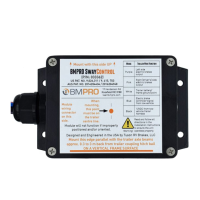
u REMOTE SWITCH TERMINAL BLOCK (RSW)
To connect the caravan’s remote switch. This switch is used to enter Storage
Mode and power off all outputs (load terminal block and CAN bus) on the
BatteryPlus35.
If the switch is activated and the BatteryPlus35 is connected to a charging source,
the BatteryPlus35 will enter ECO mode. Terminal 1 on the load terminal block and
CAN bus will still receive power.
Battery charging is not affected by use of the RSW.
As the caravan loads are no longer powered, activating the RSW to enter Storage
Mode is a convenient way to save remaining power of your battery if you are on
the road and have limited ability to charge the battery. When charging, Storage
Mode ensures that all available charging current is dedicated to charging your
battery.
i LOAD OUTPUT STATUS INDICATOR
LED bank indicating the operational status, one for each of the load outputs on the
BatteryPlus35 Load Terminal Block.
The LED bank is located inside of the BatteryPlus35 unit, and to view the LED, one
must be directly above the BatteryPlus35.
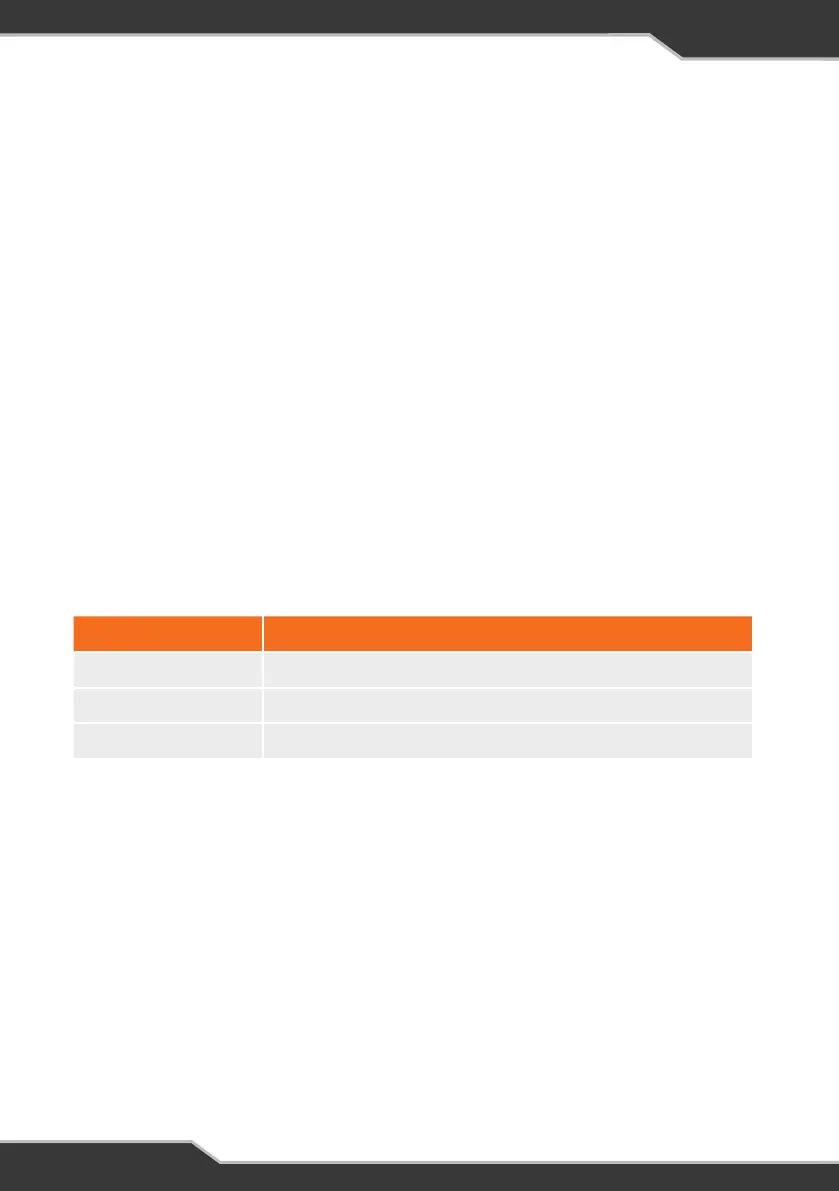
LED COLOUR LOAD OPERATIONAL STATUS
GREEN Load operating normally
RED Fault with load
OFF Load is off
Table 3: Load Output Operational Status Indications
o SYSTEM STATUS INDICATOR
Indicates the operational status of the BatteryPlus35.
a CAN BUS COMMUNICATION CONNECTOR
To connect to and power BMPRO accessories (BC300 + CommLink External Shunt
or OdysseyLink) or monitors (RVView or Trek).
sd NOT IN USE


 To Next Page